
Skip to content

iOS

Voice Recorder & Memo - Murmur

AI note taker & transcription, 100% on your iPhone

Tap, talk, and Murmur writes the note — transcribed and tidied entirely on your iPhone. Ask it questions about what you said, set reminders by voice, export Markdown. Nothing ever leaves the phone.

Why I built Murmur
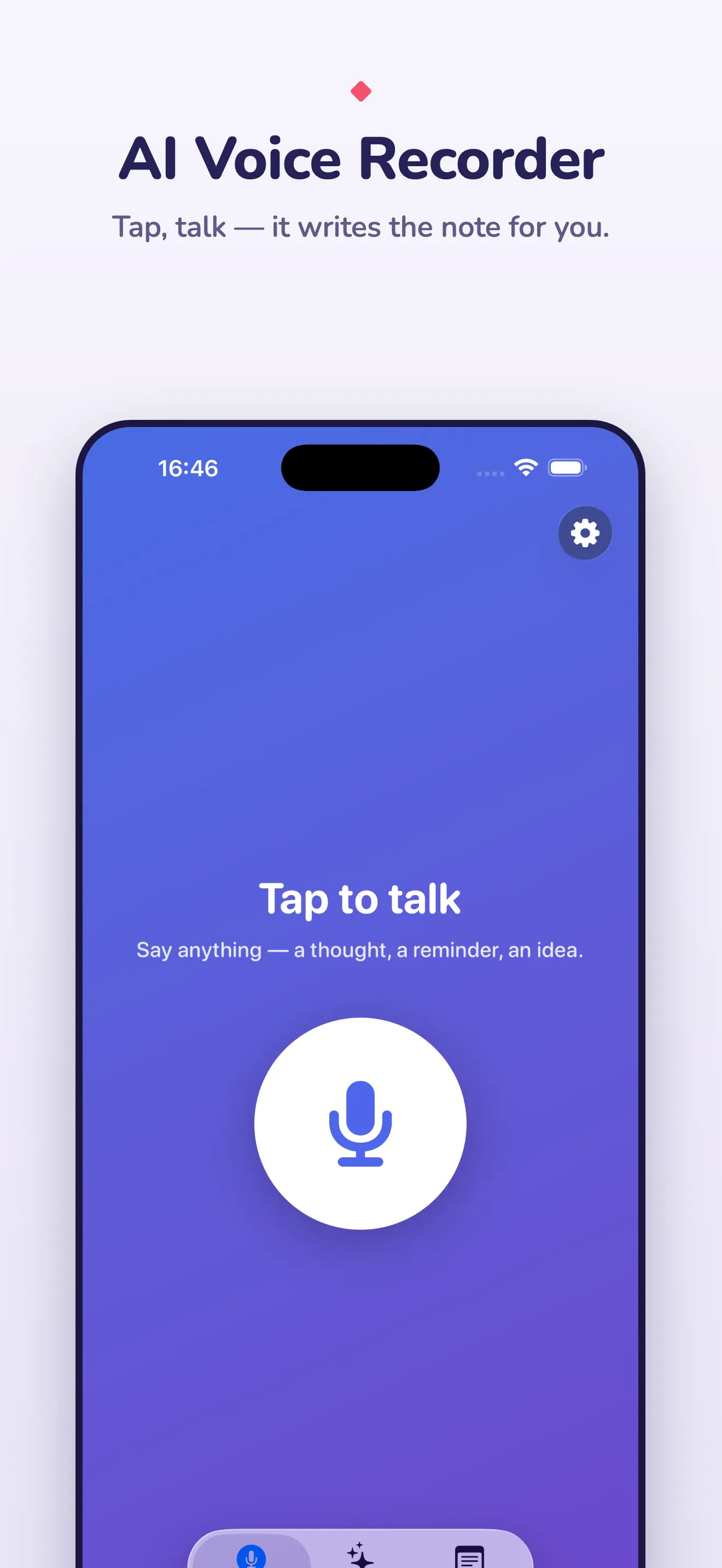
Murmur capture screen with a single large record button and a live transcript appearing as you speak

Most voice-note apps are a microphone in front of somebody’s server. You speak, the audio goes to the cloud, a transcript comes back, and somewhere a privacy policy describes what else happens to it. Murmur is the other design: the whole pipeline — listening, transcribing, tidying, answering — runs on the iPhone, and it works with the radio off.

Tap, talk, done

One button. You press it, say what’s on your mind in whatever order it comes out, and let go. A few seconds later Murmur has written a note with a title, a couple of tags and the content cleaned up into sentences and bullet points — the rambling removed, the meaning kept.
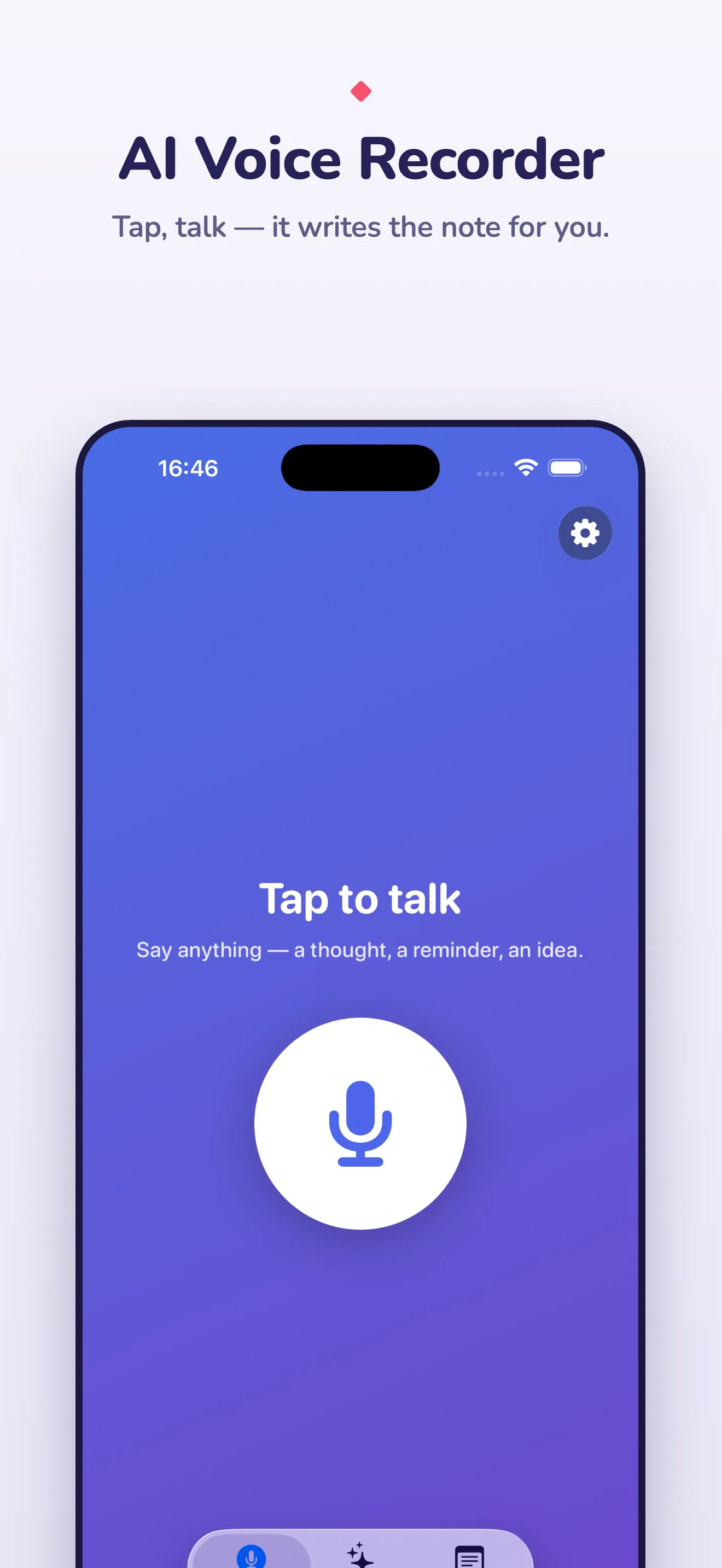
Murmur capture screen with the record button and a live transcript

The transcript appears live while you talk, so you can see it is keeping up.

Notes that organise themselves

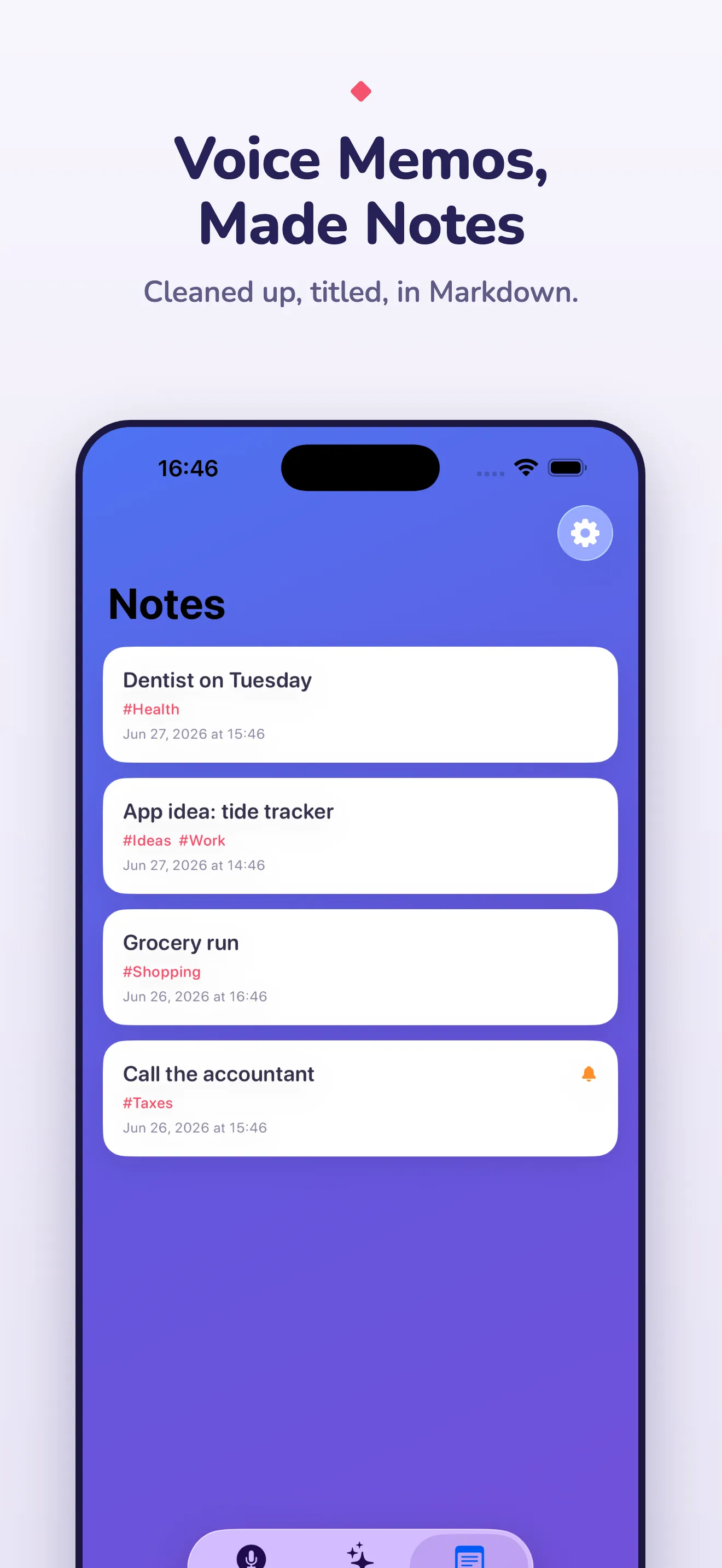
Every recording becomes a Markdown note with front matter: title, date, tags. The list is searchable and the tags come from what you said, not from a form you had to fill in afterwards.
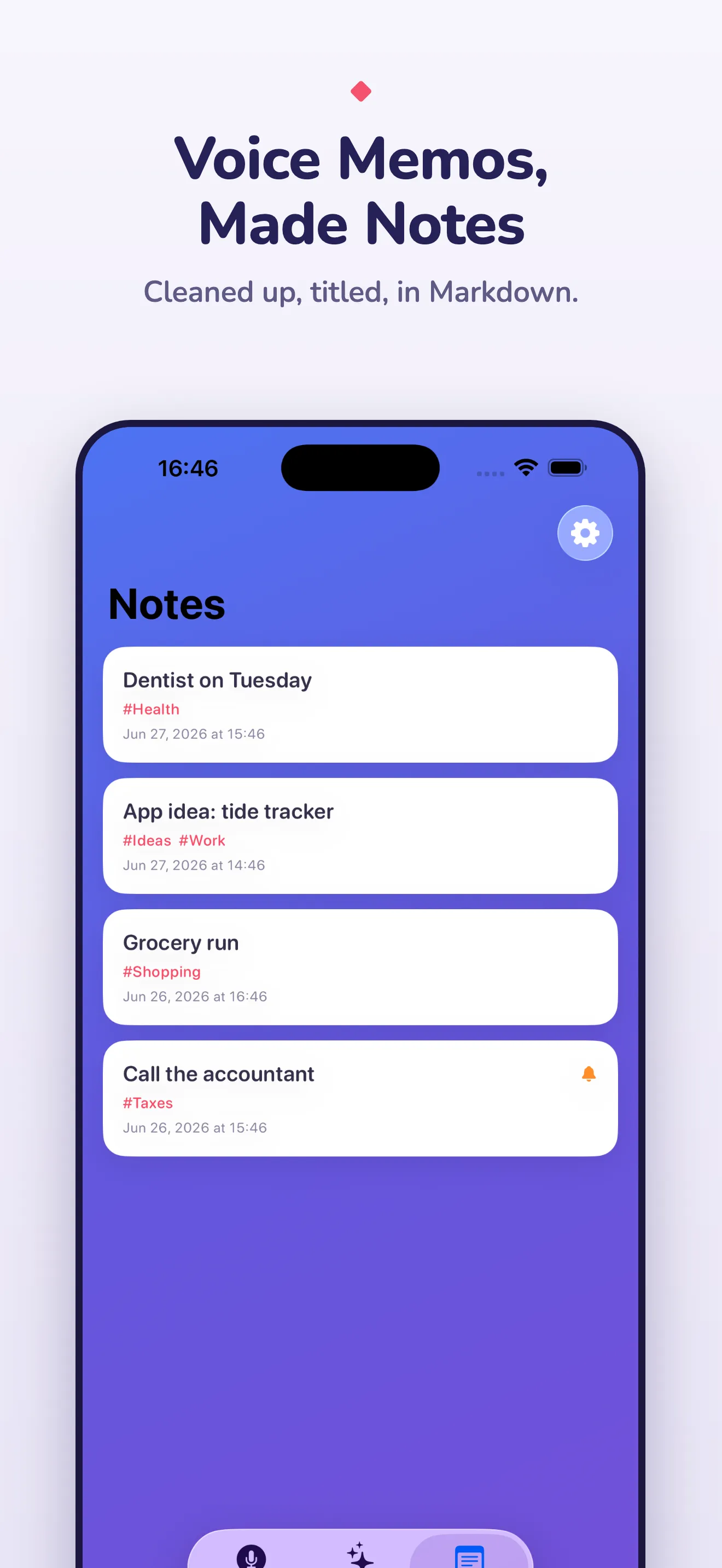
Murmur notes list with automatically titled and tagged notes

Say “remind me to renew the passport on Thursday” and Murmur sets a local notification for Thursday. It picks the reminder out of the transcript; you don’t switch modes.

Ask your notes

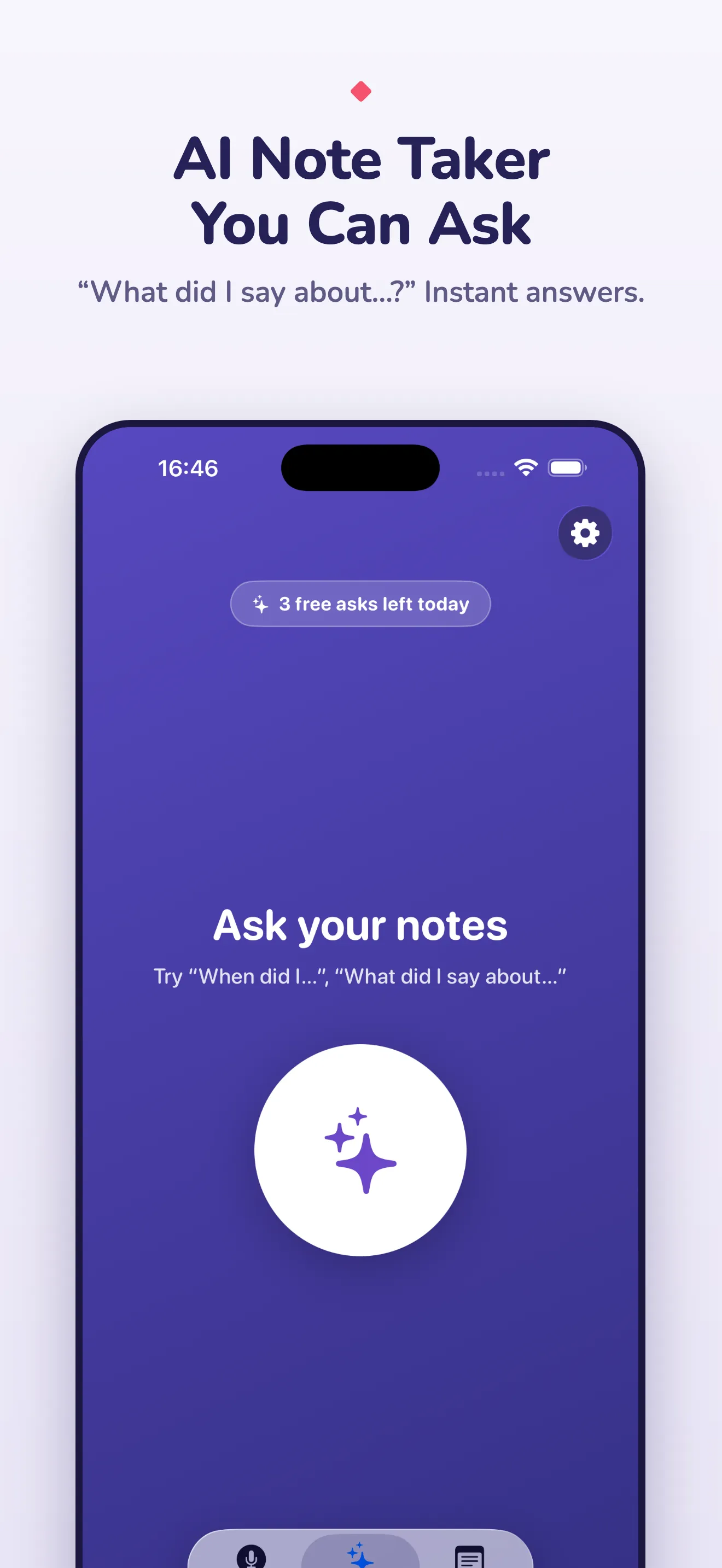
The part I use most. Type or say a question — “what did I decide about the kitchen quote?”, “when did I last mention the dentist?” — and the on-device model answers from your notes, quoting the note it found it in. It only knows what you’ve told it, which is the point.
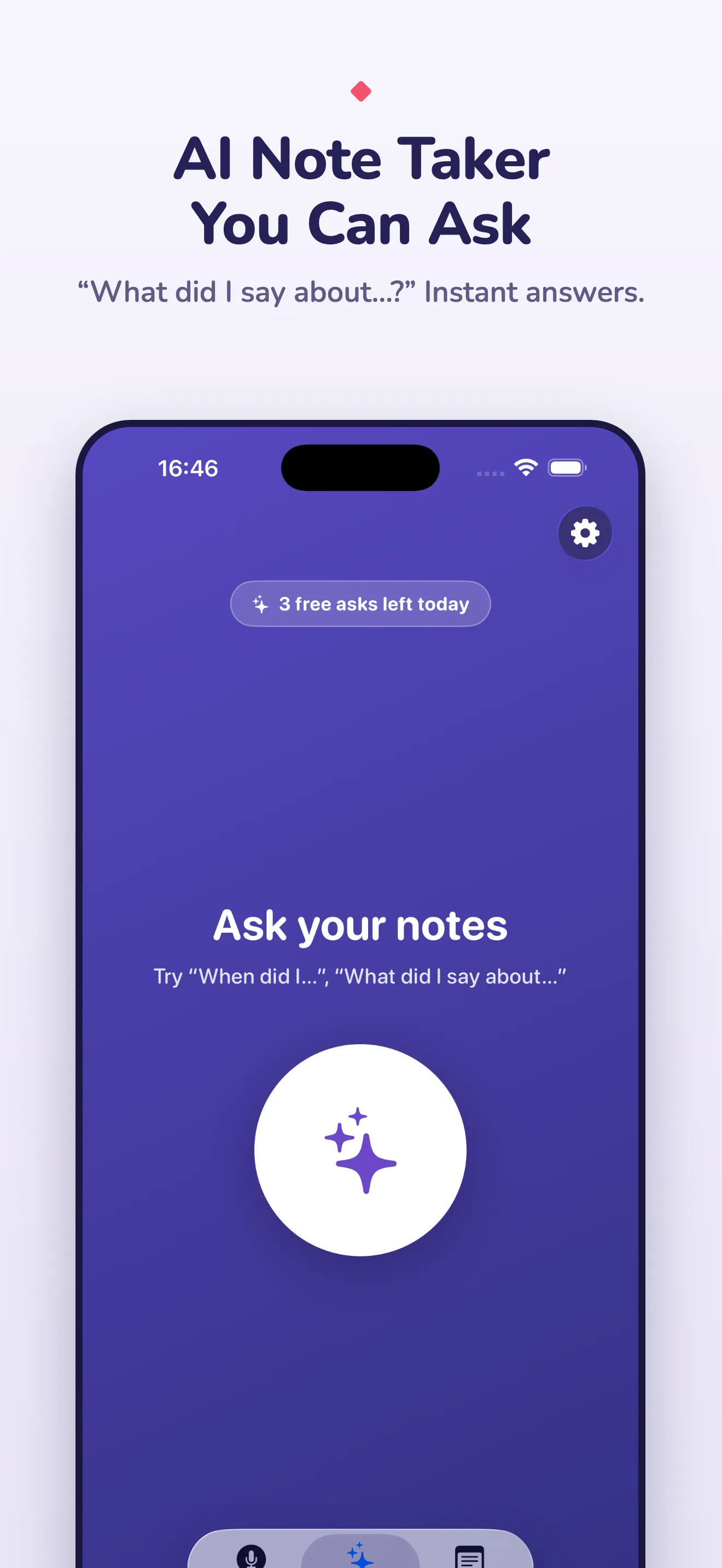
Murmur Ask screen answering a question about the user's own notes

How it stays on-device

Speech recognition is WhisperKit, a CoreML port of OpenAI’s Whisper that runs on the Neural Engine. The note-writing and question-answering model is a 0.6-billion-parameter Qwen3 running through Apple’s MLX framework. Both stay resident in memory on a modern iPhone, so a typical note takes about seven seconds end to end: three to transcribe, four to write. The first launch downloads the models and compiles them, which is the only time Murmur needs a connection.
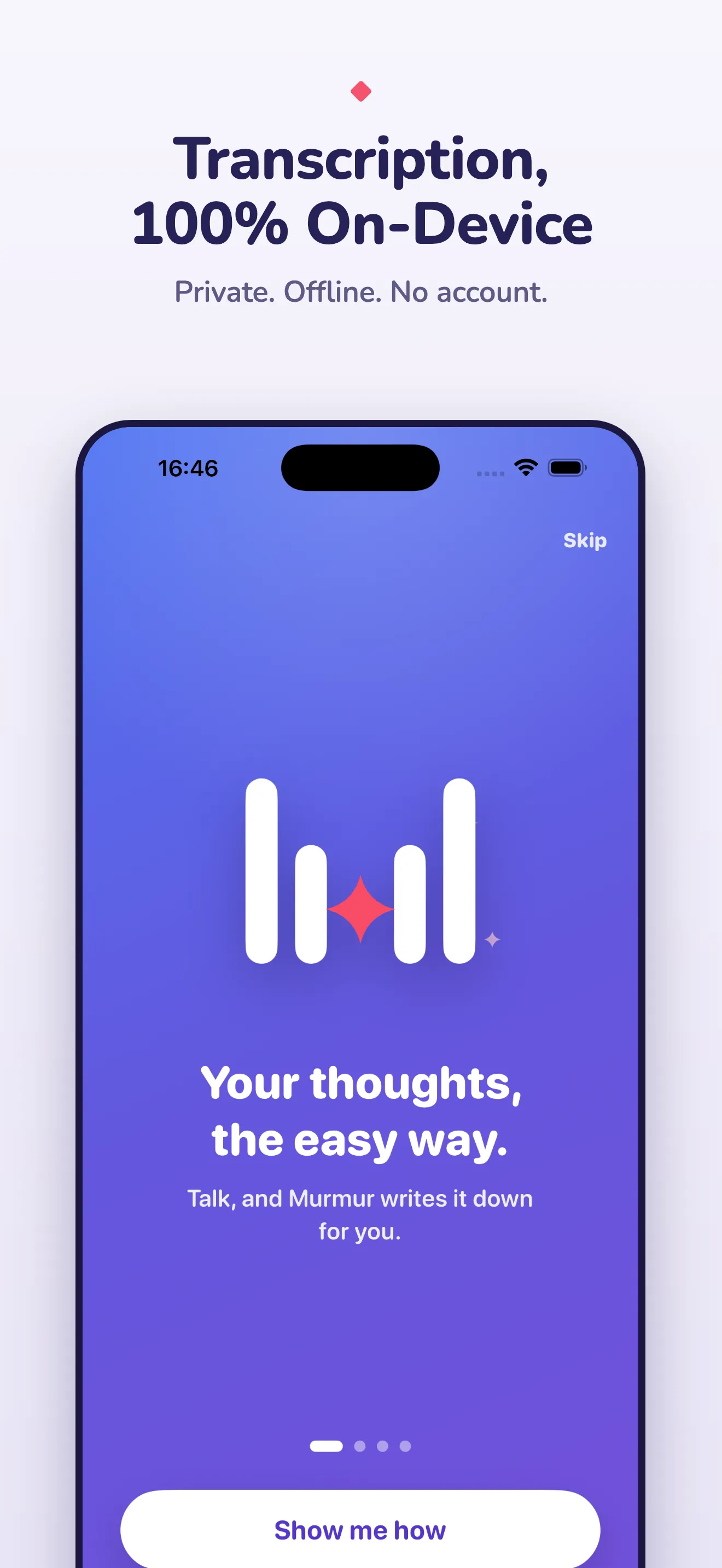
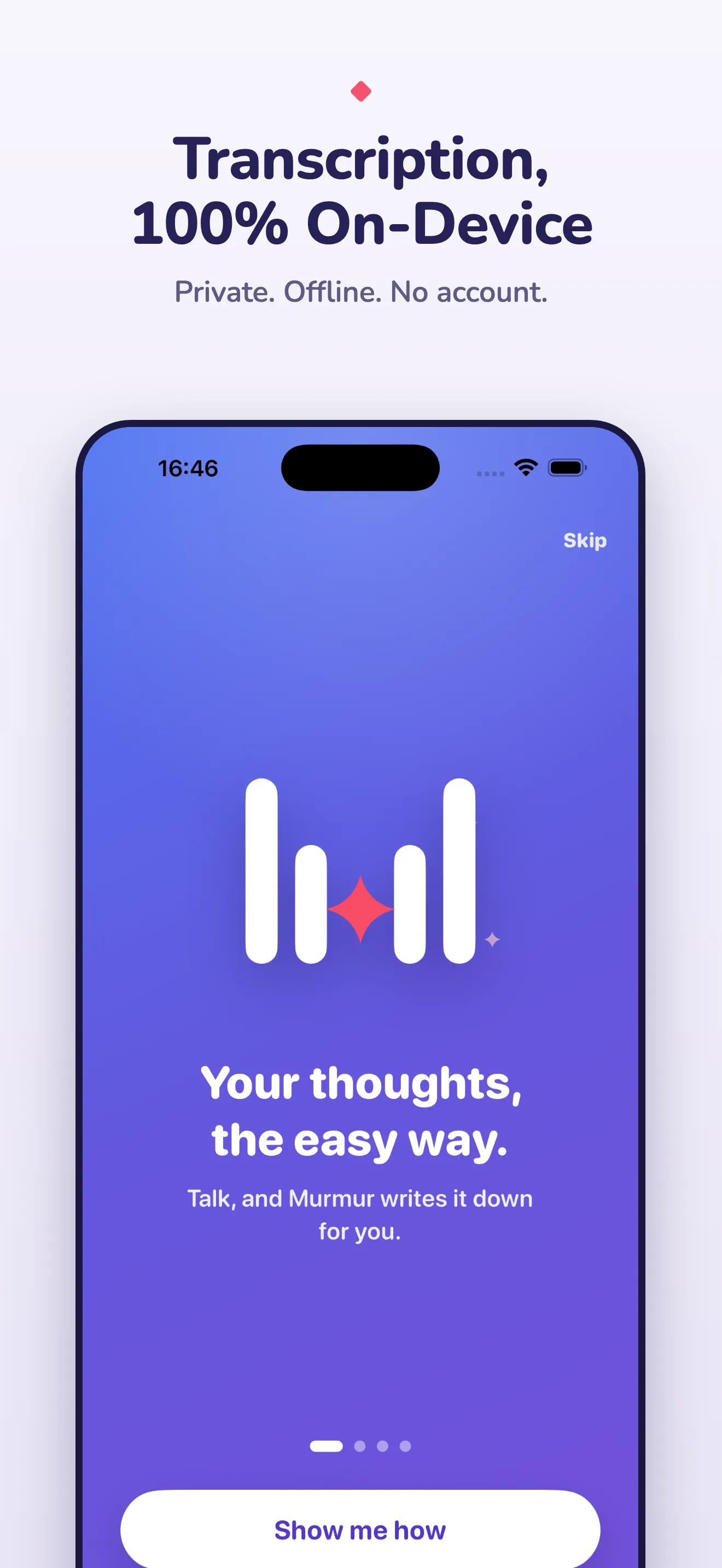
Murmur one-time setup downloading the on-device models

Your notes are files

Markdown with YAML front matter, exported with one tap. They open in Obsidian, iA Writer, VS Code or anything that reads text. There’s no proprietary format to escape from later.

Widget

A home-screen widget with two buttons: record, and ask. It’s the fastest path from “I need to remember this” to a note that exists.

Free and Pro

Free gets you recording, transcription, note writing and search. Murmur Pro is a one-time purchase (no subscription) that unlocks unlimited Ask, the most accurate voice model, reminders, export and unlimited recording length.

Questions people ask

Does Murmur upload my recordings anywhere?

No. Transcription runs with a CoreML build of Whisper on the phone, and the note-writing model runs locally through MLX. There is no Murmur server and no account. Airplane mode works exactly like Wi-Fi.

How accurate is the transcription?

The default model is Whisper's 'small' variant — fast and accurate for clear speech in a quiet room. Pro unlocks the larger, more accurate model for accents, noise and long dictation.

What does 'ask your notes' mean?

Murmur keeps your notes as searchable text and lets you ask questions in plain language — 'when did I say I'd call the dentist?' — answered by the on-device model from your own notes only.

Can I get my notes out?

Every note is a Markdown file with front matter. Export them all with one tap and drop them into Obsidian, iA Writer or a folder.

Why is there a one-time setup screen?

The first launch downloads the speech and language models (about a gigabyte) and compiles them for the Neural Engine, which takes a minute or so. After that everything is instant and offline.

Writing about Murmur

More from Saltserv

All apps
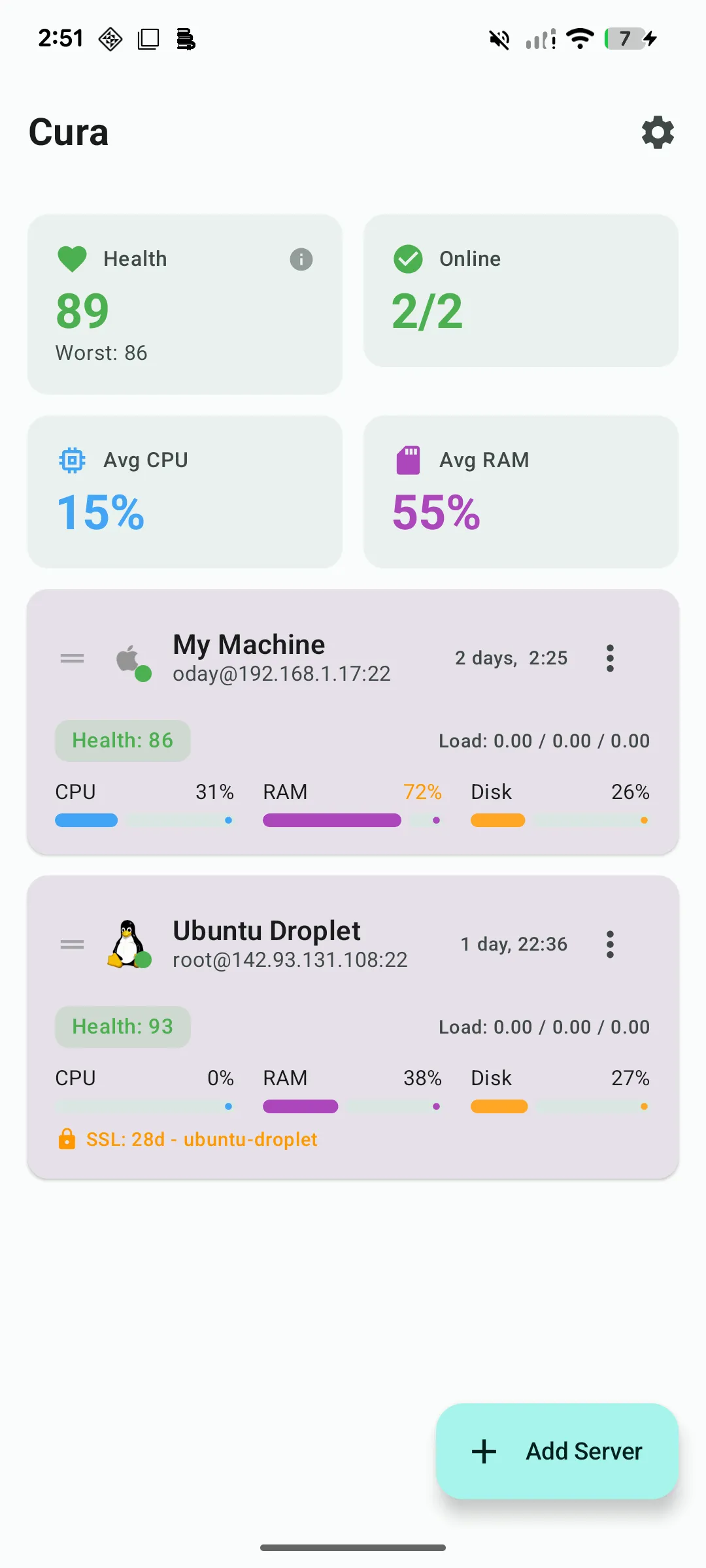
Cura multi-server dashboard with health scores and live CPU, RAM and disk usage for each Linux server

A real SSH terminal plus a live server dashboard on your phone. Cura reads CPU, RAM, disk, Docker and logs over plain SSH — nothing to install on the server — and pages you when a threshold breaks.

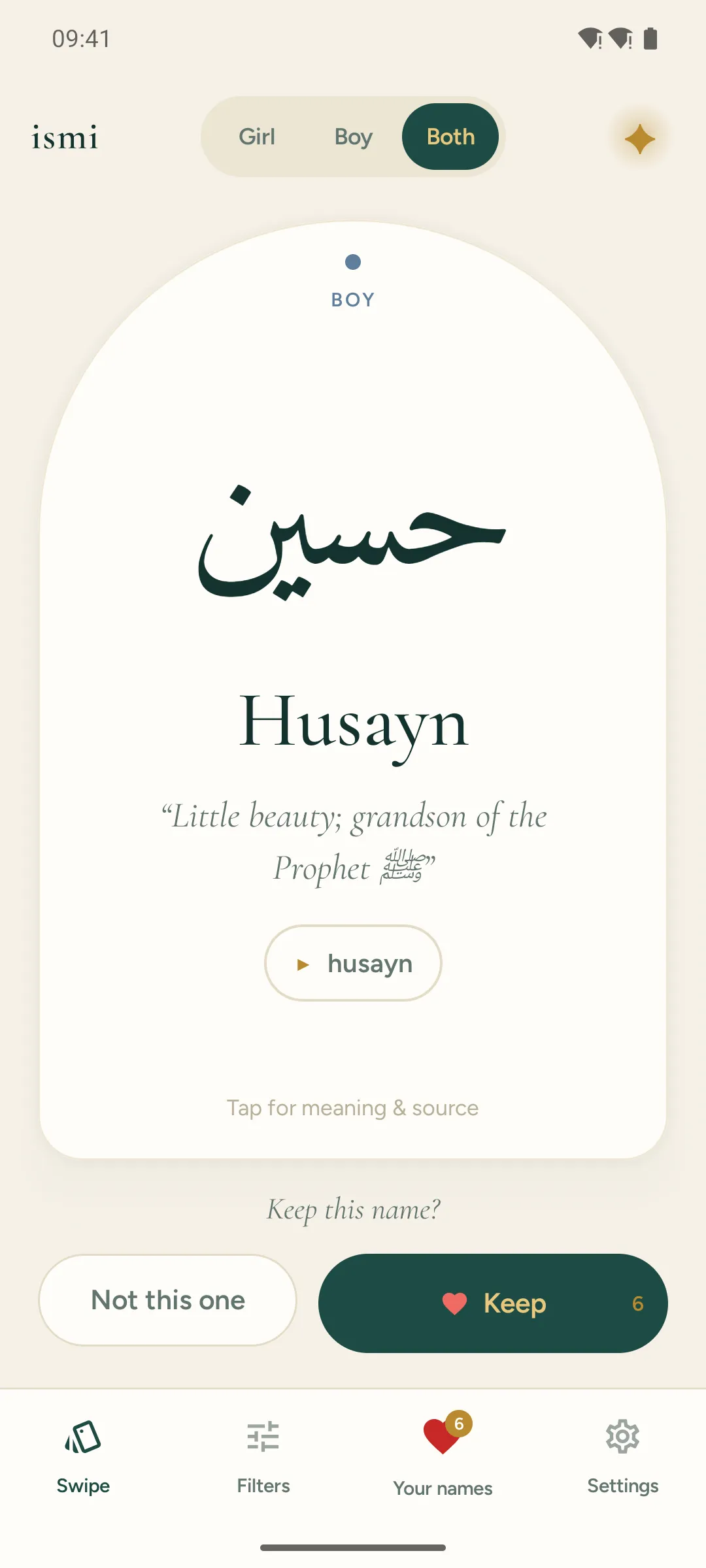
Ismi swipe deck showing an Islamic baby name card with Arabic script, transliteration and meaning

Swipe through 1,826 Islamic and Arabic baby names — Arabic script, pronunciation, and a meaning traced to a real source. 565 carry a verified Quran citation. Match with your partner. No ads, fully offline.

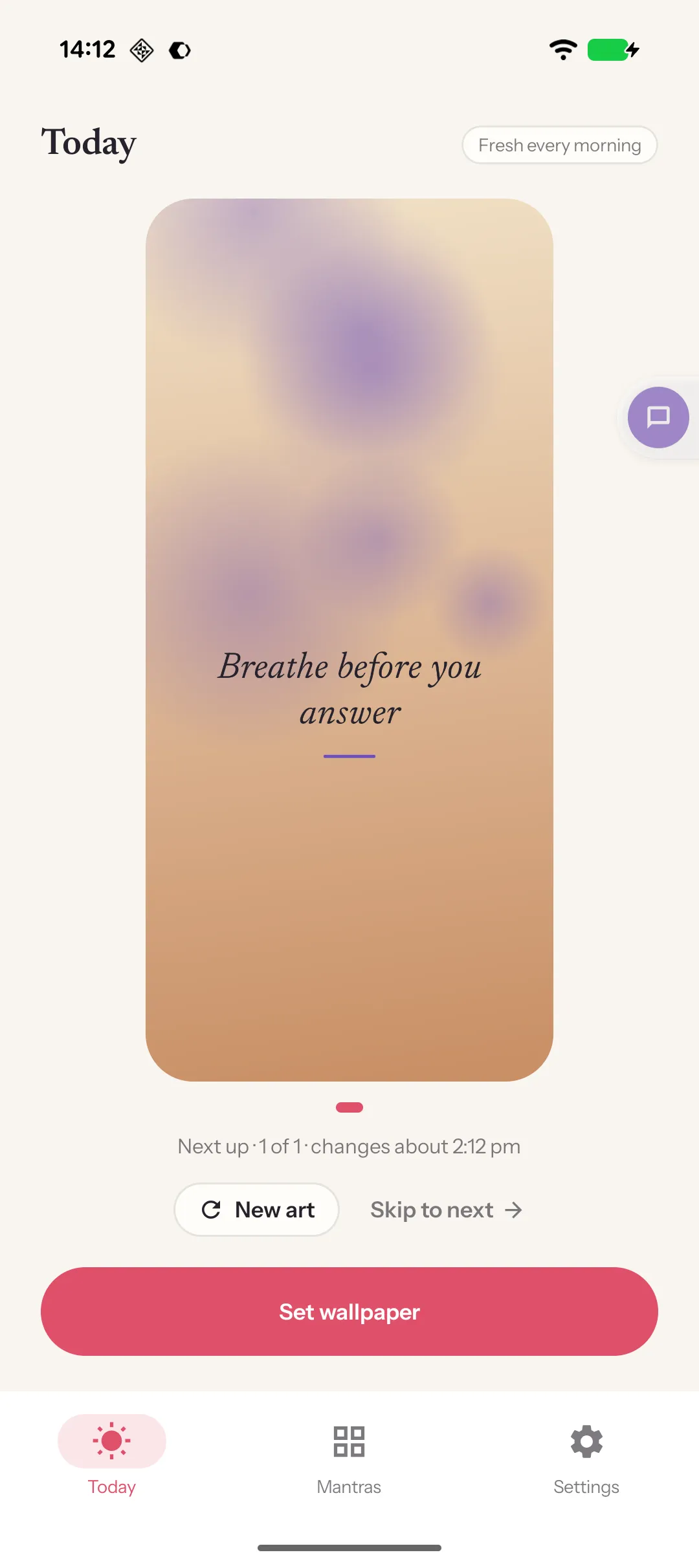
Mantra home screen mirroring the lock screen: the user's own affirmation set over an illustrated background

Write one line you want to live by; it's on your lock screen in under a minute and arrives on a new illustrated background every morning. Your words, your photos if you like, nothing uploaded.

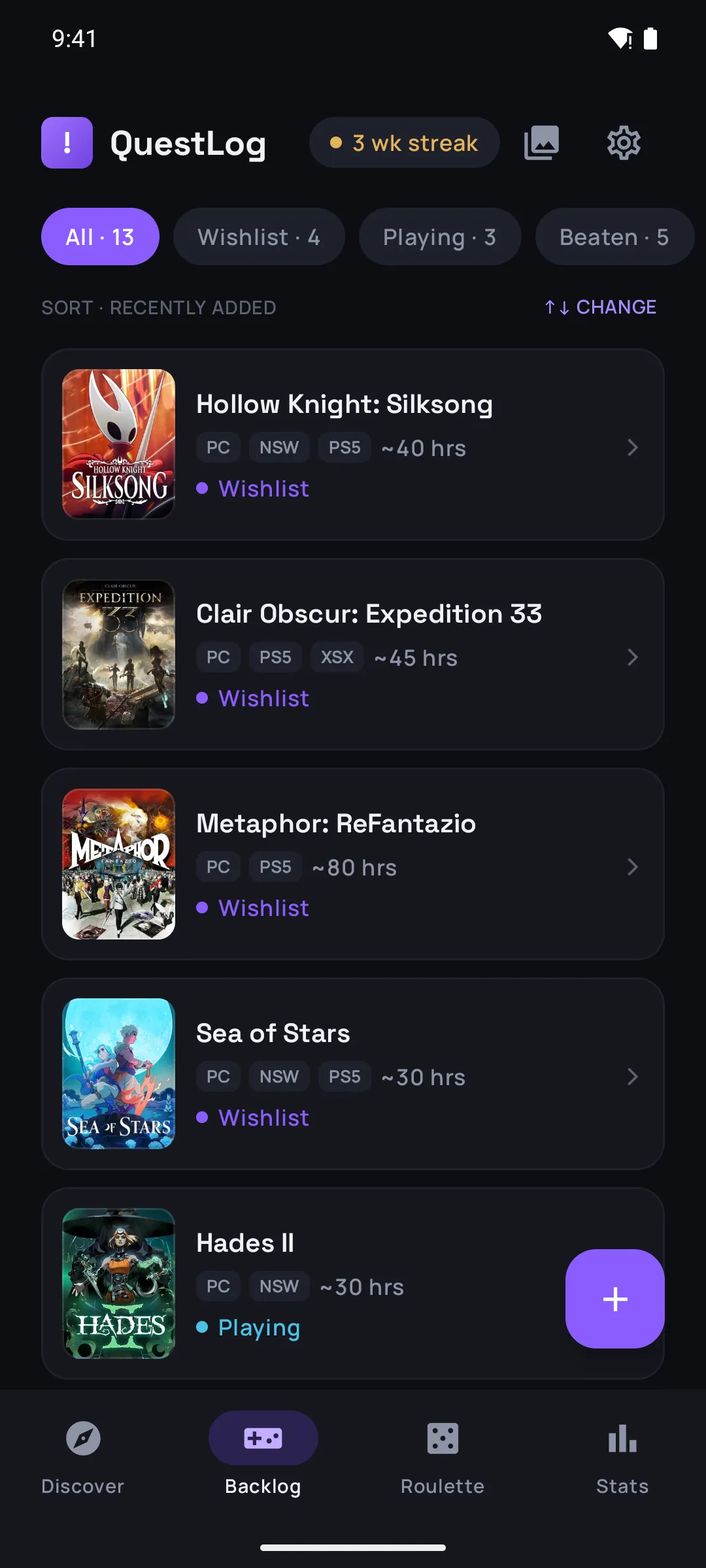
QuestLog backlog list with games sorted by status, platform badges and time-to-beat estimates

Save any game in two taps, sort your backlog, and when you can't decide, spin the roulette. Time-to-beat on every title, a 'pile of shame' counted in hours, and share cards when you finally beat one.