
Skip to content

iOS · Android

Reading Journal - Booksum

Book quotes, highlights & on-device AI summaries — scan any page

Photograph a page, keep the passage with the book it came from, and get a private on-device summary. A bookshelf, a quote collection and a reading journal in one — nothing leaves the phone.

Why I built Booksum
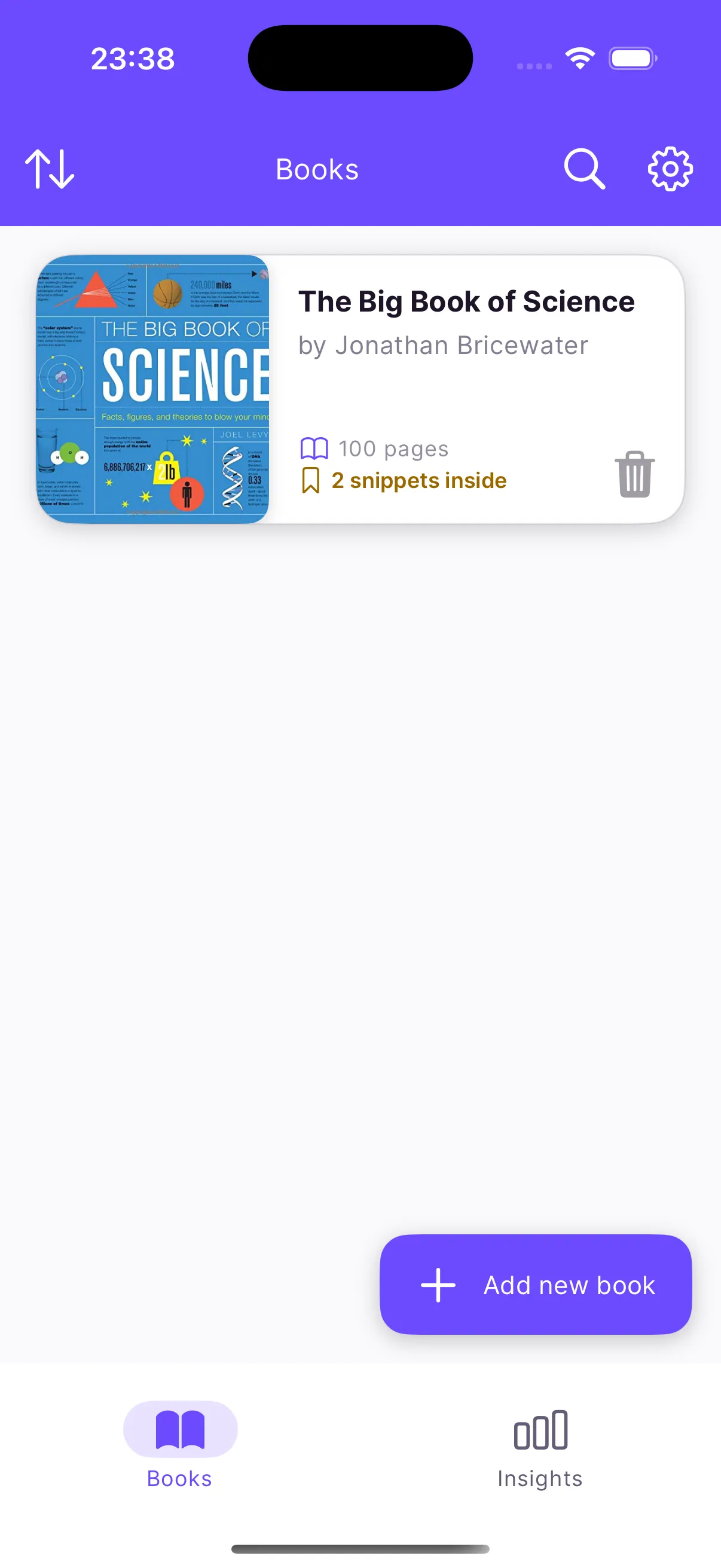
Booksum bookshelf on iPhone showing books with cover art, author and how many snippets are saved from each

I read a lot of non-fiction and retain embarrassingly little of it. The highlight is made, the book is closed, and two weeks later I couldn’t paraphrase the passage if you paid me. Booksum is the fix for my own workflow: photograph the page while the book is open, keep the passage with the book it came from, and get a summary I can re-read — all of it on the phone, none of it in a cloud.

Your bookshelf

Scan a book’s ISBN barcode and it’s added with cover art, author and page count. Every book shows how many snippets you’ve saved from it. Mark books read, in progress or to-read; search across titles, authors and the text of everything you’ve captured.
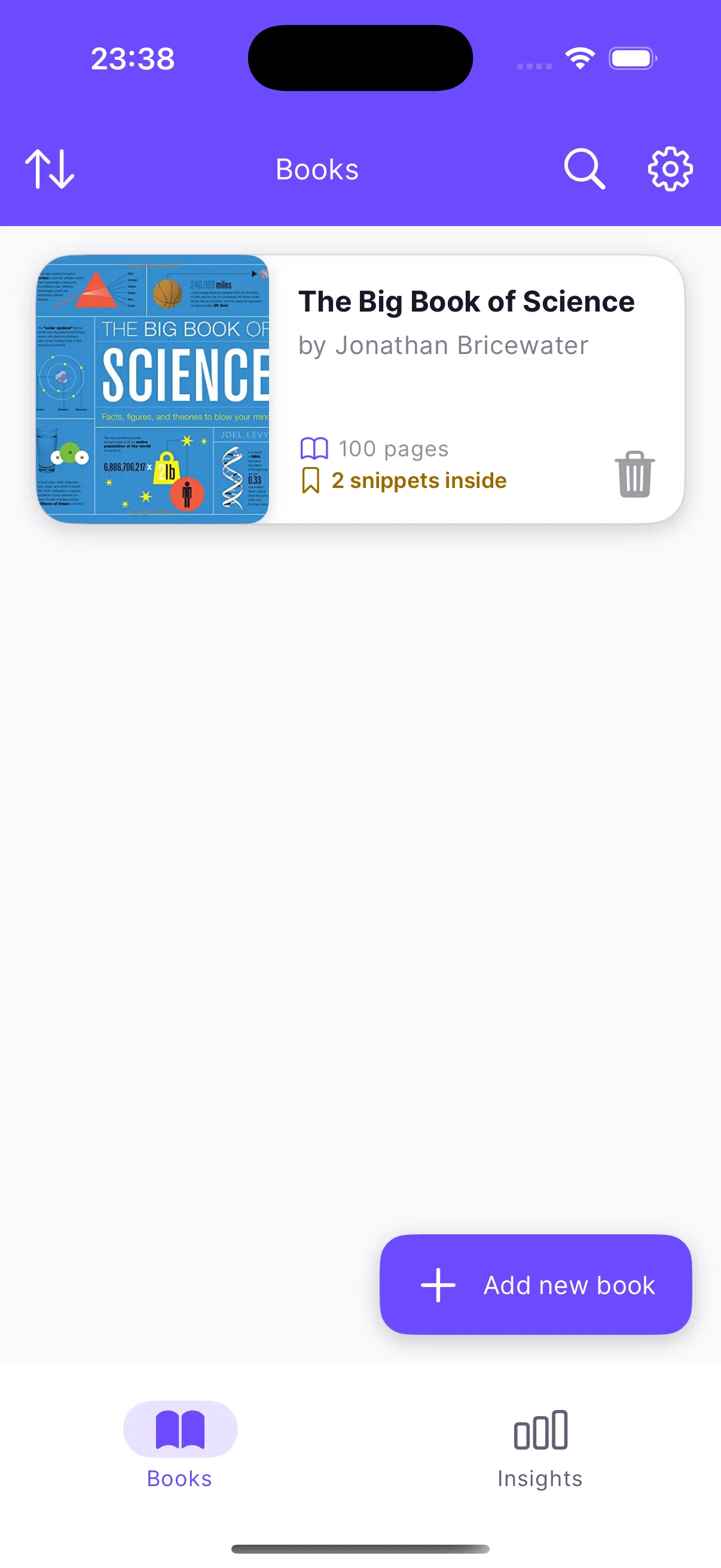
Booksum bookshelf on iPhone

Scan a page, keep the passage

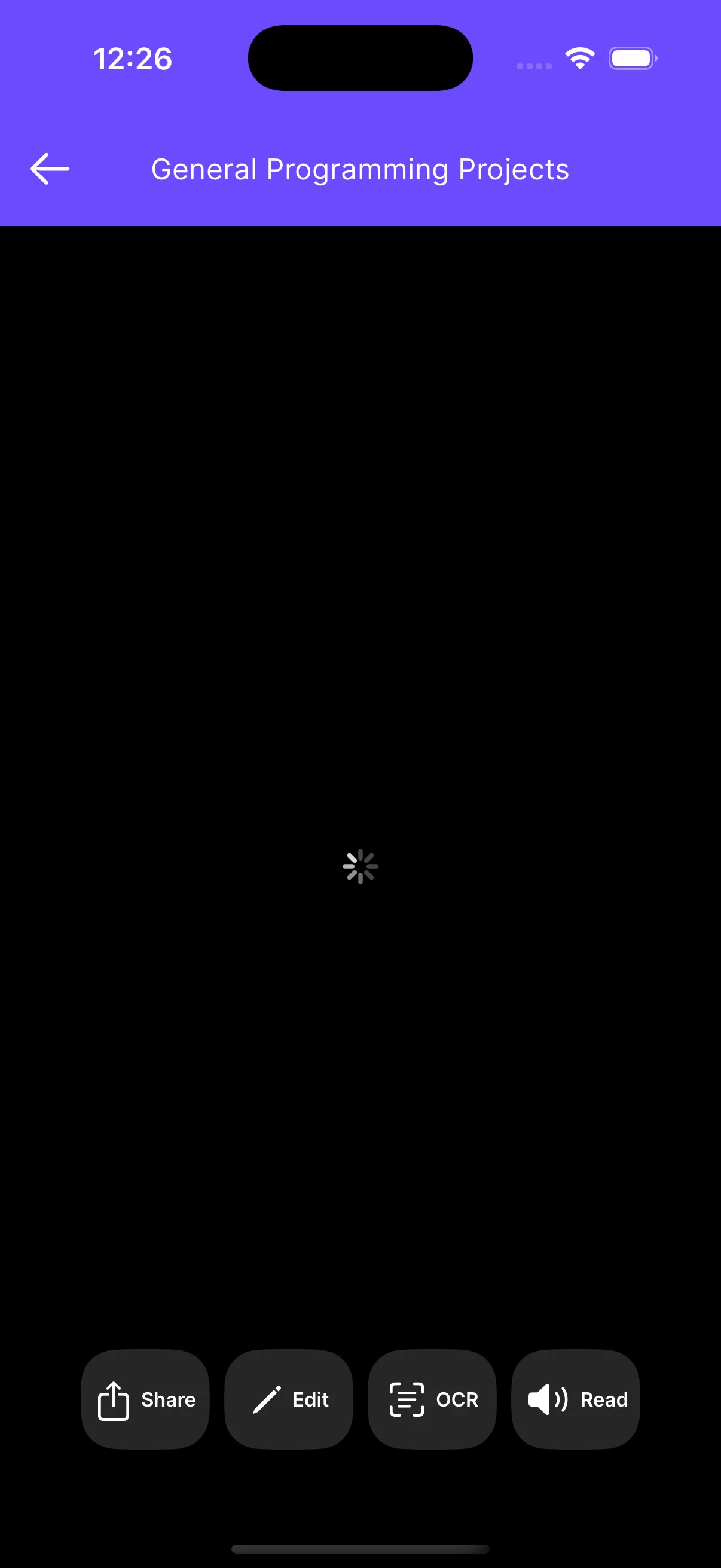
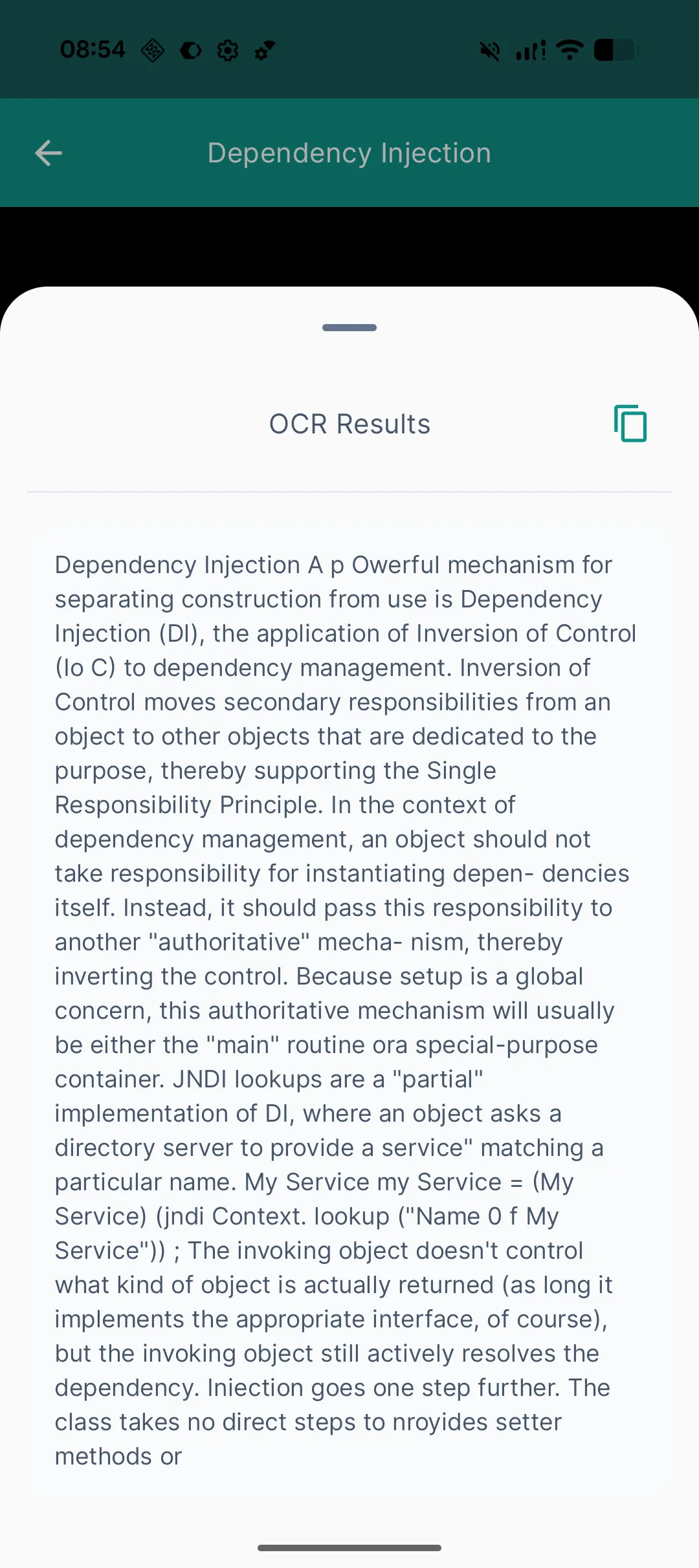
The camera is tuned for book pages — volume-button shutter so you can hold a hardcover open with the other hand, crop and straighten afterwards. On-device OCR pulls the text out: Apple’s Vision framework on iPhone, ML Kit on Android. The result is searchable, copyable and editable if the OCR misread a ligature.
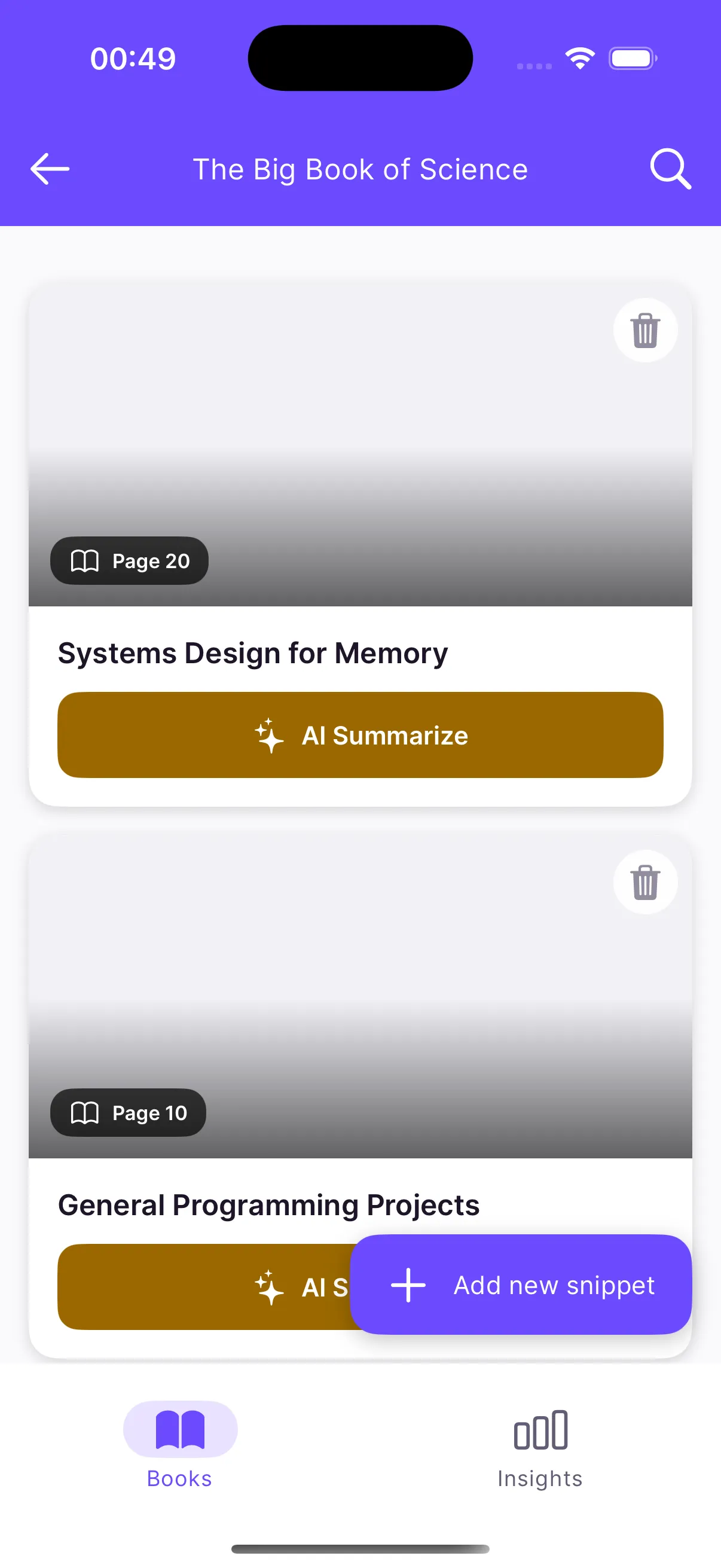
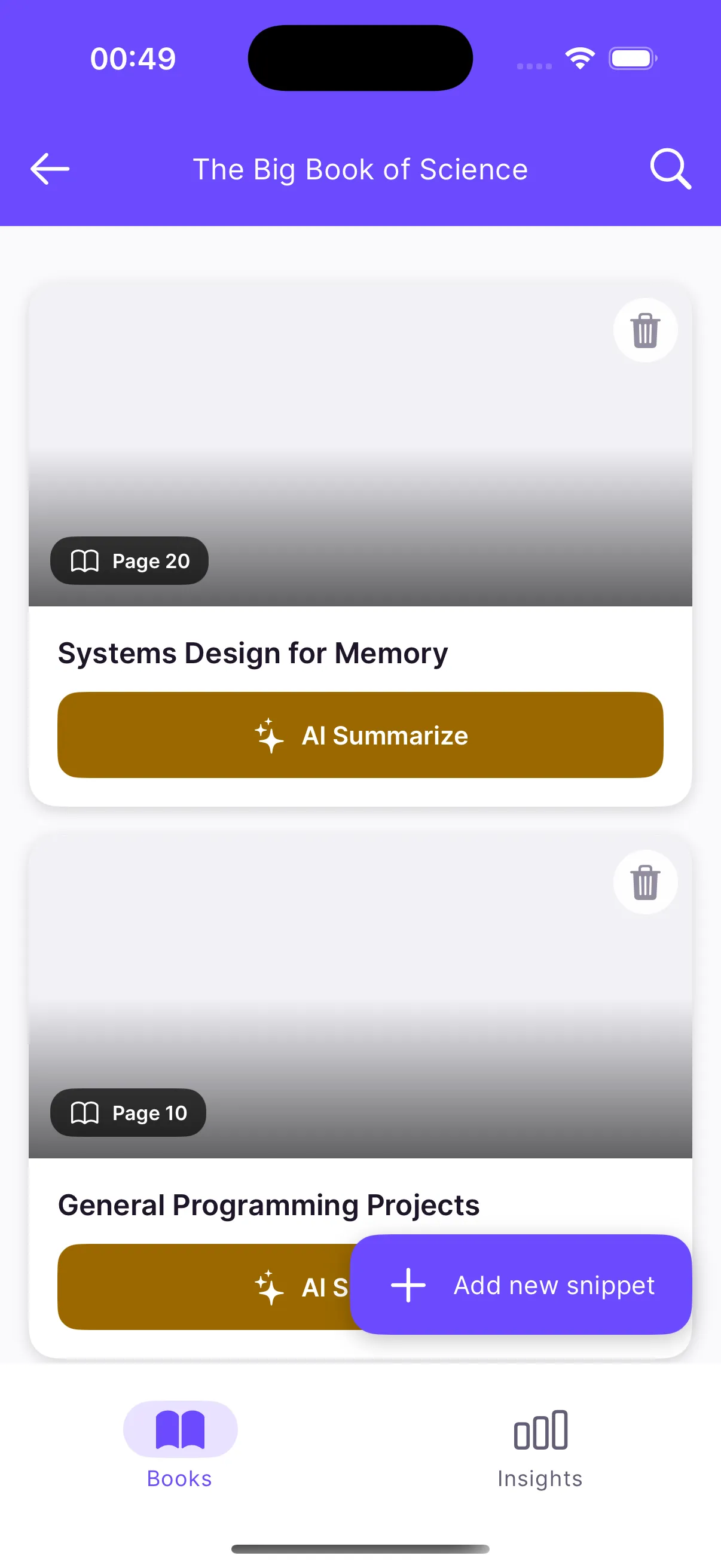
Booksum book detail with captured snippets

Summaries that never leave the phone

For a dense passage — a textbook chapter, a legal paragraph, anything that takes three reads — tap Summarise. A small language model running on the device returns the key idea in a few sentences. The first summary downloads the model; after that it works on a plane.
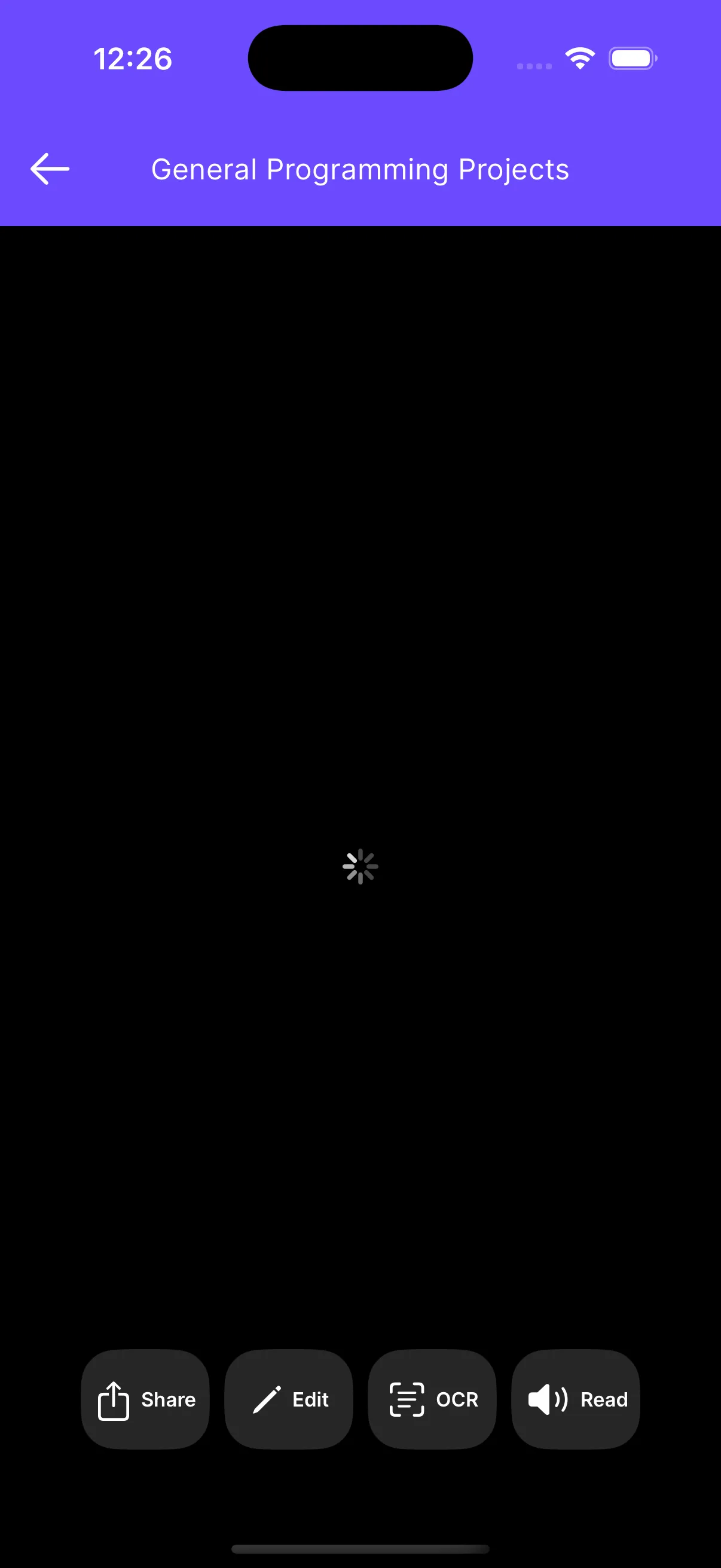
Booksum snippet with OCR text and an on-device summary

On Android, Booksum also annotates: draw on the page photo, circle the important sentence, leave your future self an arrow.

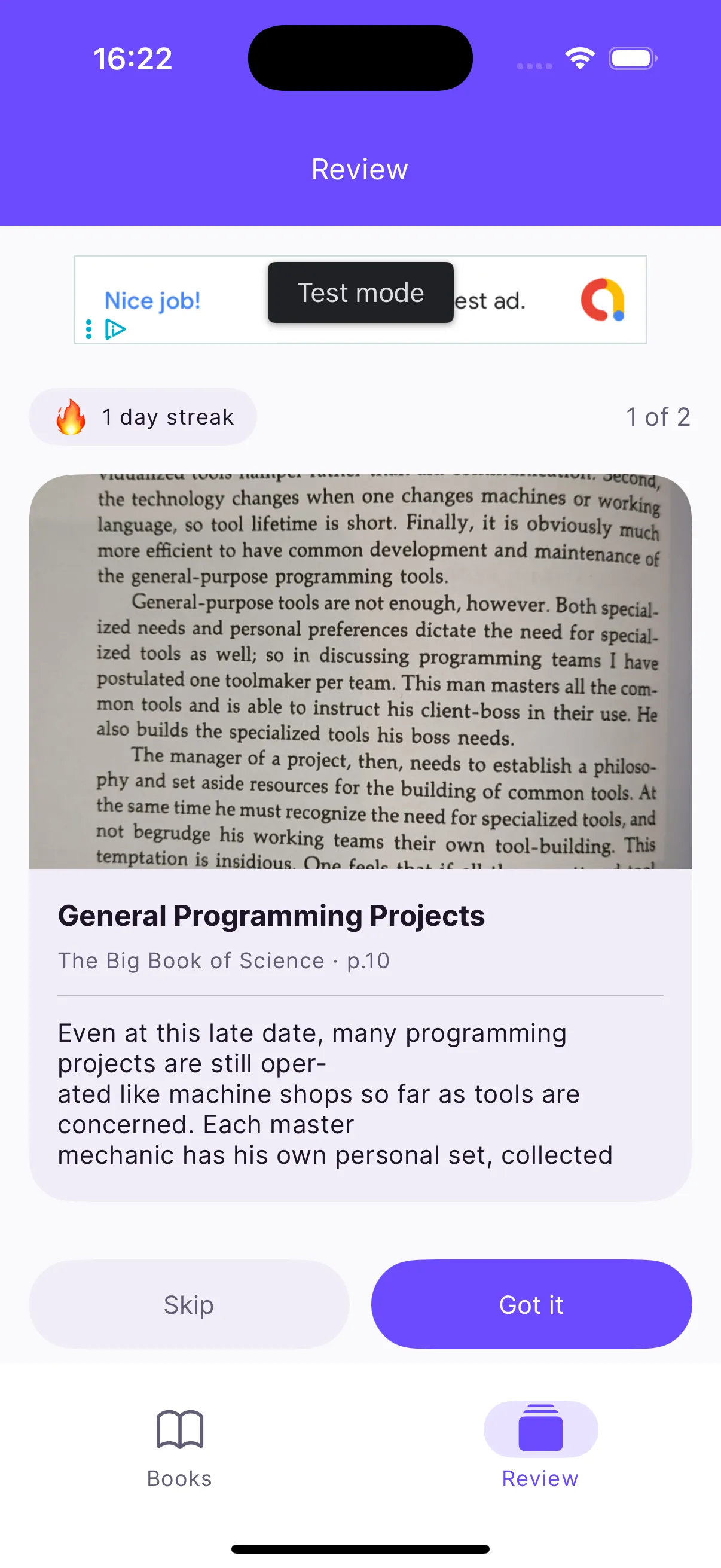
Review, so it sticks

The Review tab resurfaces what you’ve saved so you actually read it a second time, and a weekly notification sends you one quote from your own collection at a time you choose. The Android version goes further with spaced-repetition flashcards generated from your highlights.
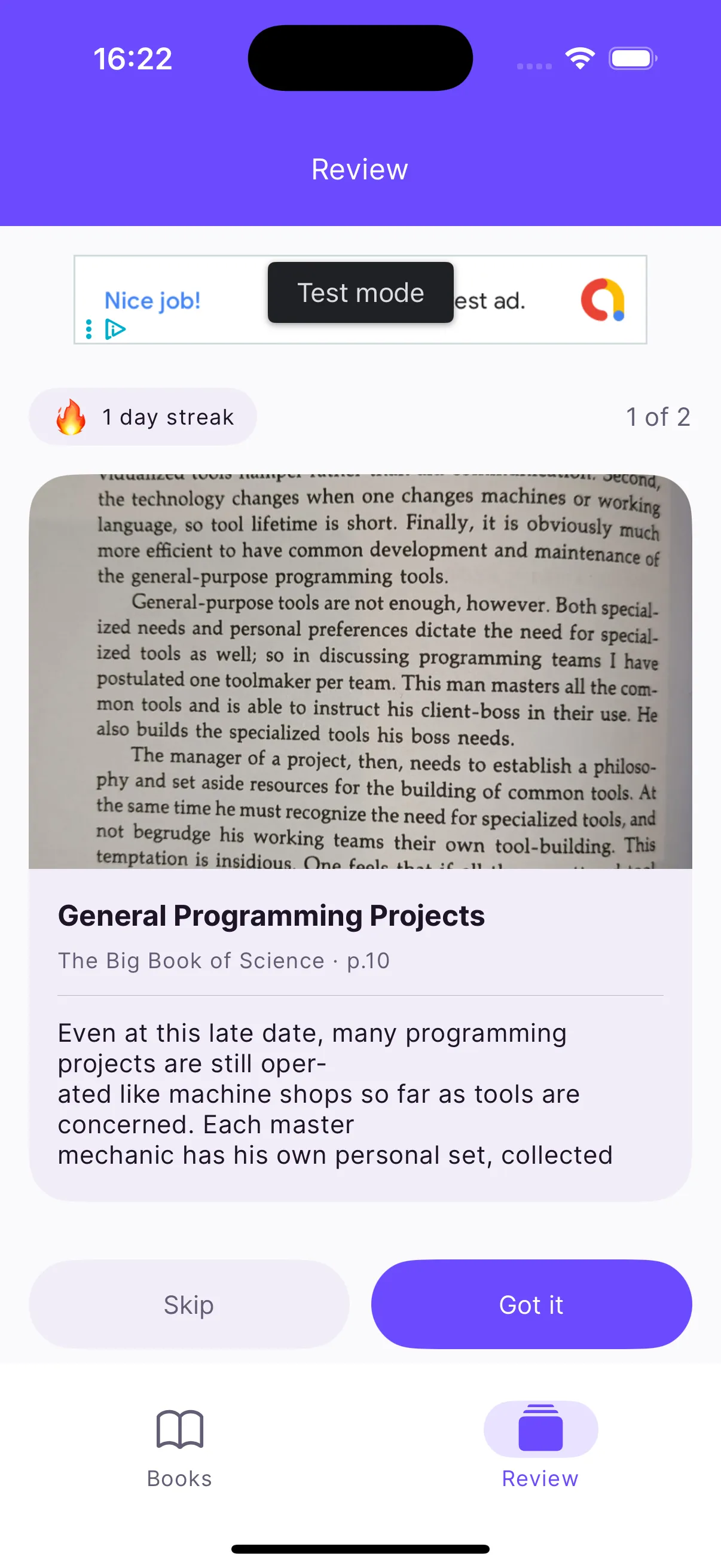
Booksum review tab with saved quotes

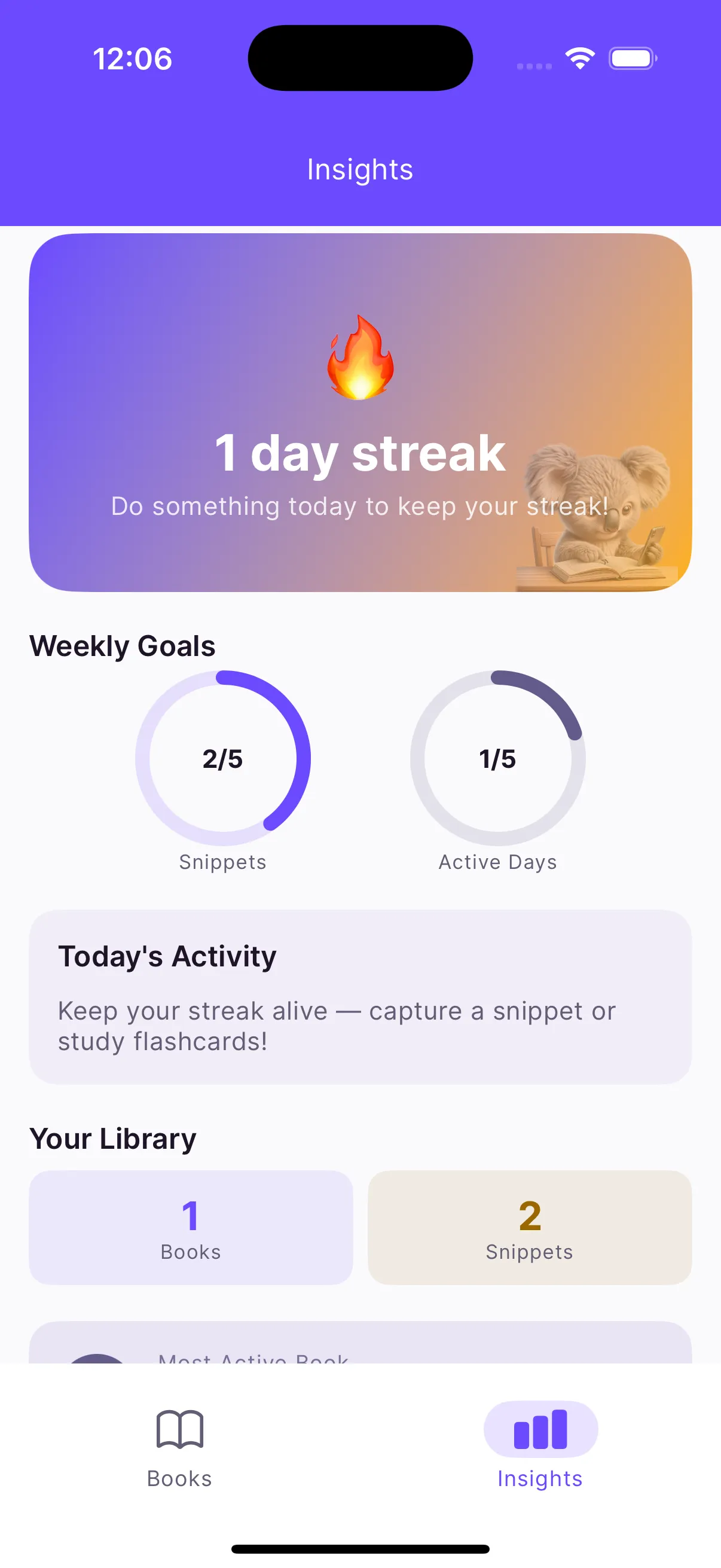
Insights

Books, snippets, weekly activity, the titles you keep coming back to, and a streak — because nothing keeps a reader consistent like not wanting to break one.
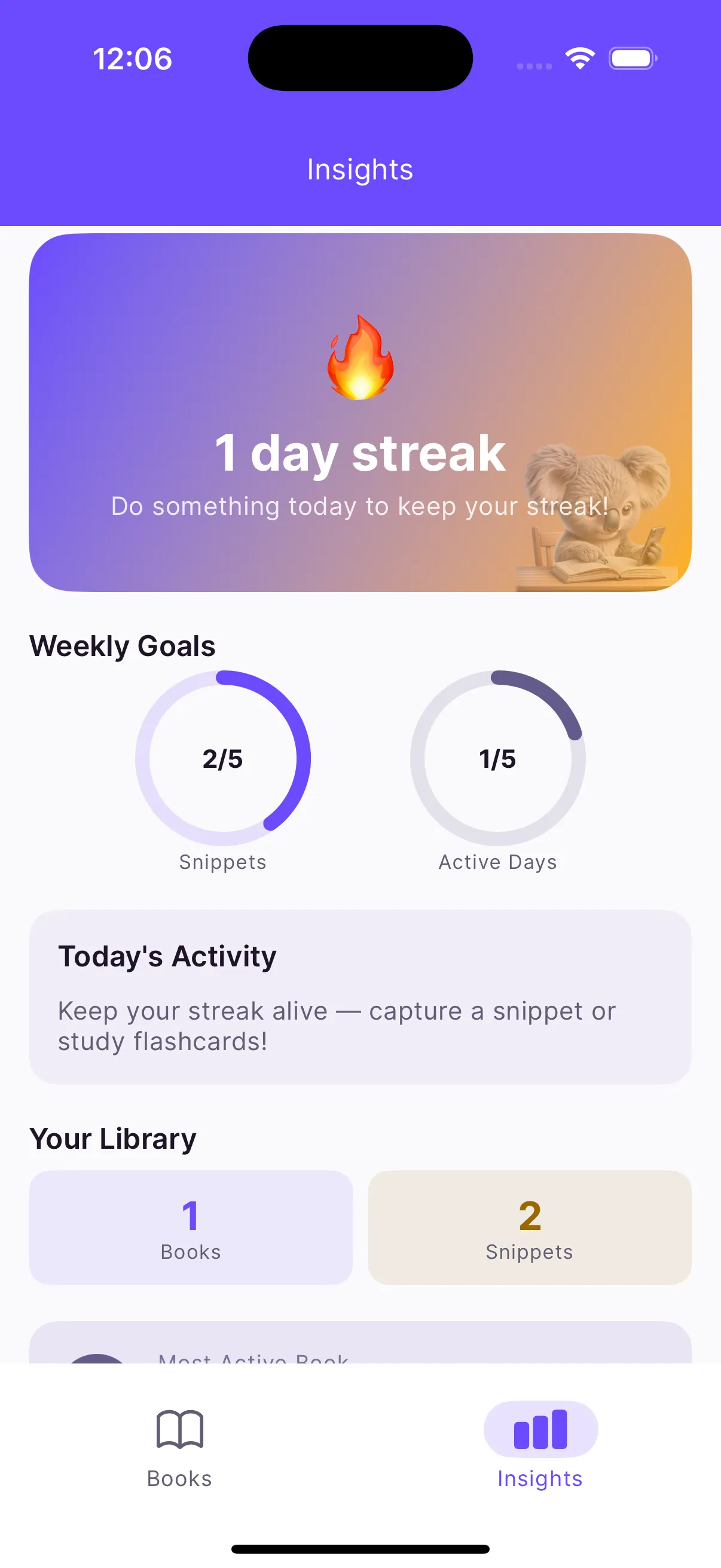
Booksum reading insights

Who it’s for

Non-fiction readers who highlight and never revisit. Students who need a passage for an exam. Anyone building a commonplace book of quotes and ideas. Technical readers working through a programming book with a pen in one hand.

Free and Premium

Scanning, quotes and summaries are free. Premium removes ads and limits, with monthly (7-day trial), yearly or a one-time lifetime option.

The keyword lesson

Booksum shipped under the title “Book Tracker & Scan” and ranked for almost nothing, because “book tracker” belongs to Goodreads. The retitle to “Reading Journal” and the data behind it are in the post about why Booksum exists — useful if you ship apps yourself.

Questions people ask

Do my scans or notes get uploaded anywhere?

No. Text extraction uses on-device OCR (Apple Vision on iPhone, ML Kit on Android) and summaries come from a small language model that runs on the phone. There is no Booksum server and no account.

How good is the OCR on a real book page?

Good enough that I stopped typing quotes by hand. Standard printed pages in decent light are reliable; unusual fonts, glossy paper and shadows reduce accuracy, and you can correct the text afterwards.

Is this a book tracker like Goodreads?

It tracks what you read — scan the ISBN barcode and the book is added with cover and metadata — but the centre of gravity is the passages you keep, not the shelf. Think reading journal or commonplace book rather than social catalogue.

What does the Review tab do?

It resurfaces saved snippets and summaries so you actually re-read them, plus a weekly quote notification pulled from your own highlights.

What is Premium?

Unlimited scans and books, no ads, and the extras. Monthly with a 7-day trial, yearly, or a one-time lifetime purchase.

Writing about Booksum

More from Saltserv

All apps
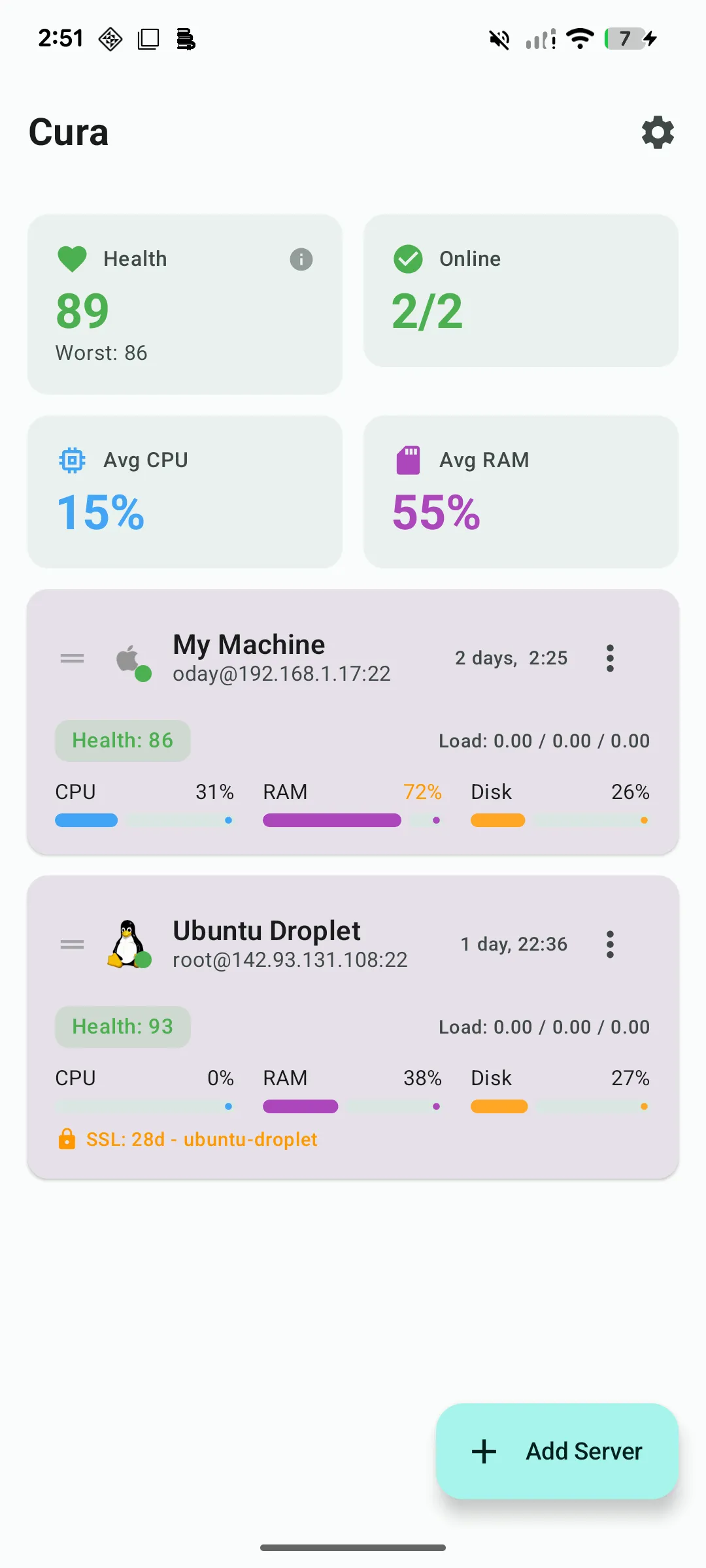
Cura multi-server dashboard with health scores and live CPU, RAM and disk usage for each Linux server

A real SSH terminal plus a live server dashboard on your phone. Cura reads CPU, RAM, disk, Docker and logs over plain SSH — nothing to install on the server — and pages you when a threshold breaks.

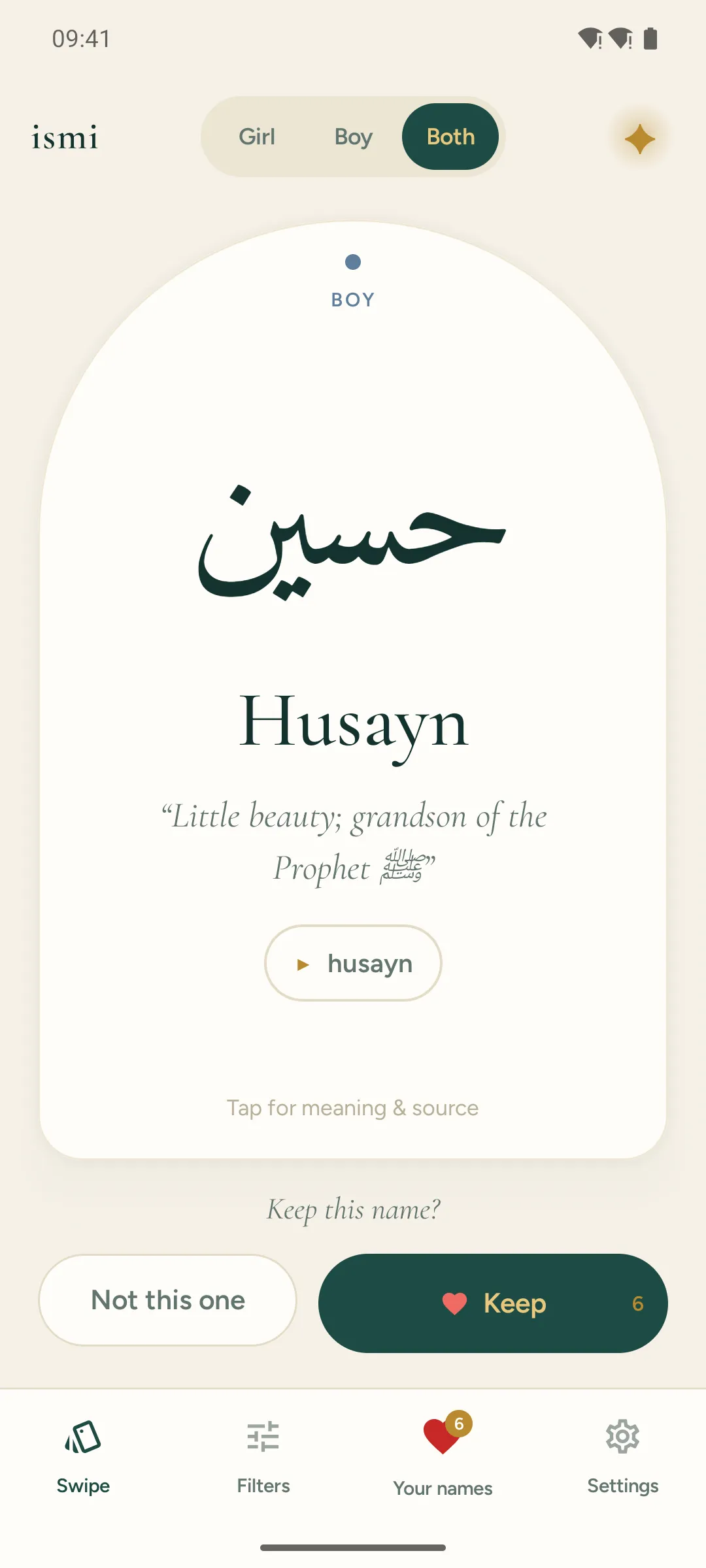
Ismi swipe deck showing an Islamic baby name card with Arabic script, transliteration and meaning

Swipe through 1,826 Islamic and Arabic baby names — Arabic script, pronunciation, and a meaning traced to a real source. 565 carry a verified Quran citation. Match with your partner. No ads, fully offline.

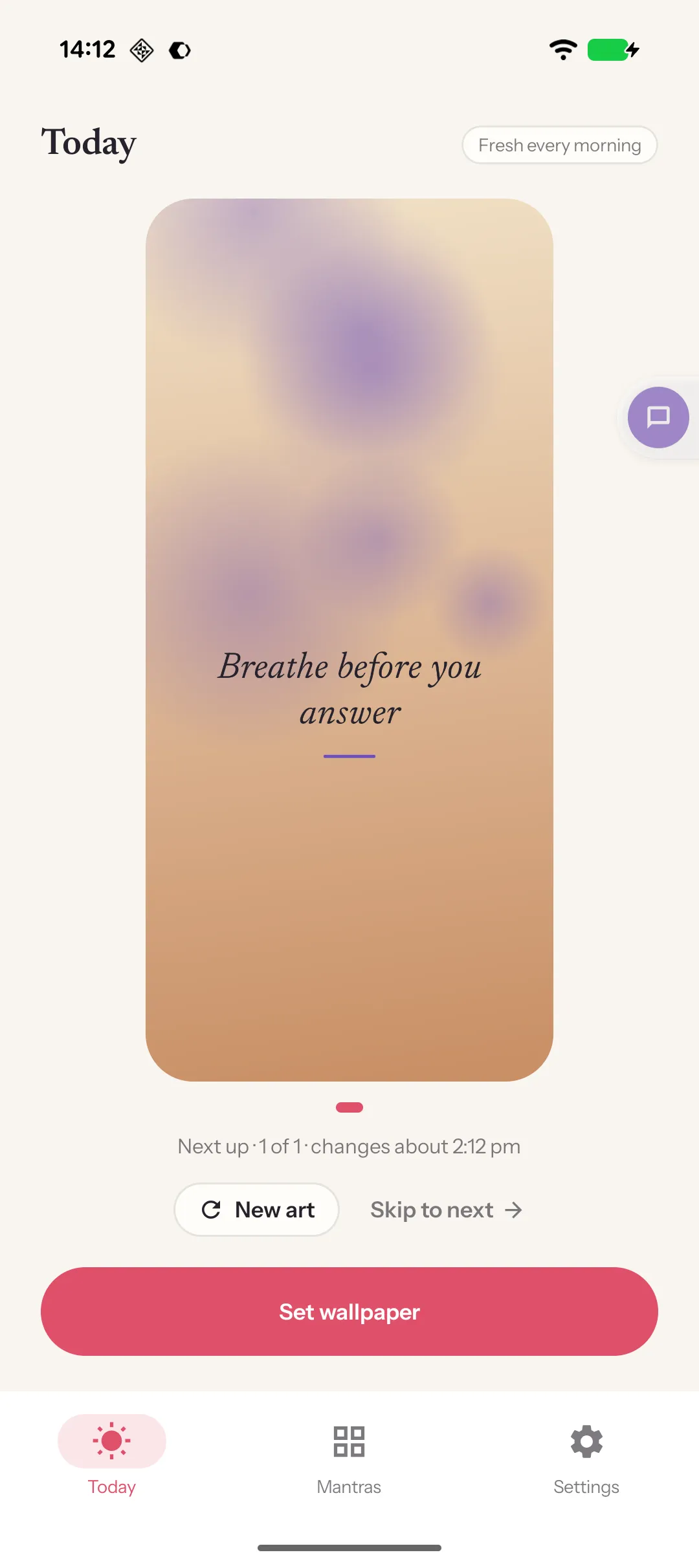
Mantra home screen mirroring the lock screen: the user's own affirmation set over an illustrated background

Write one line you want to live by; it's on your lock screen in under a minute and arrives on a new illustrated background every morning. Your words, your photos if you like, nothing uploaded.

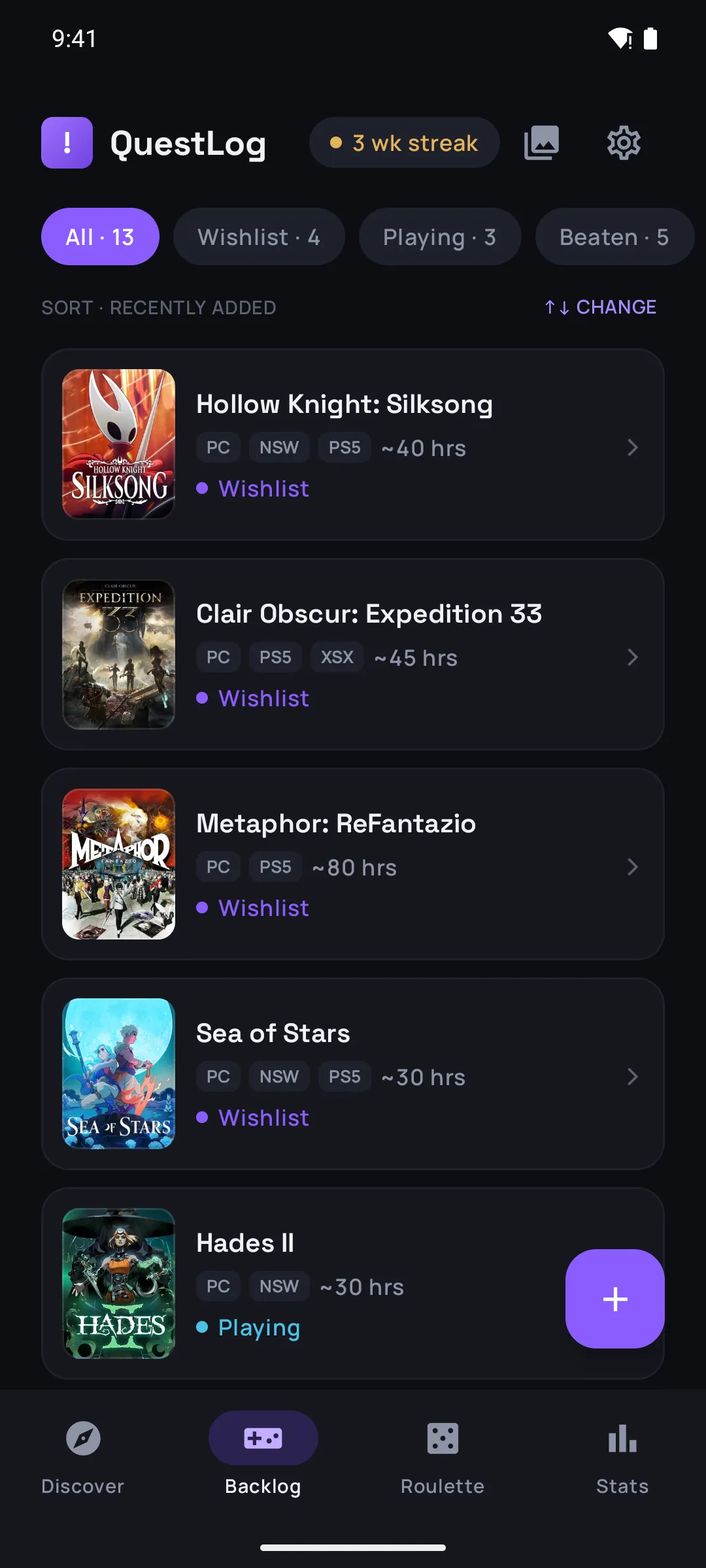
QuestLog backlog list with games sorted by status, platform badges and time-to-beat estimates

Save any game in two taps, sort your backlog, and when you can't decide, spin the roulette. Time-to-beat on every title, a 'pile of shame' counted in hours, and share cards when you finally beat one.