Otter is the app people mean when they say “AI note taker”: join a meeting, get a transcript and a summary, search everything later. It’s very good at that, and it does it in the cloud on a subscription, which is exactly why some people go looking for an alternative — they want the transcription without the upload, or the note without the monthly bill, or something that works on a plane.
I built Murmur, one of the apps below. The comparison tries to be fair about where each one wins.
Table of contents
Open Table of contents
Otter
Meeting-first. Joins Zoom, Meet and Teams calls, identifies speakers, produces a transcript and an AI summary, keeps everything searchable in an account. Free minutes each month, then paid plans.
Where it’s strong: meetings with several people, speaker labels, team sharing. No on-device model can do speaker identification this well yet. Where it isn’t: every word goes to a server and lives in an account; it needs a connection; and it’s a monthly cost that never ends. For a personal “remember this” note, it’s a lot of machinery.
Apple Voice Memos and dictation
Voice Memos now transcribes recordings on the device on recent iPhones and lets you search them. Keyboard dictation is on-device for many languages too.
Where it’s strong: already installed, private, free. Where it isn’t: the transcript is verbatim — every “um” — and nothing turns it into a note. You still read the whole thing to find the decision you made. Dictation is good for a sentence and drifts over five rambling minutes.
Aiko
A well-regarded iPhone and Mac app that runs Whisper on the device: drop in audio, get an accurate transcript, fully offline, one-time price. If what you want is exactly a transcript of a recording and nothing more, Aiko does that cleanly and I’d recommend it.
Where it isn’t: it stops at the transcript. No titling, no cleanup, no tags, no asking questions about what you said.
Cloud dictation and “AI note” apps
There are dozens: tap to record, get a tidy note back. Most send audio to a server, most are subscriptions, and most are excellent at the demo. Run the airplane-mode test before trusting the privacy page: record a note with the radio off and see whether the second step — the summary or the title — still happens. It’s usually the network call.
Where Murmur fits
Murmur is the on-device version of the whole pipeline, not just the transcript:
- Whisper on the Neural Engine (via WhisperKit) for speech-to-text.
- A small language model running locally (Qwen3 0.6B through Apple’s MLX) that turns the ramble into a titled, tagged Markdown note, pulls out “remind me…” as a real reminder, and answers questions about your notes — from your notes only.
- Airplane mode is identical to Wi-Fi. The only download is the models, once, on first launch.
- Notes are Markdown files you can export to Obsidian or anywhere; no account to leave.
- One-time purchase for Pro. There’s no server bill to pass on, so there’s no subscription.
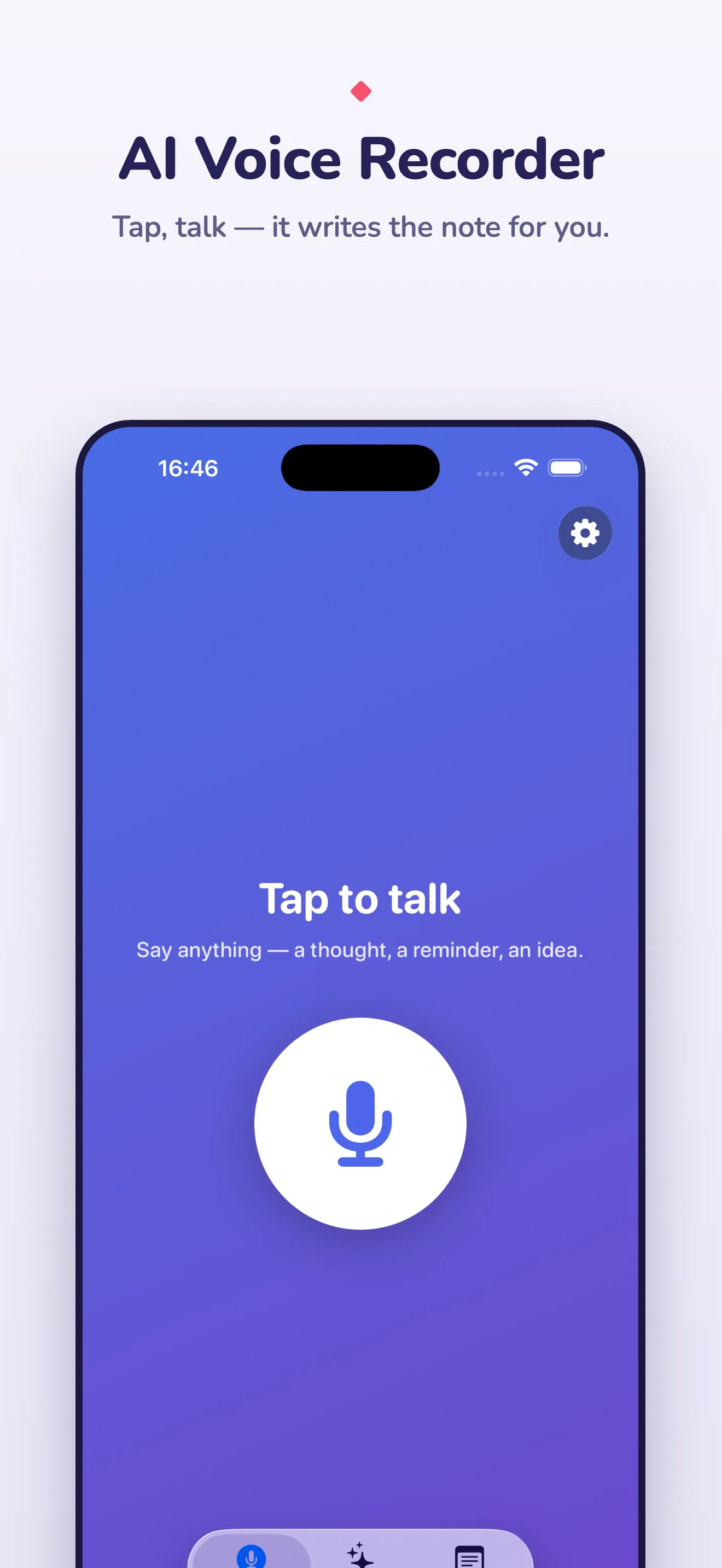
The trade-off, stated plainly: a phone-sized model is a step below a datacentre model on heavy accents and noisy rooms (Murmur offers a larger voice model for that), there’s no speaker identification, and the first launch takes about a minute to download and compile the models.
Which one, honestly
- Multi-person meetings with speaker labels and team sharing: Otter.
- You only want an accurate offline transcript of a recording: Aiko.
- Quick personal dictation of a sentence: the iOS keyboard.
- Talking to yourself in the car and wanting a clean, searchable, private note at the end of it — with the phone doing all of the work: Murmur. The guide to what actually runs on-device has the airplane-mode test and the checklist.