“Transcribes on your device” is a claim a lot of apps make, and it means different things in different apps. Some transcribe on the device and then send the text to a server for “cleanup”. Some do everything locally but only in English. Some do everything in the cloud and mean “runs on your device” in the sense that any app does. Here’s what the options really do, and a test you can run in thirty seconds.
Table of contents
Open Table of contents
The airplane-mode test
Turn on airplane mode. Record a memo. If the transcript appears, transcription is on-device. If the app then offers a “summary”, “title”, “clean-up” or “ask a question” feature, try that too — that’s the step most likely to be a network call. Then read the privacy label on the App Store page: “Data Not Collected” is the honest floor for a genuinely local app.
Option 1: iOS keyboard dictation
The microphone on the keyboard has done on-device dictation for supported languages since iOS 15. It’s good for a sentence, less good for five rambling minutes, and it gives you raw text with no structure.
Works because: built in, private, fast.
Falls short because: it’s a keyboard, not a notes system — no titles, no organisation, no search across recordings, and long dictation drifts.
Option 2: Voice Memos transcripts
Recent iOS versions transcribe Voice Memos recordings on the device and let you search them.
Works because: you already have it, and the audio stays local.
Falls short because: the transcript is verbatim — every “um” and every restart — and there’s nothing that turns it into a usable note. You still have to read the whole thing to find the one decision you made.
Option 3: Cloud transcription apps
The well-known “AI note taker” apps are excellent at what they do, and most of them do it on a server. Audio is uploaded, transcribed by a large model, summarised by another one, and stored in an account.
Works because: the models are bigger than anything a phone runs, and features like speaker identification and meeting summaries are hard to do locally.
Falls short because: your voice and your notes live on someone else’s infrastructure under a policy you didn’t read, the app needs a connection, and it’s almost always a subscription because the server bill never stops.
Option 4: Whisper on the device
OpenAI’s Whisper model has been ported to Apple silicon — WhisperKit runs it on the Neural Engine through CoreML — and it’s accurate enough that a phone can do real transcription with no server. Pair it with a small local language model for the “make this a note” step and the whole pipeline is offline.
That’s the design behind Murmur: Whisper for speech, a 0.6-billion-parameter model through Apple’s MLX framework for writing the note (title, tags, tidied content), and the same model answering questions about your notes — all resident on the phone. A typical note takes about seven seconds. The only download is the models, once.
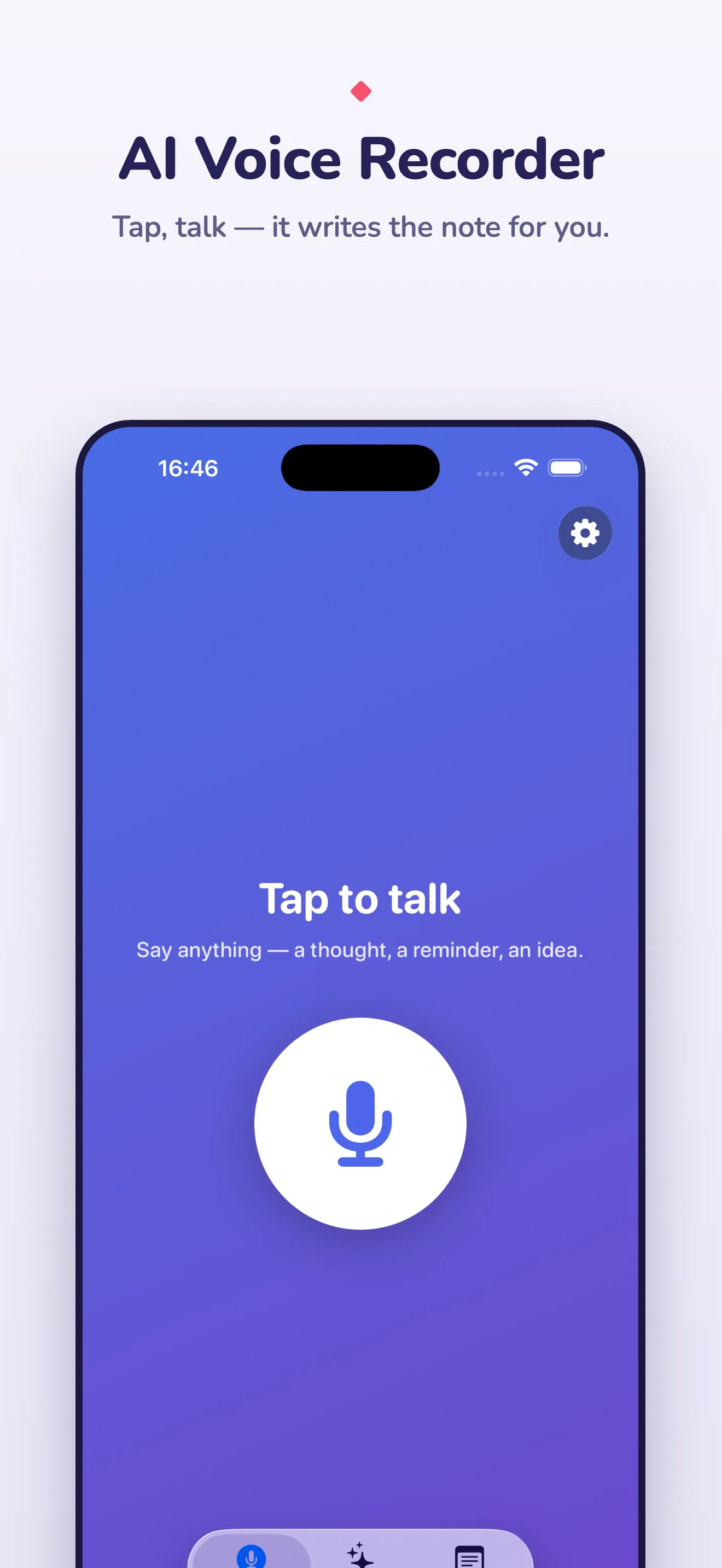
Works because: airplane mode is identical to Wi-Fi, there is no account to breach, and the marginal cost is zero — so the app can be a one-time purchase.
Falls short because: the first launch downloads about a gigabyte and compiles the models, which takes a minute; a phone model is a step below a datacentre model on heavy accents and noisy rooms (Murmur offers a larger model for that); and there’s no speaker identification.
What “on-device” should get you
If an app says on-device, hold it to this list:
- Transcription works in airplane mode.
- The second step — summarising, titling, answering — also works in airplane mode.
- Your notes are exportable as plain files (Markdown, text), not locked in an account.
- The App Store privacy label says nothing is collected.
- It’s not a subscription, or if it is, the app can explain what the subscription pays for.
Murmur passes all five, which is easy to say because I built it that way. The post about how it’s put together has the model choices and the trade-offs if you want the details before you trust the claim.