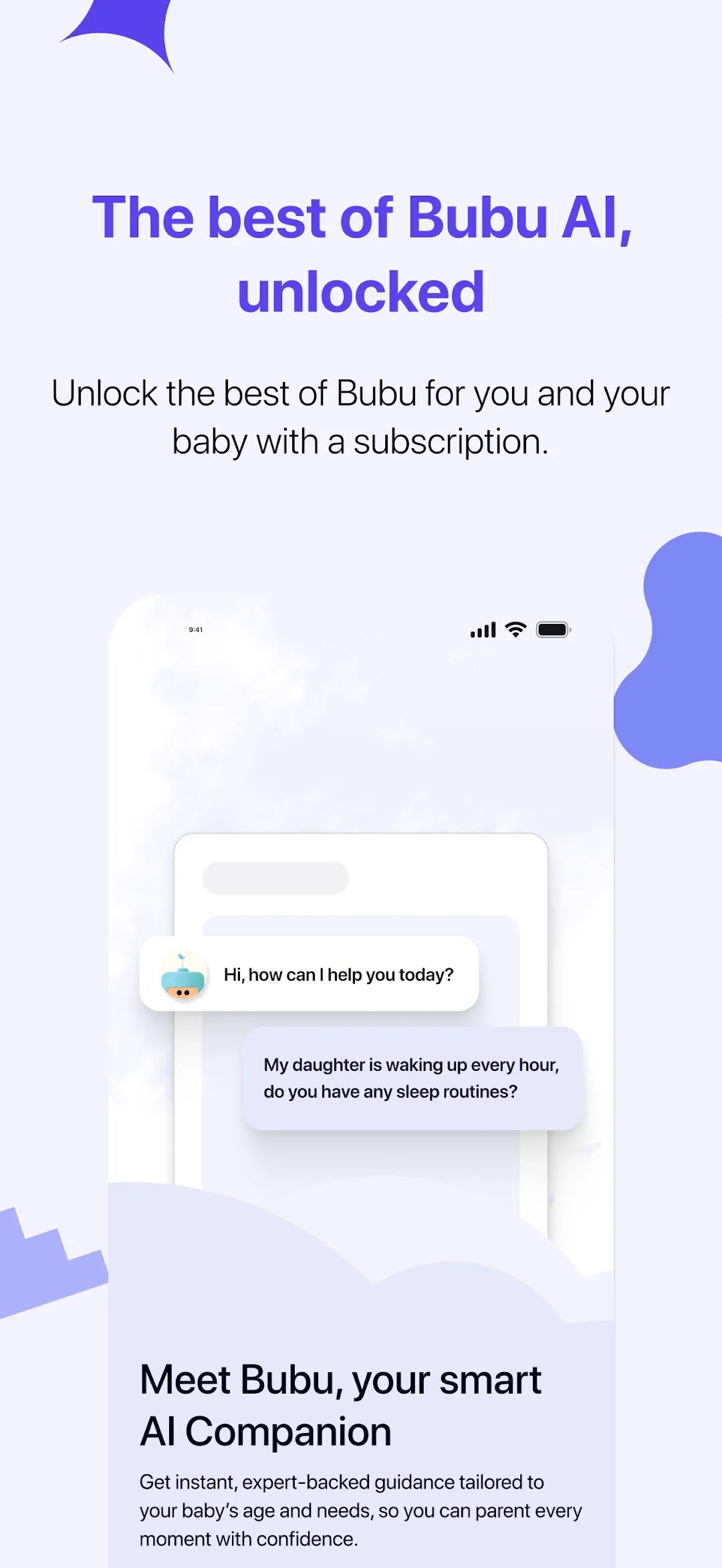
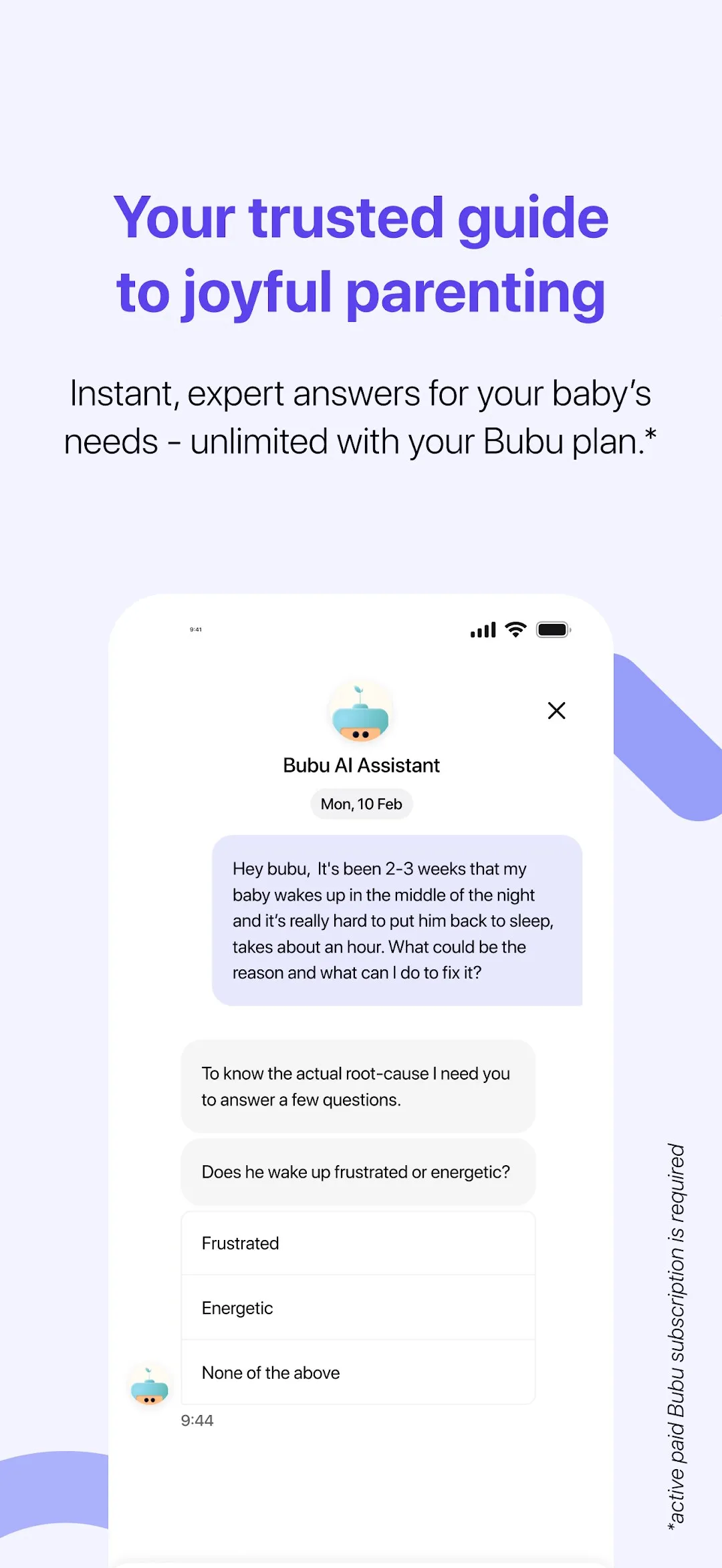
Every parenting app gives the same advice to every parent, because it doesn’t know your child. Bubu’s premise is that it should. You set up a profile — age, routine, what’s been going on — and from then on the assistant answers your questions about your child: why she’s waking every hour, whether that nap is too late, what to try tonight. It predicts nap windows from logged sleep, writes bedtime stories and lullabies with your child in them, keeps milestones, and, through Bubu’s nursery product, connects you with your daycare — today’s schedule and menu, photos from the day, the activity timeline, a chat with the staff.
BUBUAPP S.L. in Barcelona had the iOS app. I built the Android one.
Parity with a moving target
The brief was feature parity with a mature iOS codebase that kept shipping. The Android app is a native Kotlin and Jetpack Compose rebuild, not a wrapper: more than twenty Gradle modules split into core (auth, design system, DI, i18n, navigation, network, playback), data (media library, hubs, chat, sleep, profile) and feature (onboarding, login, library, player, create-story, hubs, community, nursery, messaging, profile, shop), with convention plugins so a new module is one line. Each feature owns its routes, screens, view models and bindings. Analytics events were wired to match the iOS app one for one, so the product team sees a single funnel.
What’s in the app
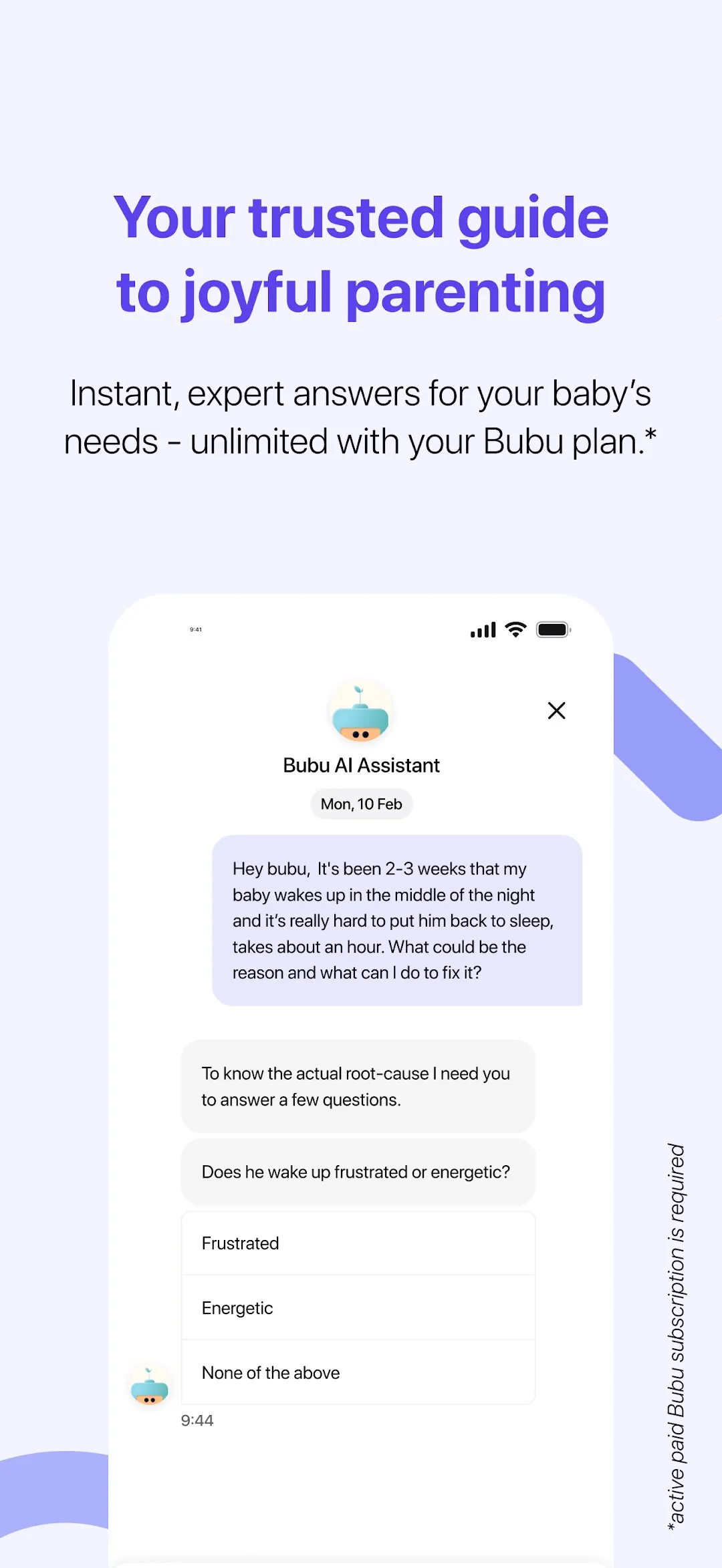
- The assistant. A chat that reasons from the child’s profile and asks follow-up questions before it advises. Answers stream in; the conversation is the home screen.
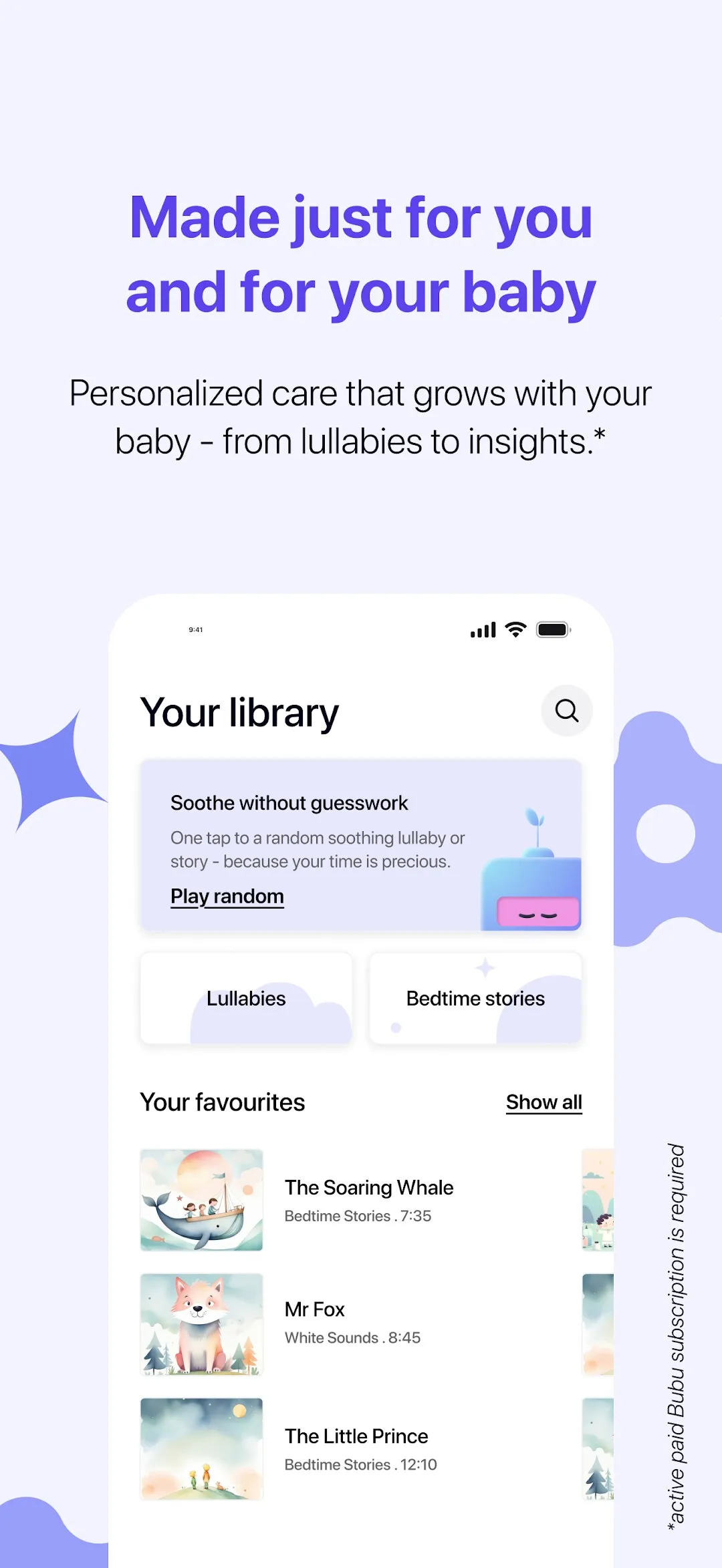
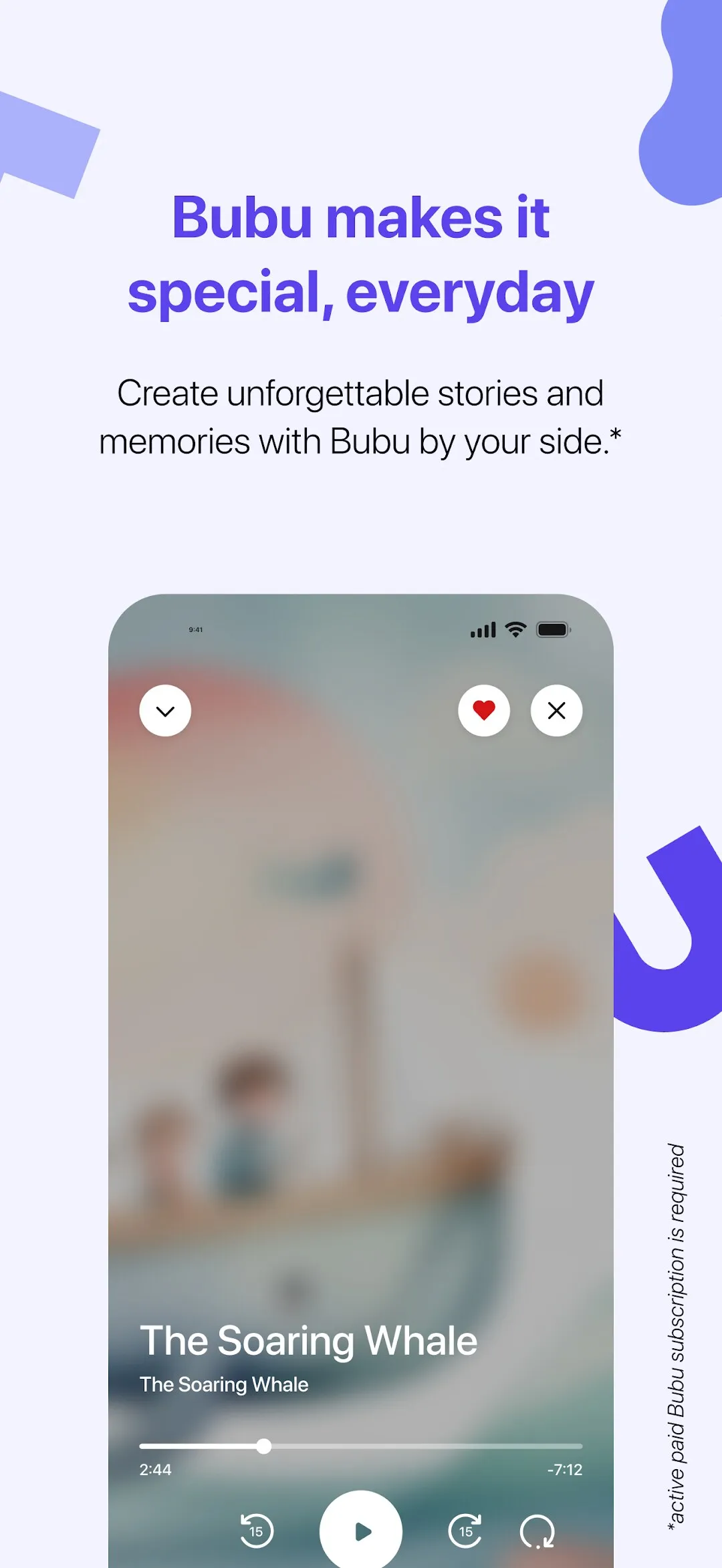
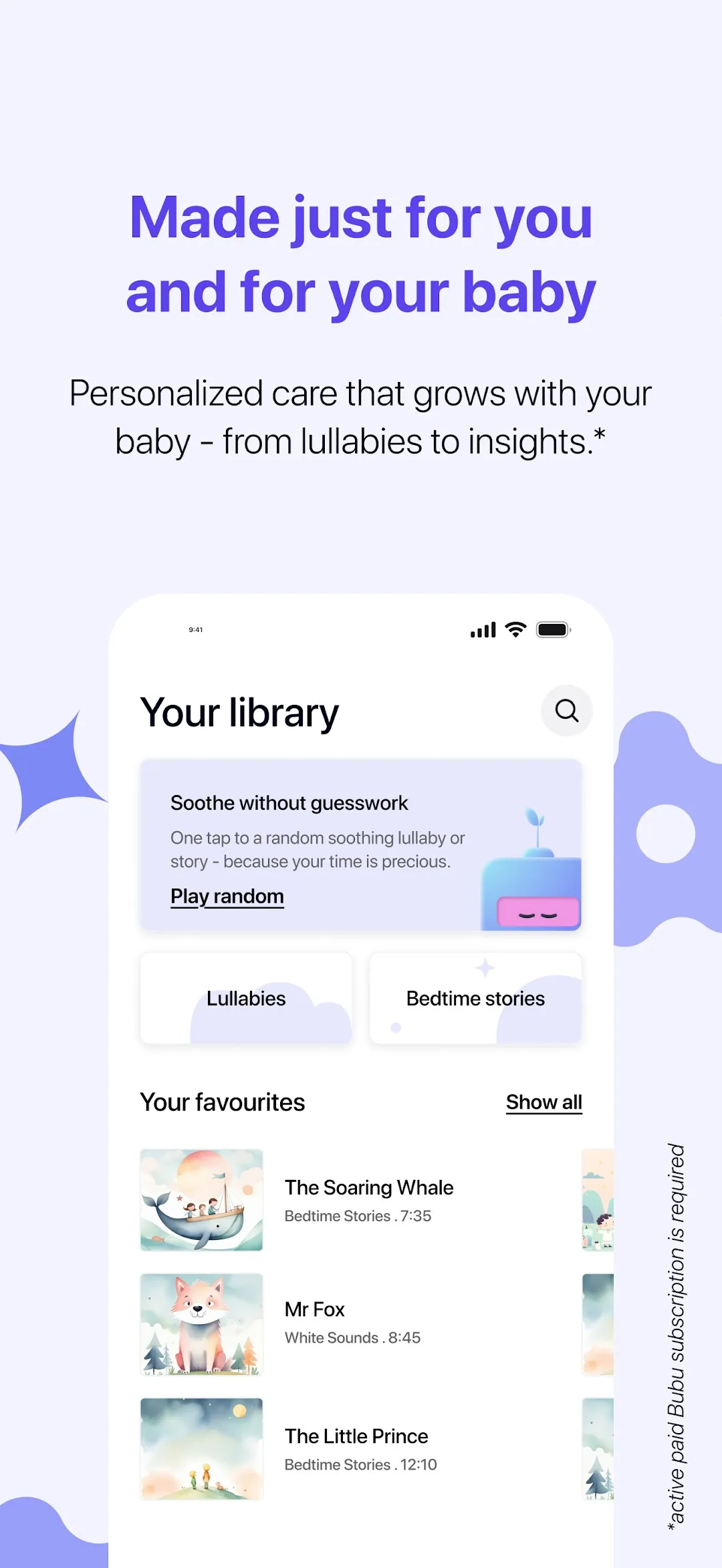
- Library and player. Lullabies, bedtime stories, sounds and podcasts, favourites and a full-screen player on Media3/ExoPlayer with background playback, a mini player across the app, and Cast to a speaker or TV.
- AI stories. Create a story for tonight with your child as the hero, then keep it in the library.
- Nursery hub. For families whose daycare uses Bubu: the schedule, menu, gallery, activity timeline with meals and naps, a notification inbox, and parent–staff messaging with voice notes.
- Voice onboarding. New parents can talk instead of type: a conversational onboarding on ElevenLabs agents with an animated Rive avatar, which hands off to a live agent after a few questions.
- Everything around it. Google and email sign-in, deep links from push notifications straight to the right nursery screen, Mixpanel and Firebase analytics, a shop in a WebView, dark mode, and a hidden developer menu that can mock backend scenarios for QA.
The teacher app
Bubu’s nursery product has a second client: the app daycare staff use. I built the Android version of that too — Nursery Hub — mirroring the iOS teacher app’s architecture module for module, with the same design system, i18n scaffolding for eleven languages, and the infrastructure (analytics, crash reporting, push, connectivity) shared with the parent app.
Where it stands
The parent app is live on Google Play as Bubu AI: Parenting Companion, with a 14-day trial and a monthly or annual subscription. I shipped it from v1.0 to v1.0.37 across the first half of 2026, alongside the iOS team.