
Skip to content
Go back

Booksum: Capture, Annotate & Remember What You Read

Updated:

Booksum transforms how you save and organize your favorite book quotes, passages, and notes. It’s the ultimate reading companion app for book lovers, students, researchers, and anyone who wants to remember what they read.

Why I Built Booksum

As an avid reader, I found myself constantly losing track of quotes, passages, and insights from books I loved. Highlighting in physical books was great—until I needed to find that one quote weeks later. I wanted an app that would:


📖 Your Digital Book Library

Build a personal library that grows with you.

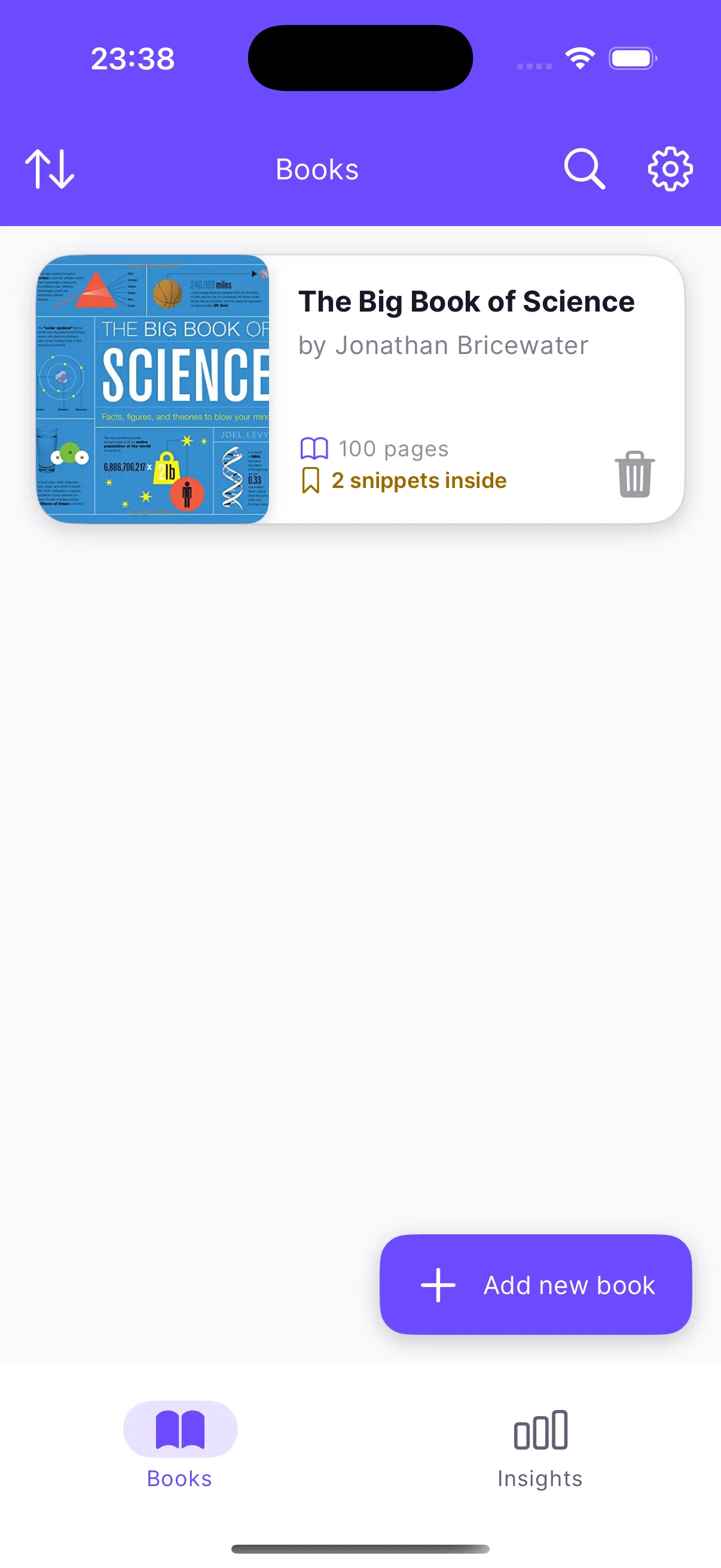
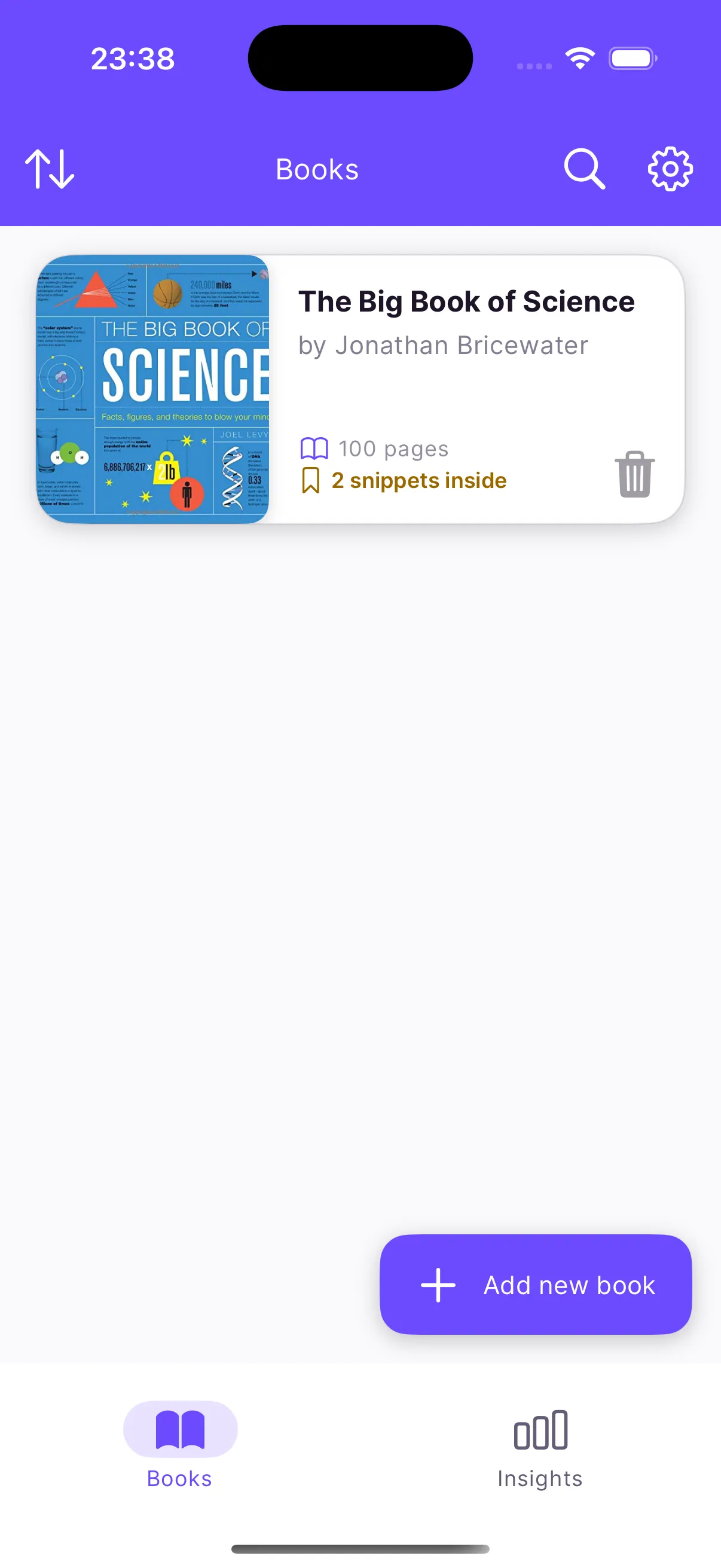
Booksum Books List

ISBN Barcode Scanning

Point your camera at any book’s barcode to instantly identify it. Booksum auto-fills the title, author, cover art, and other metadata—no manual entry needed.

Visual Book Collection

Every book you add appears in a beautiful grid with cover art. See your entire reading history at a glance and browse your collection effortlessly.

Reading Status Tracking

Mark books as Read, In Progress, or To Read. Track your reading journey and watch your library grow over time.

Search through all your saved content instantly. Find that perfect quote by keyword, author, or book title. Never lose a passage again.


📚 Book Details & Snippets

Dive into any book to see all your captured content.

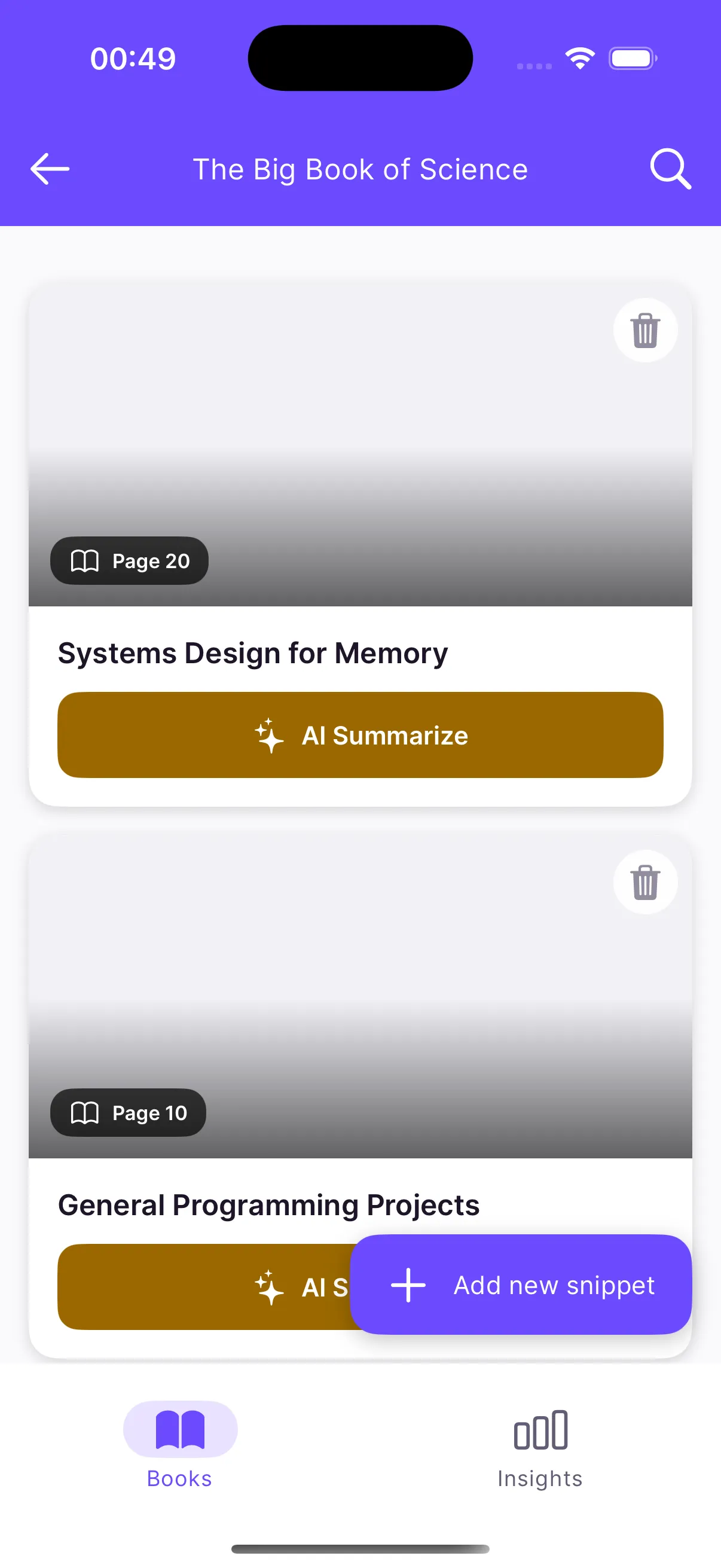
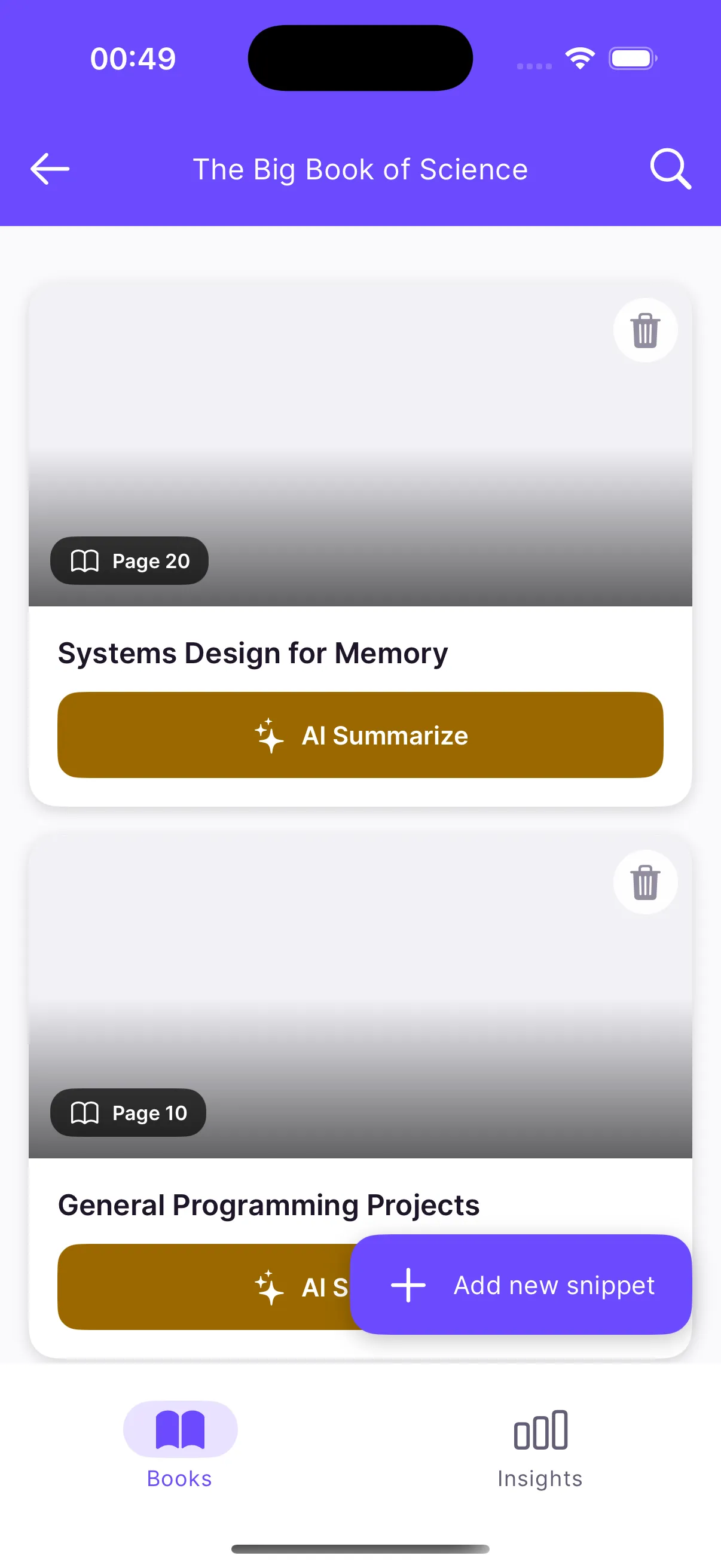
Booksum Book Details

Snippet Collection

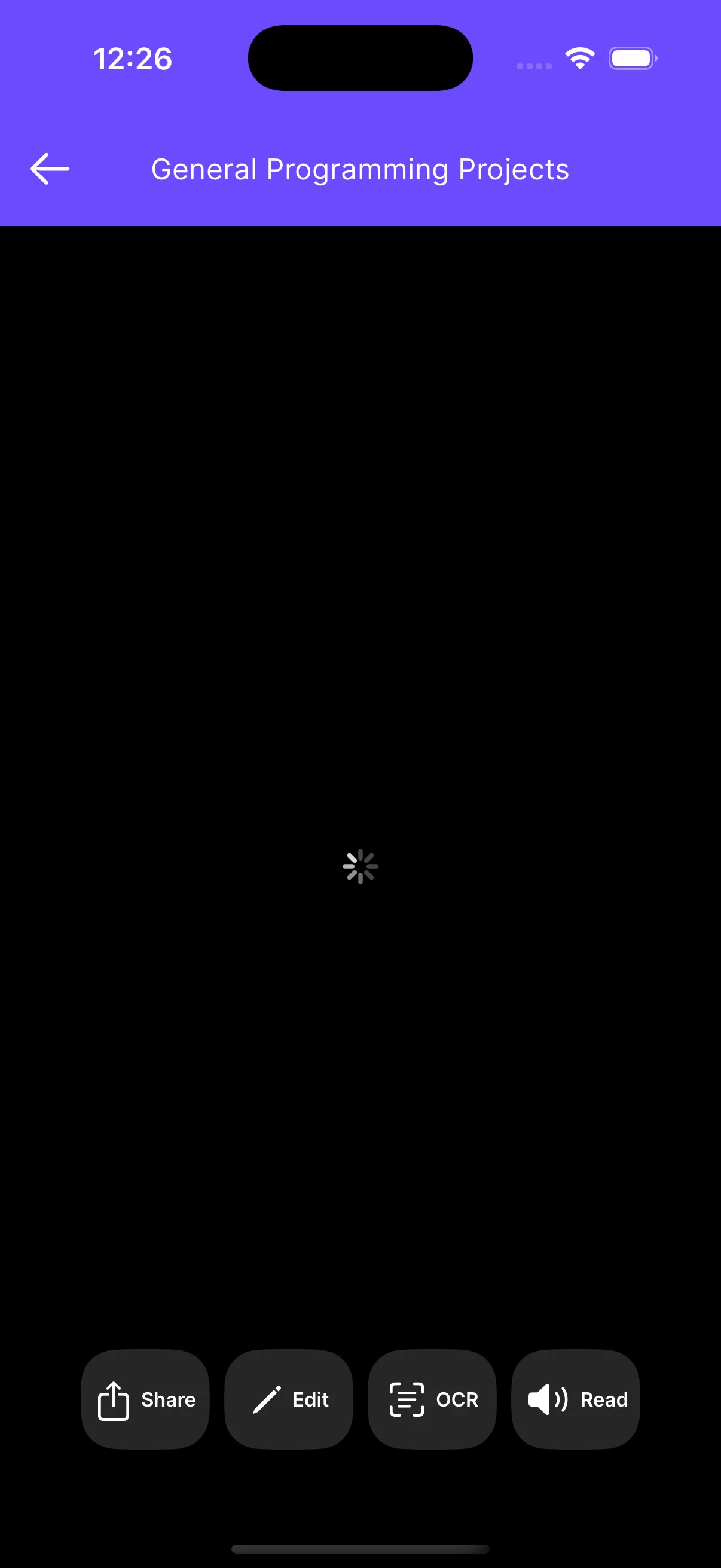
Every captured page becomes a “snippet” stored within its book. Browse all your snippets for a book in one place, complete with page numbers and metadata.

Quick Navigation

Jump between snippets easily. See thumbnails of your captured pages and tap to view, edit, or annotate any snippet.

Flexible Organization

Organize snippets by page number, date added, or custom tags. Create collections for different chapters, themes, or projects.


📸 Smart OCR Text Extraction

Extract text from any captured page with powerful on-device OCR.

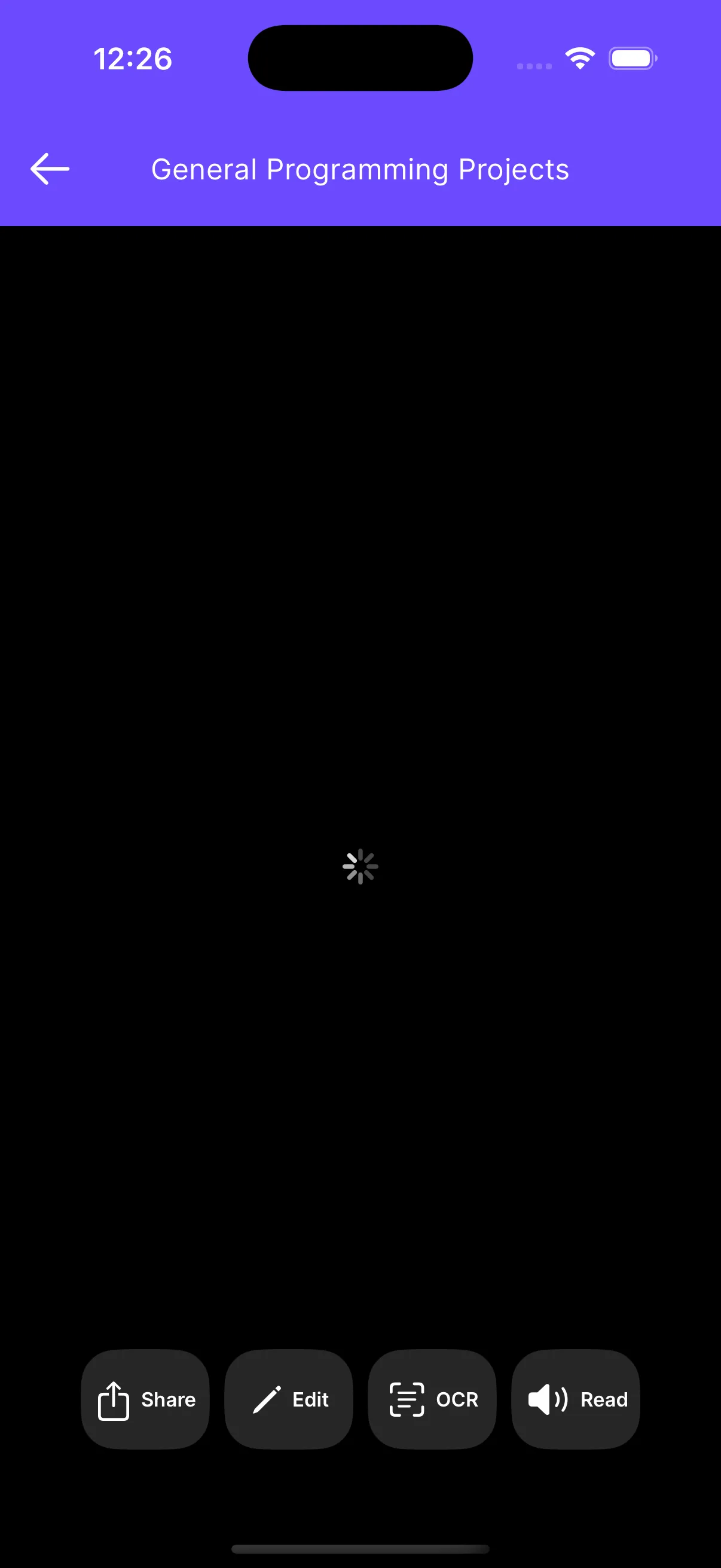
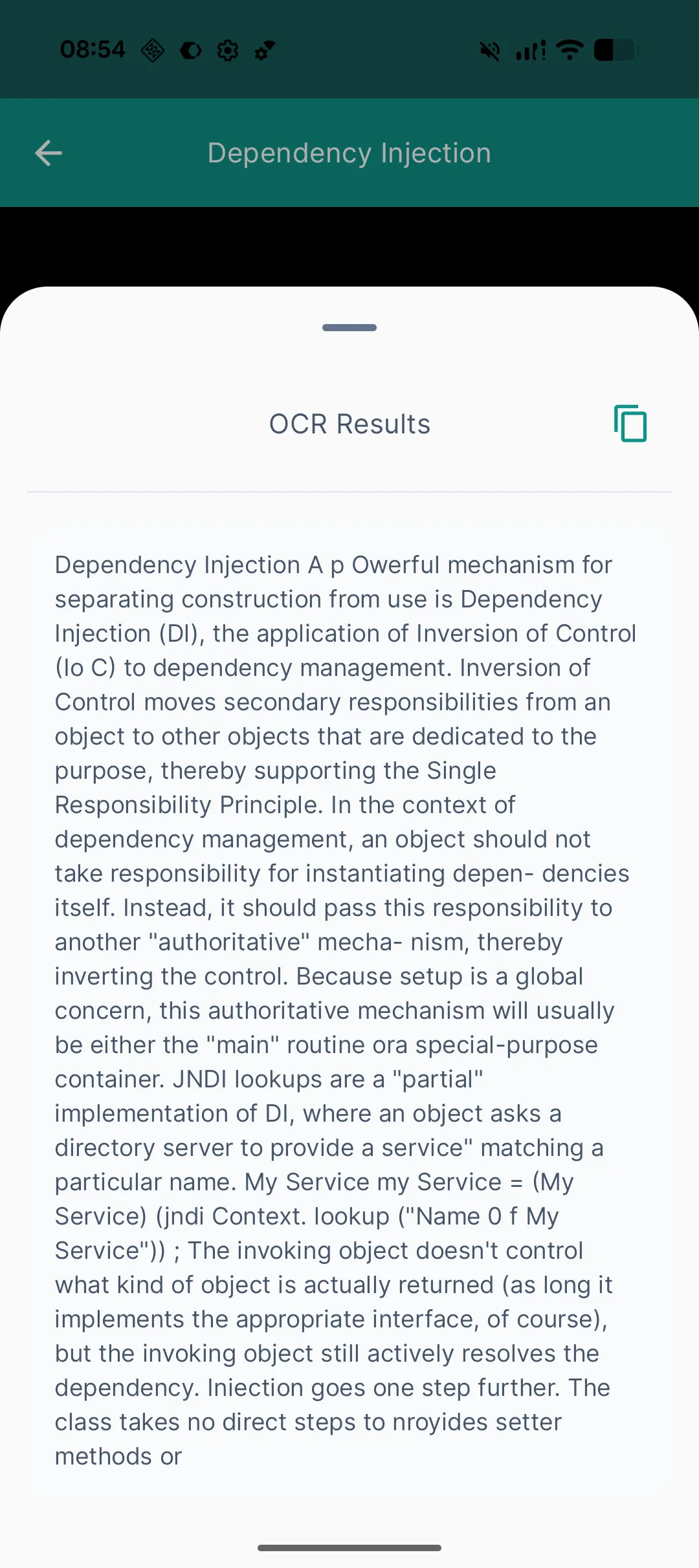
Booksum OCR Results

Powerful OCR Technology

Extract text from any captured image with on-device OCR (Optical Character Recognition). No cloud processing required—your data stays completely private.

Page Photography

The built-in camera is optimized for book pages. Supports volume-button shutter for one-handed scanning while holding a book open. Crop and adjust images to get the perfect snippet.

All extracted text becomes searchable. Find any quote or passage across your entire library in seconds.

Copy & Share

Copy extracted text to use anywhere. Share your favorite quotes to social media, notes apps, or with friends.


✏️ Powerful Annotation Tools

Make your snippets truly yours with a full suite of annotation features.

Booksum Annotation Tools

Drawing & Highlighting

Draw directly on your snippets with customizable brushes. Highlight important sections, underline key phrases, or circle concepts that stand out.

Text Notes

Add text annotations with full color selection. Place notes anywhere on the image to add context, questions, or your own thoughts.

Emoji Stickers

Mark important sections with emoji stickers. Quickly tag passages as favorites, questions, or key insights with visual markers you can spot at a glance.

Full Editing Freedom

Resize, rotate, and position annotations freely. Full undo/redo history means you can experiment without worry.


🤖 AI-Powered Summaries

Let artificial intelligence help you understand and digest your reading.

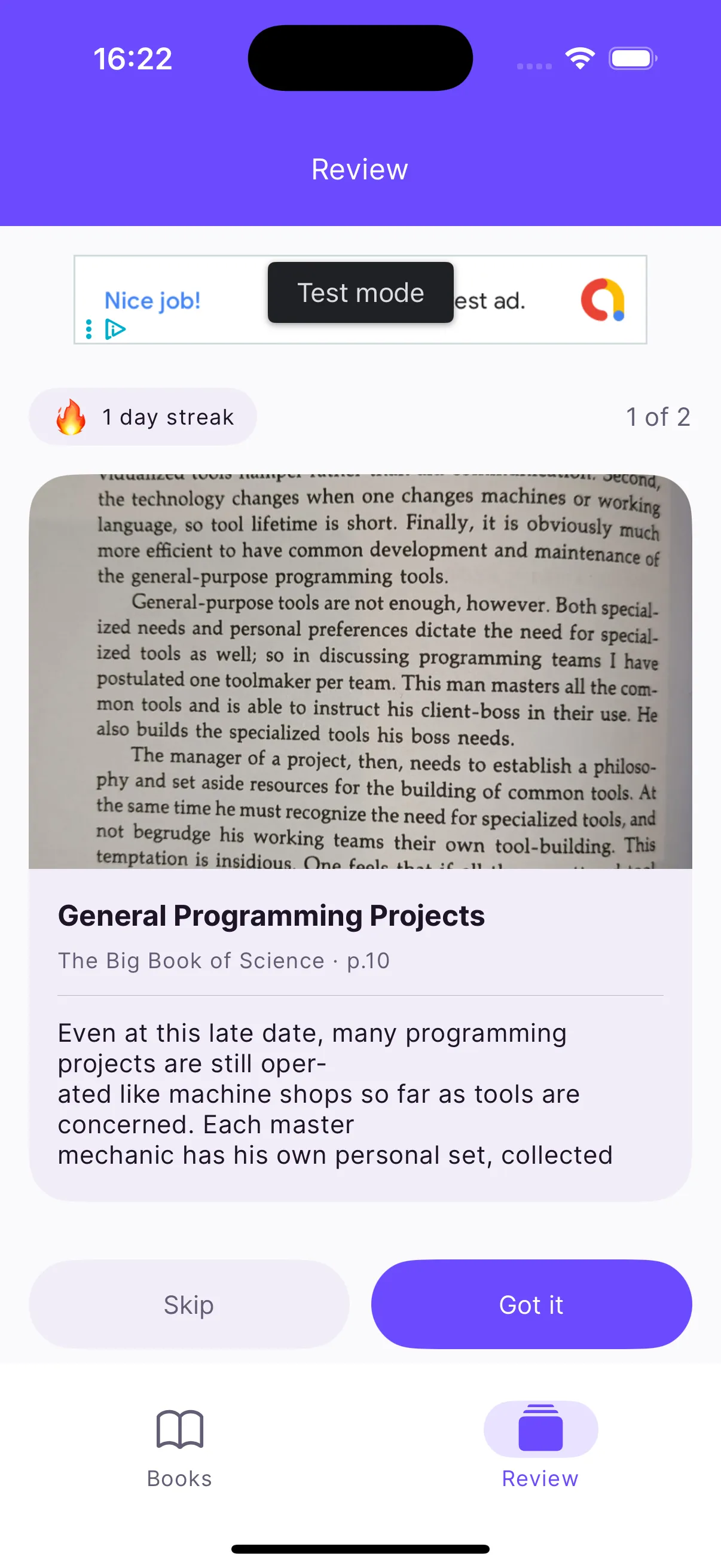
Booksum AI Summary

Instant AI Summaries

Get quick summaries of captured text. Perfect for dense academic passages or when you want the key takeaways from a longer excerpt.

Passage Clarity

Struggle with complex text? Get AI assistance to understand difficult passages, jargon, or unfamiliar concepts.

Smart Organization

AI-powered suggestions help you tag and categorize your snippets. Spend less time organizing and more time reading.


📊 Reading Insights

Track your reading habits and see your progress over time.

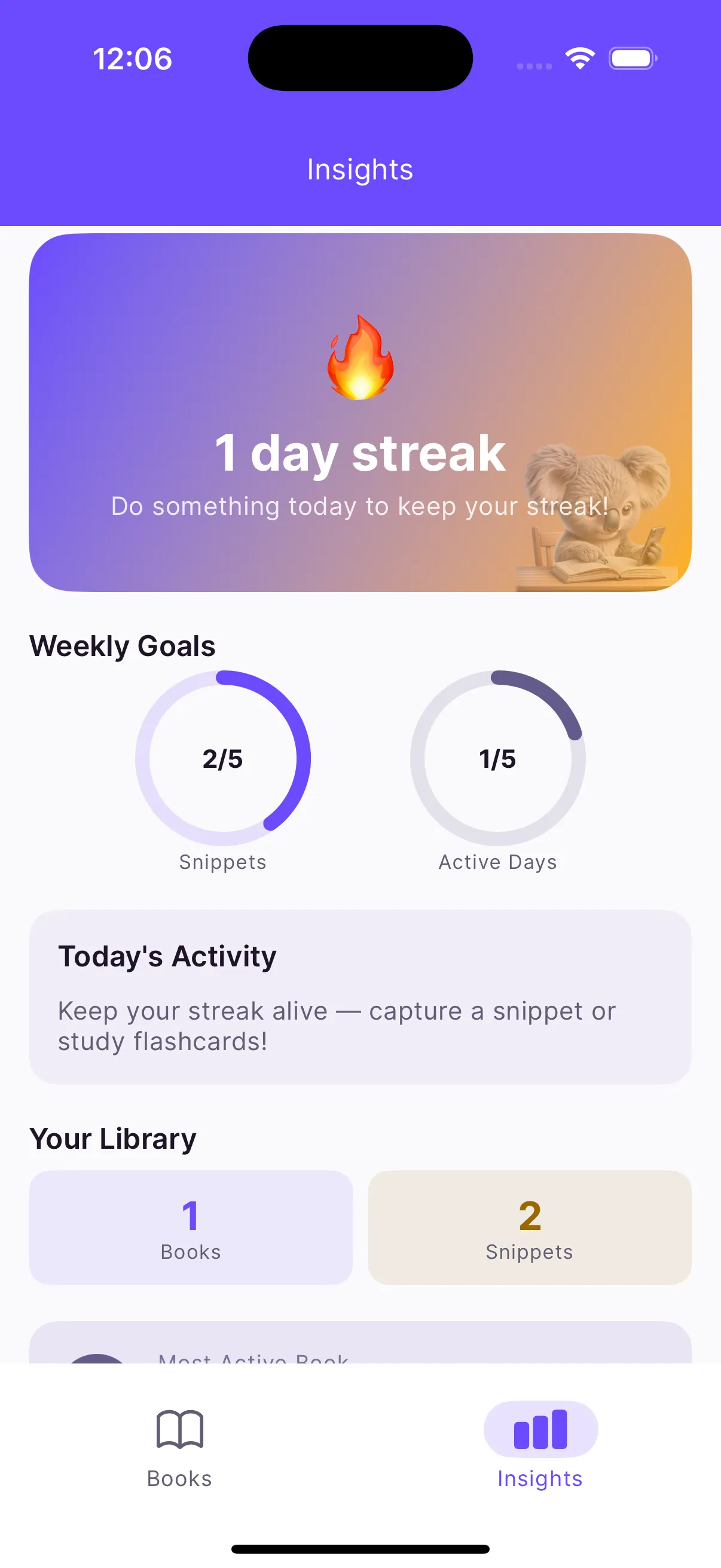
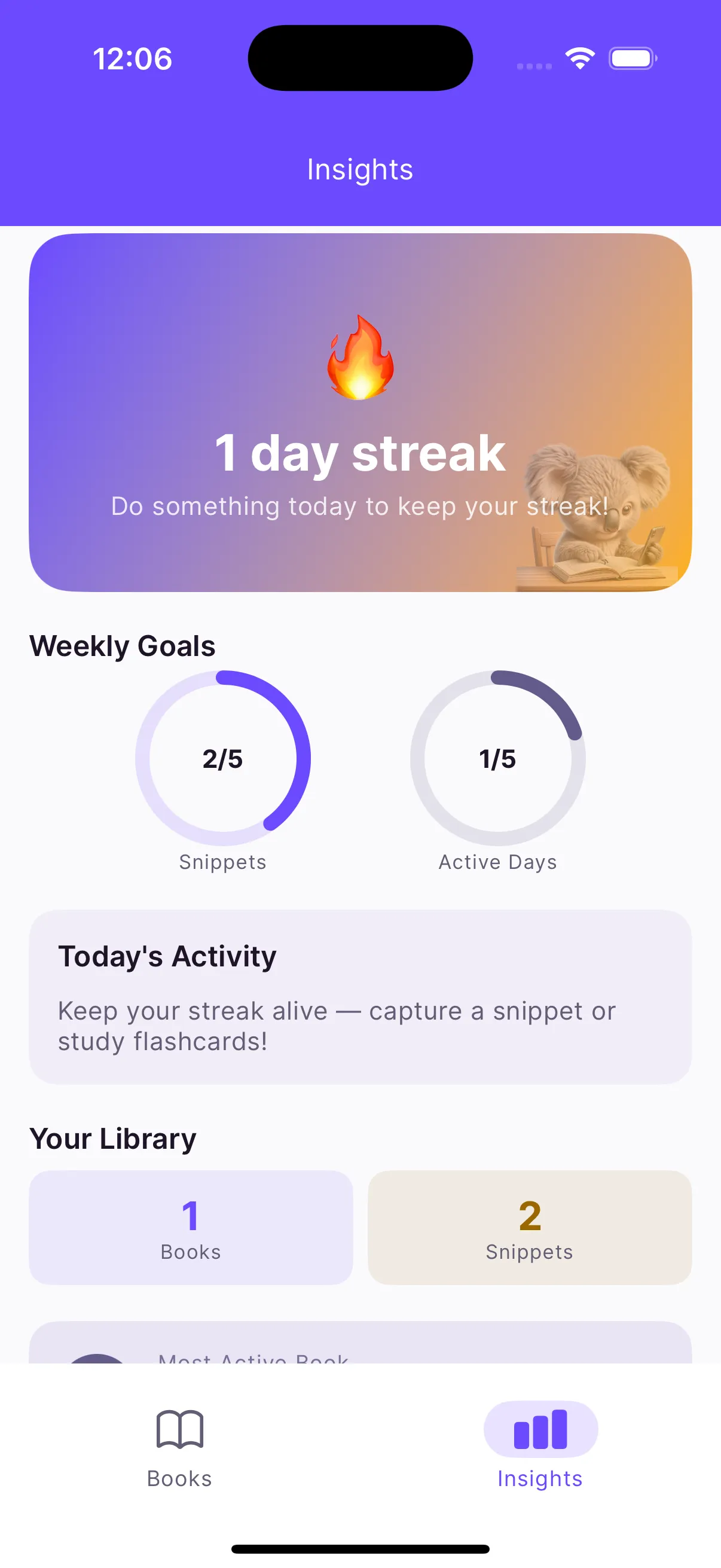
Booksum Reading Insights

Reading Statistics

See how many books you’ve added, snippets you’ve captured, and pages you’ve scanned. Visualize your reading activity over time.

Progress Tracking

Monitor your reading journey with insights into your most-read genres, favorite authors, and reading streaks.

Engagement Metrics

Understand your reading patterns—when you read most, which books get the most annotations, and how your library is growing.

Beautiful Visualizations

Clean charts and graphs make it easy to see your reading habits at a glance. Celebrate your progress and set new reading goals.


🎨 Beautiful Design

A reading app should be a pleasure to use.

Material Design 3

Modern, clean interface following Google’s latest design guidelines. Every interaction feels smooth and intentional.

Dark Mode

Comfortable reading in any lighting condition. Switch between light and dark themes based on your preference or time of day.

Intuitive Experience

No learning curve required. The interface is clean and obvious—pick it up and start capturing in seconds.


Perfect For


Tech Stack


Get Booksum

Freemium model with generous free tier limits. Download today and never forget what you read.

Get it on Google Play

Questions or feedback? I’d love to hear from you!


Share this post on:

Next Post
ADB Dock - Android Development Tool for macOS