A macOS GUI for ADB, logcat, and Gradle. Without opening Android Studio.
Download ADB Remote →Android Studio takes 30 seconds to launch and another 20 to index a project. For tasks that take 3 seconds in the terminal — pulling a file, checking out a branch, tailing logcat — that ratio is broken.
I built ADB Remote as the in-between. A native macOS window that wraps the ADB commands and Gradle tasks I run dozens of times a day, plus the visual tools (logcat filter, screenshot diff, file browser) that are genuinely faster than typing flags.
What ADB Remote Does
ADB Remote sits next to your editor and handles the parts of Android development that don’t need a full IDE: managing connected devices, running assembleDebug and installDebug, browsing the device filesystem, filtering logcat, capturing screenshots, and switching branches to test PRs. All without spinning up Android Studio.
Built with Kotlin and Compose Multiplatform. Native on macOS, signed and notarized.
Requirements
- macOS 10.15 (Catalina) or later
- Android SDK with
adbin your PATH - Java 17+ runtime (bundled in the DMG)
Features
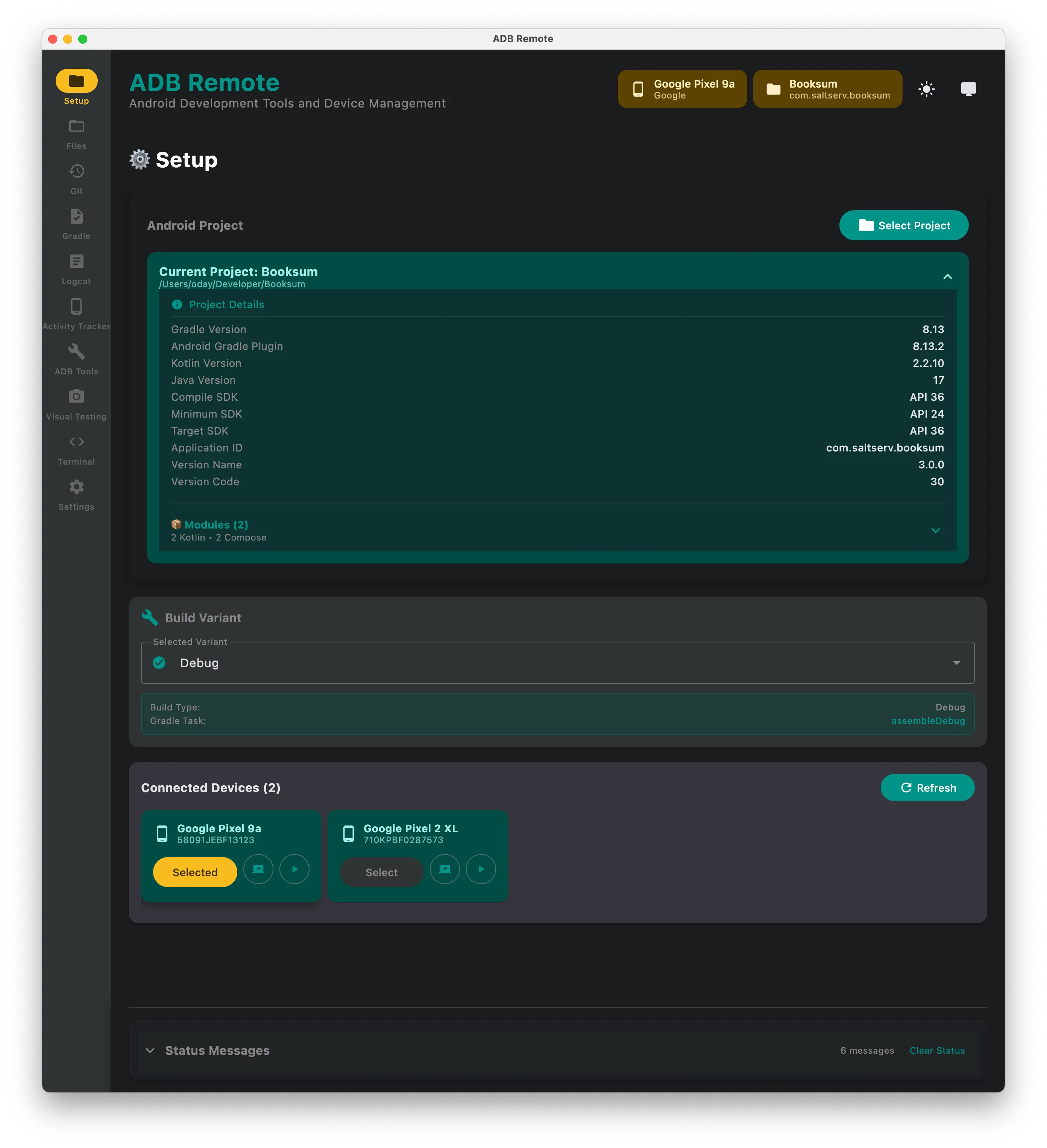
Project Setup
Attach any Android project directory. The app detects Gradle configuration, available build variants, and connected devices automatically.
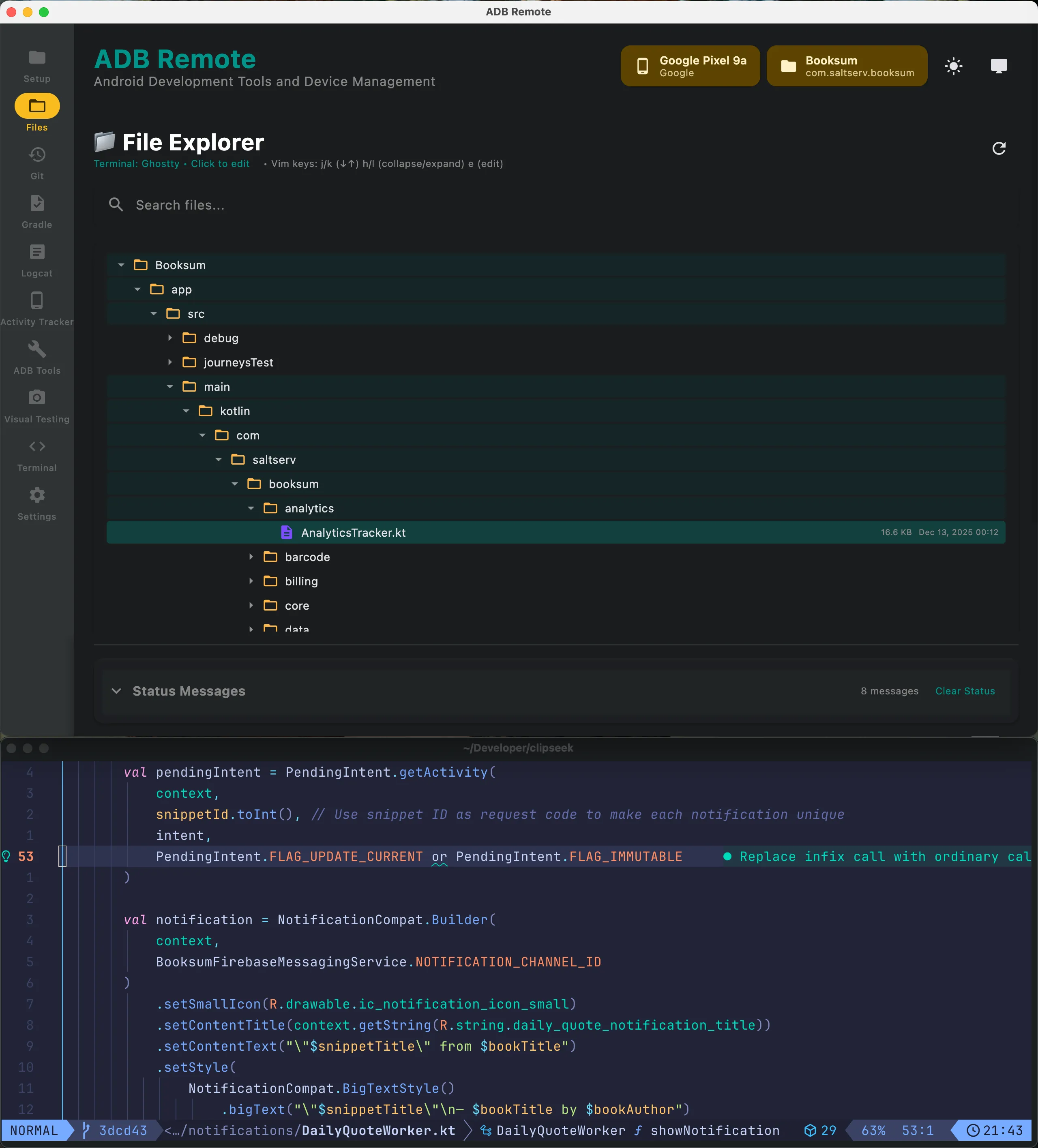
File Explorer
Browse the device filesystem directly. Navigate directories, pull files without typing adb pull commands.
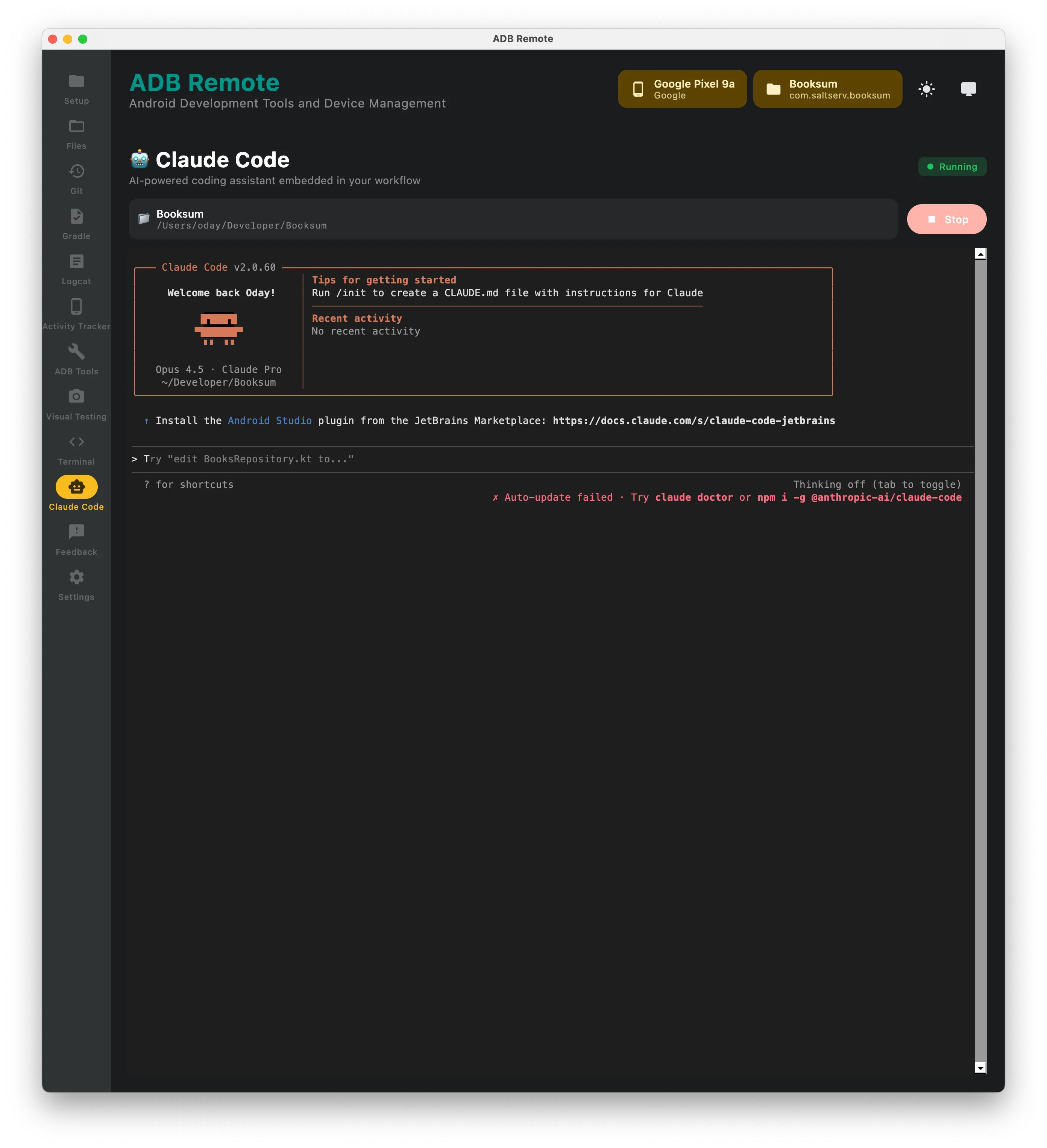
Claude Code
AI-powered coding assistant embedded in your workflow. Run Claude Code directly in an embedded terminal, ask questions about your codebase, and get help with development tasks without leaving the app.
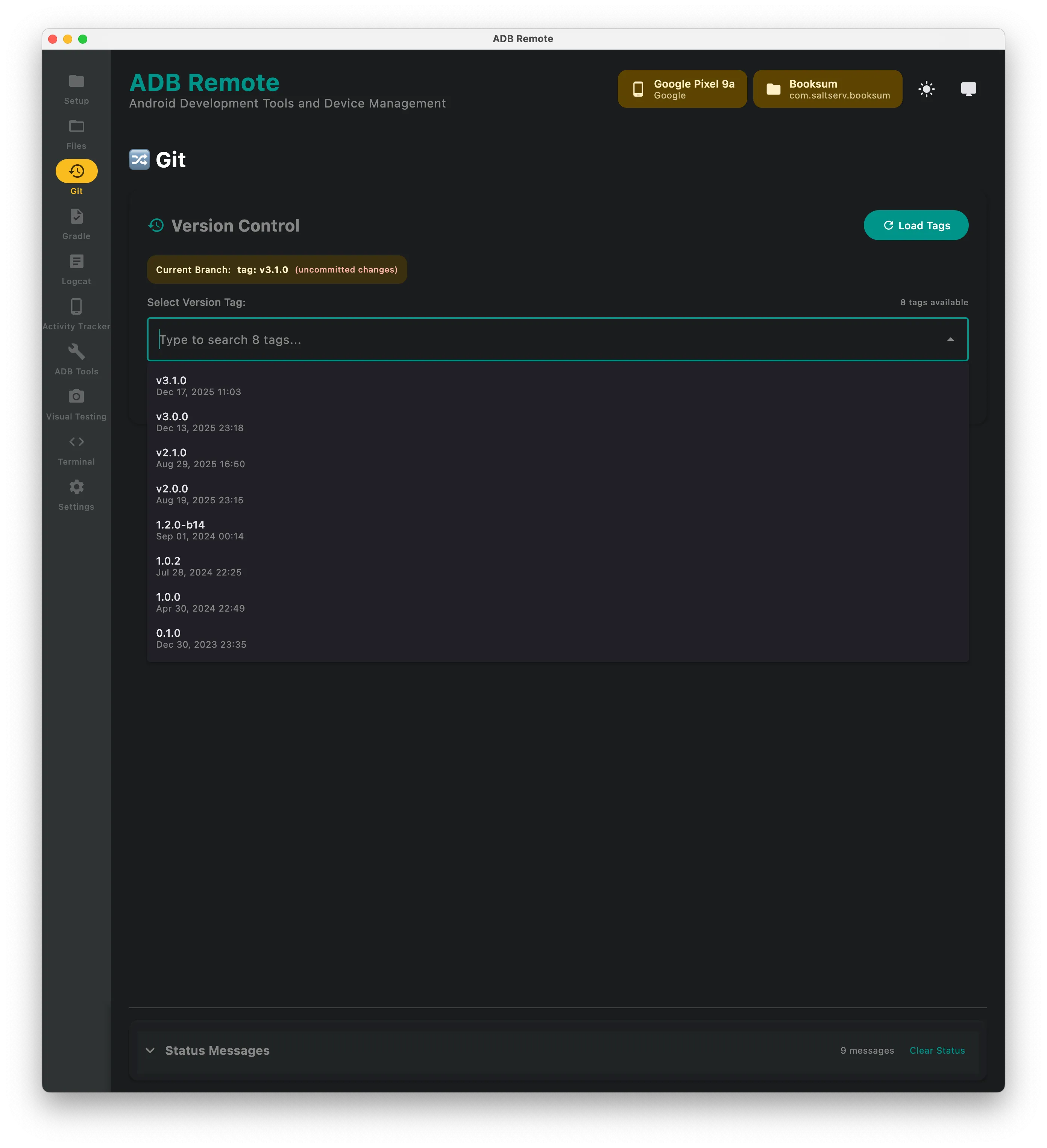
Git Operations
View local branches and tags. Checkout any branch/tag and run it on a connected device. Handy for testing specific commits or quickly checking out a PR branch.
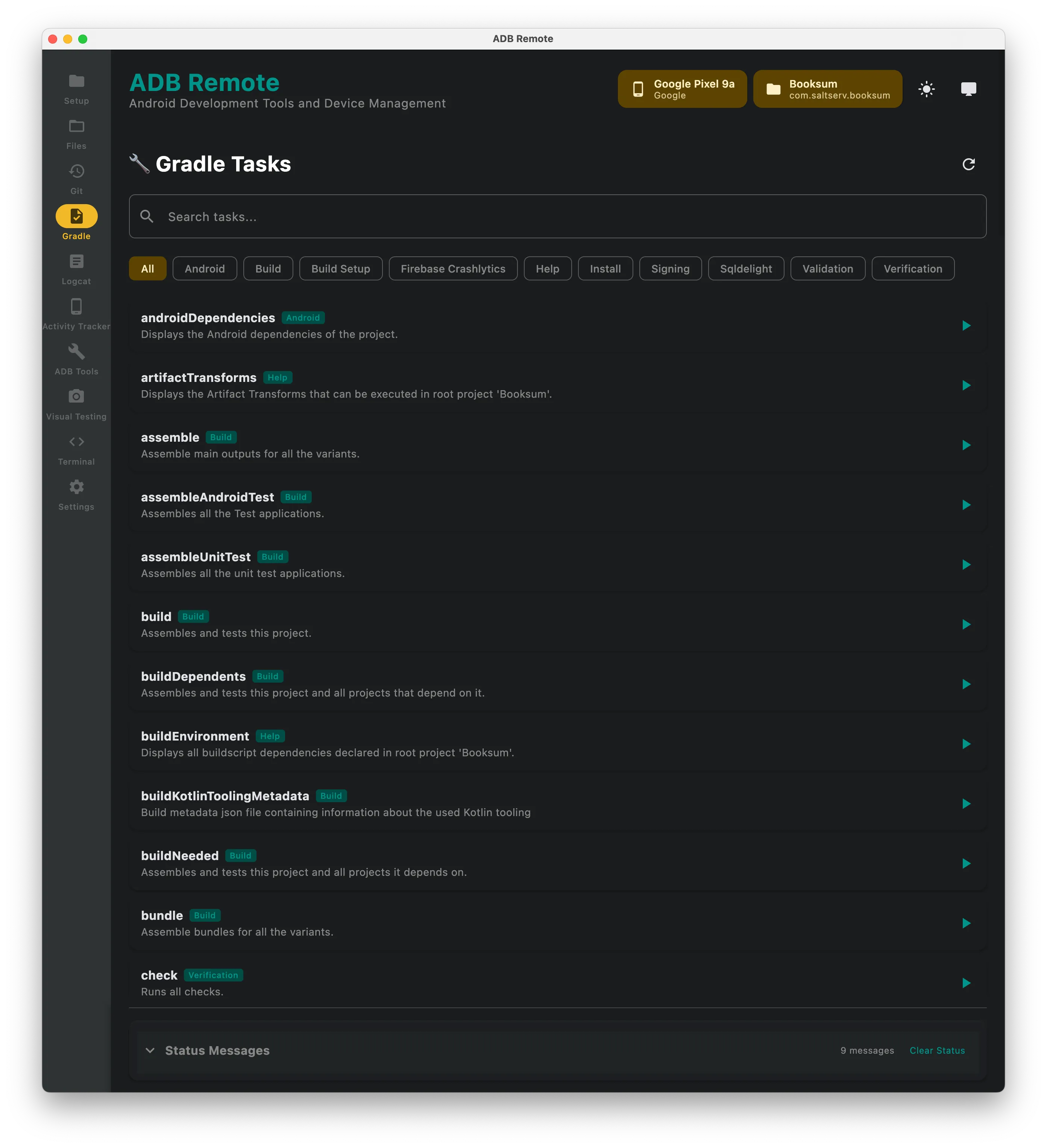
Gradle Tasks
Lists available Gradle tasks from your project. Run assembleDebug, installDebug, or any custom task with output streaming.
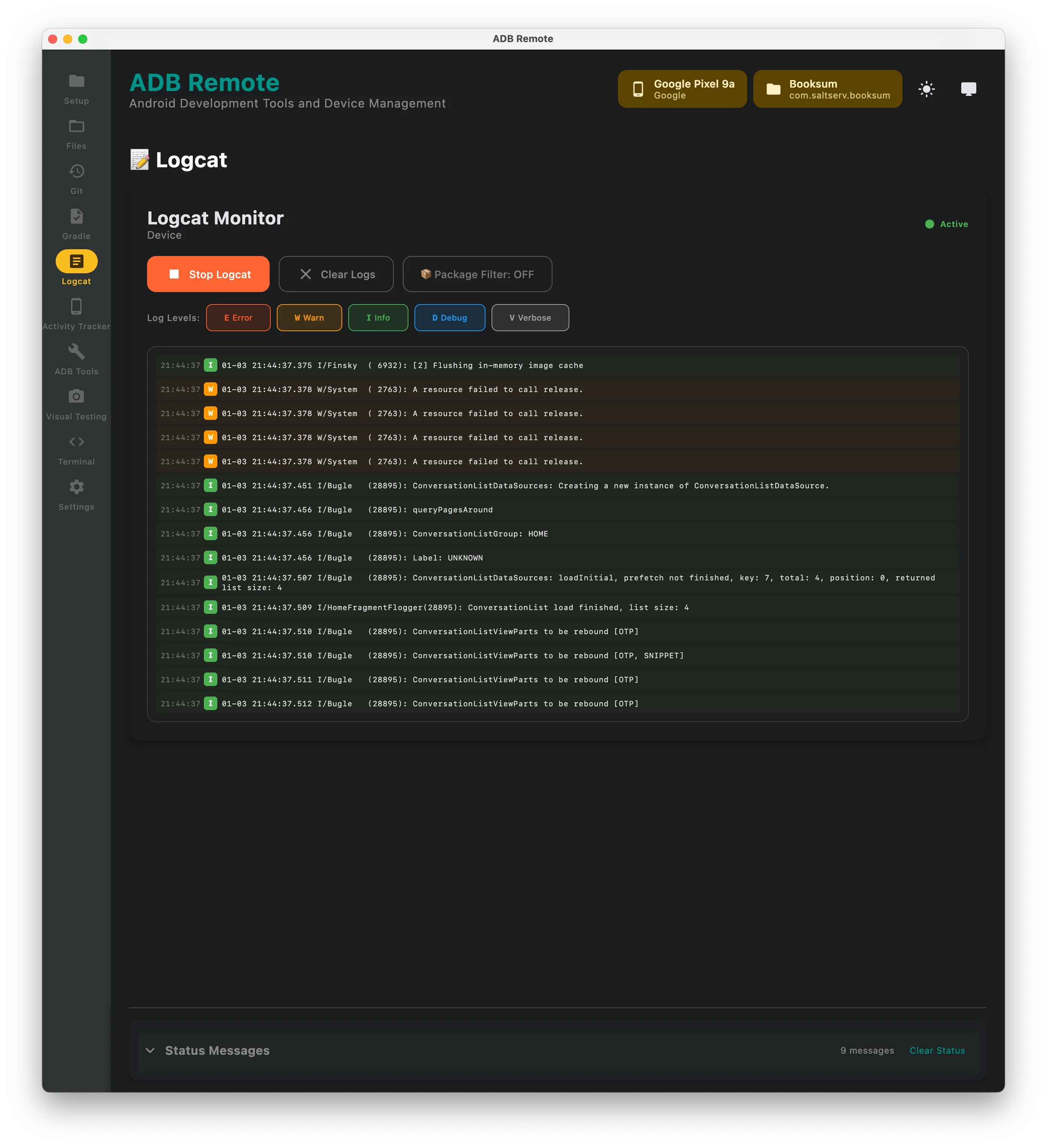
Logcat
Live logcat viewer with filtering by log level, tag, or search text.
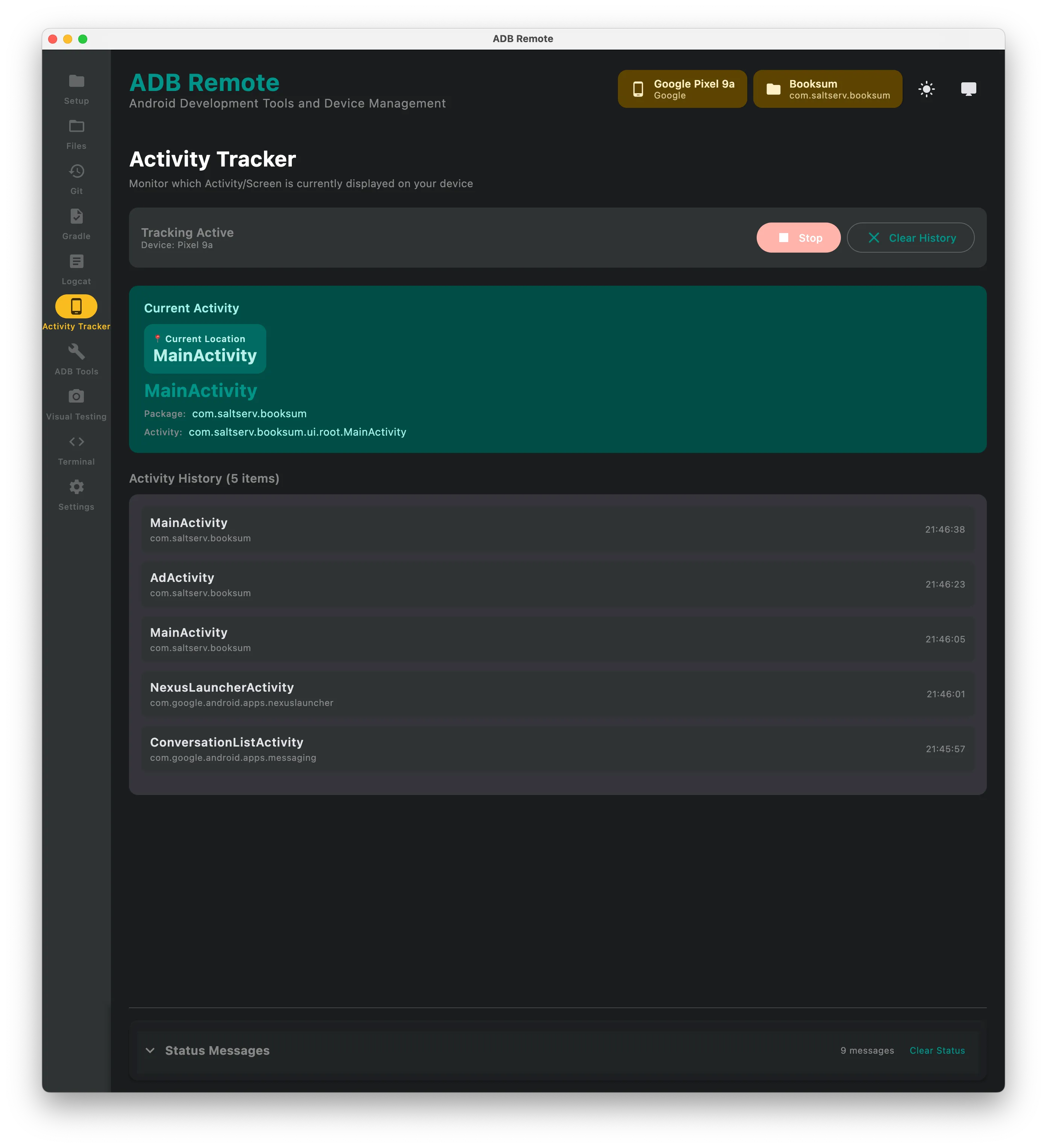
Activity Tracker
Monitors the current foreground activity on the device. Helpful for debugging navigation or understanding app state.
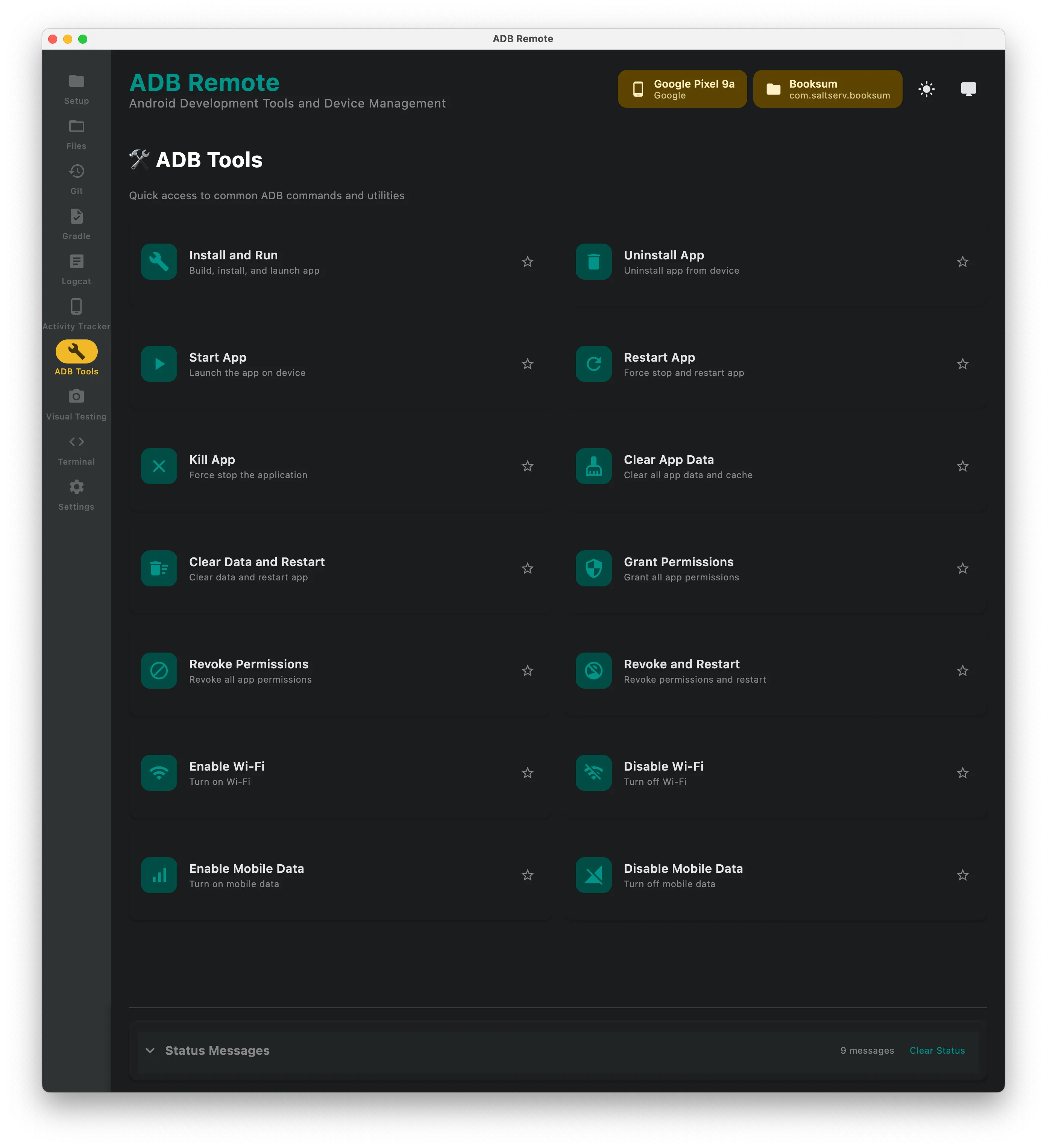
ADB Tools
Common ADB commands in one place: clear app data, uninstall, grant/revoke permissions, input text, take screenshots.
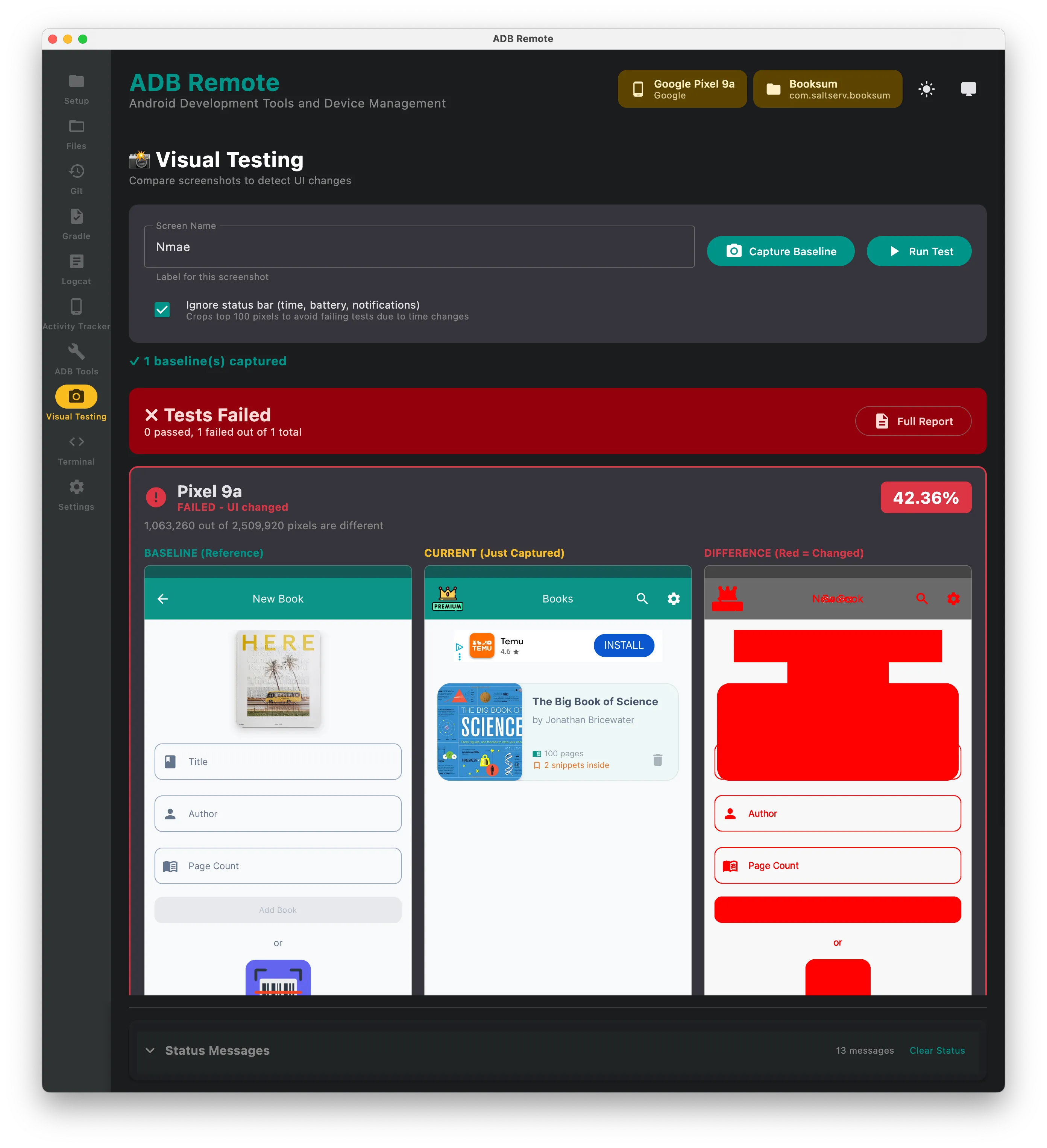
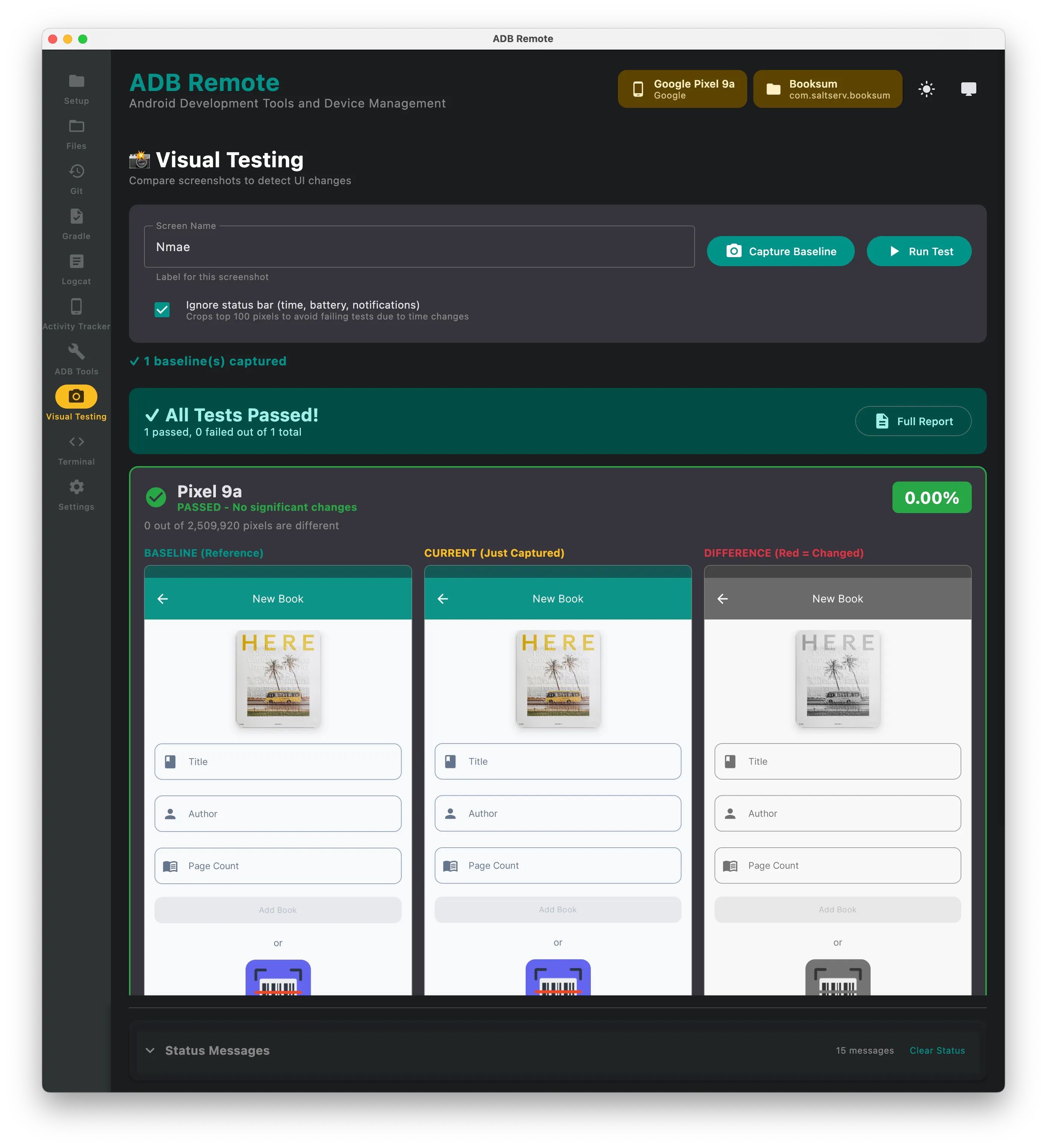
Visual (Screenshot) Testing
Screenshot comparison tool. Capture a baseline, compare against new screenshots to catch UI regressions.
Terminal Integration
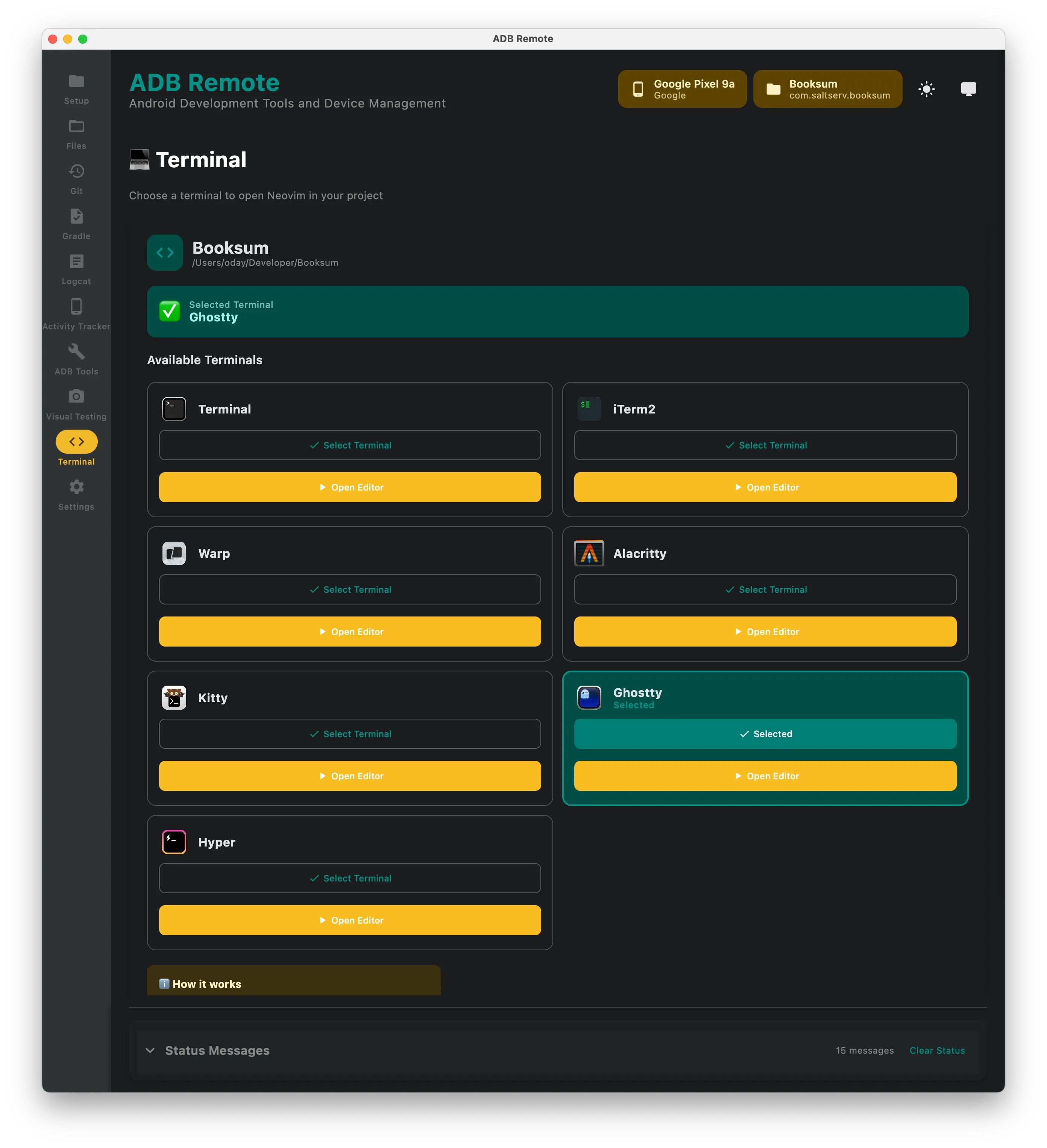
Open any file in your preferred terminal or IDE. Supports iTerm2, Terminal.app, Warp, and others.
Settings & Feedback
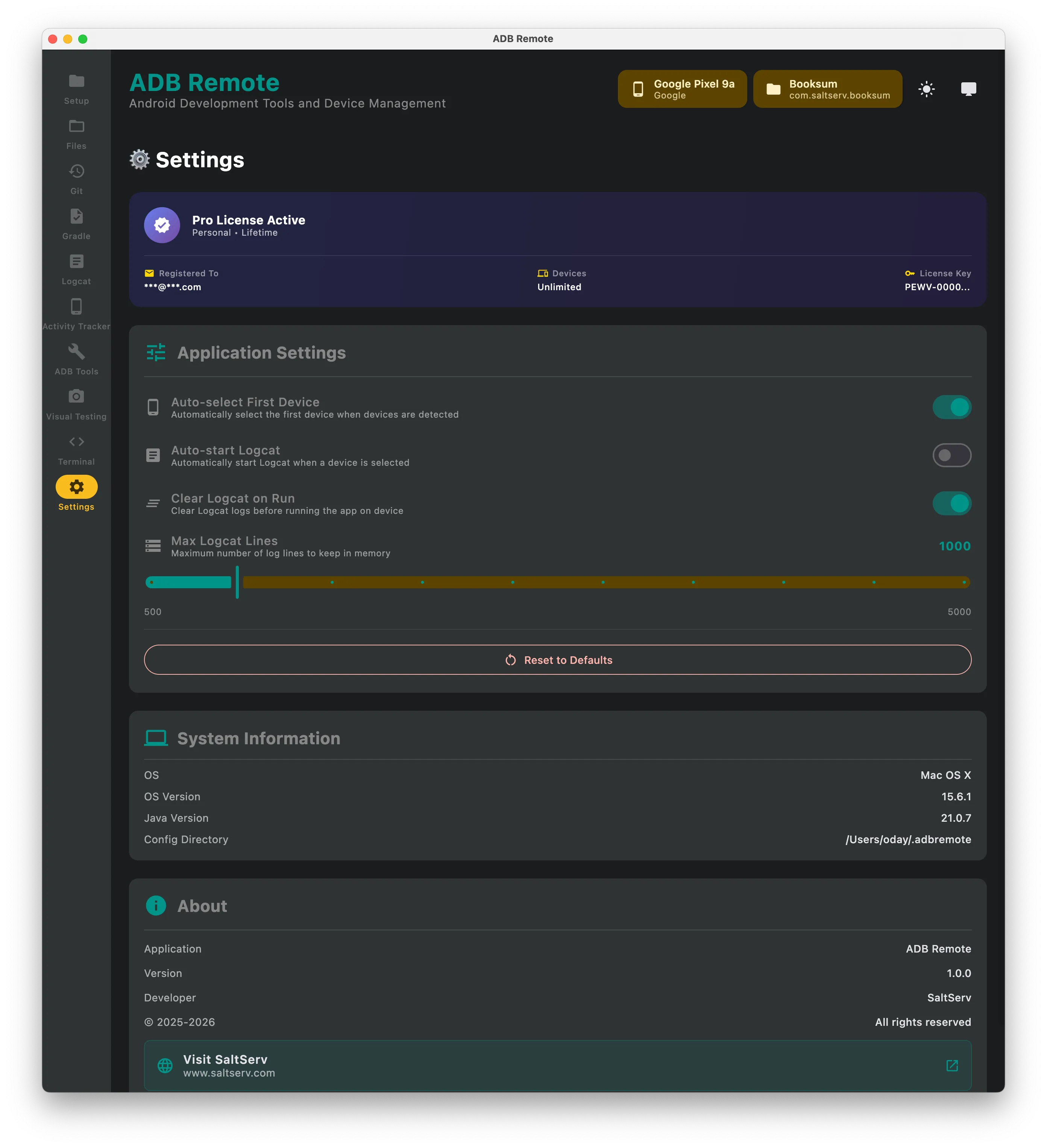
Configure preferences, manage license, and submit feedback directly from the app.
Feedback
Found a bug or have a feature request? Use the built-in Feedback tab or open an issue.
License
Free tier: 1 connected device, limited features. Pro: Unlimited devices, unlimited features.
Note: This release is code-signed and notarized for macOS.
More from Saltserv
- Cura — SSH client and Linux server monitor for iOS and Android
- Booksum — Android book scanner with on-device OCR, AI summaries, and spaced-repetition flashcards
- Textrix — iOS paraphraser, summariser, and PDF-to-text extractor powered by DeepSeek
- Review Radar — AI-powered Google Play Store review analyzer
- Marjai — Offline Arabic reader for Shia fiqh rulings, verbatim from Sayyid Sistani and Sayyid Fadlallah