

Rewording a paragraph in another language, summarising a five-page brief, pulling the text out of a scanned PDF and fixing the grammar before you send it — four jobs that usually live in four browser tabs on a laptop. Textrix does them on the phone in a few taps, and since version 2.8 it does them with an AI that runs on the iPhone itself.
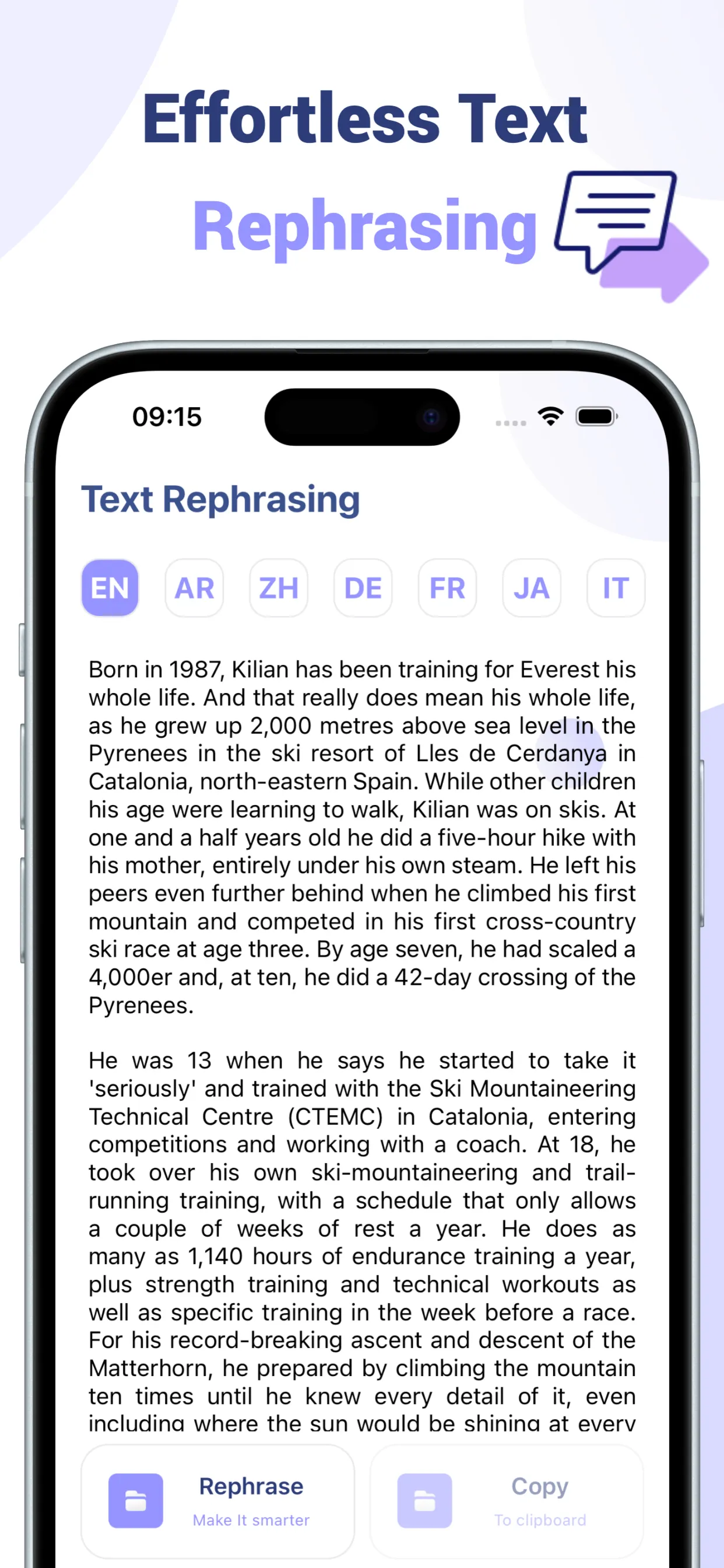
Paraphrase and translate, 30+ languages
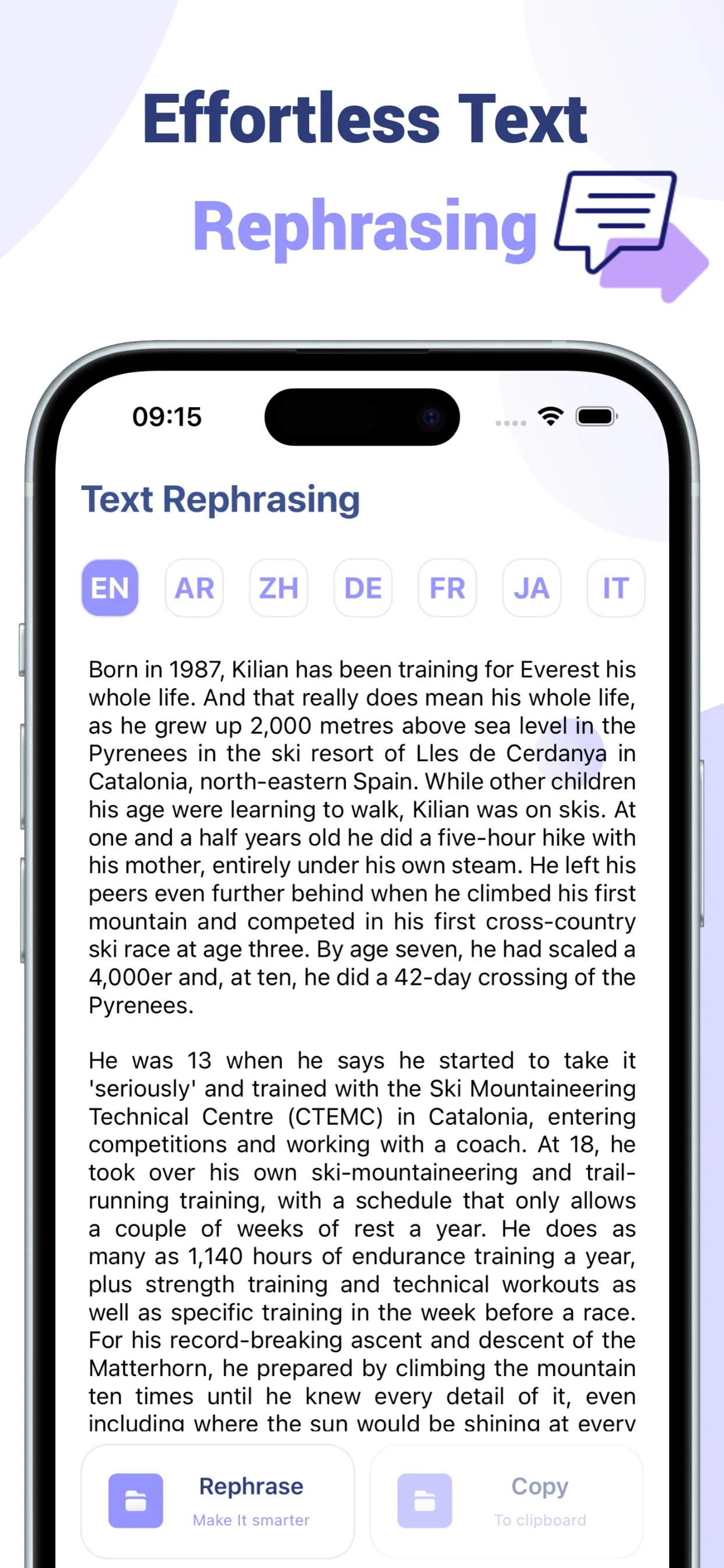
Paste a passage, choose a language and a style — Standard, Formal, Casual, Academic, Simple, Creative, Expand, Shorten — and get the same meaning in different words. Useful for non-native writers who want a sentence to read naturally, for anyone who needs the same idea two ways, and for the “make this email sound less annoyed” problem.

Summarise
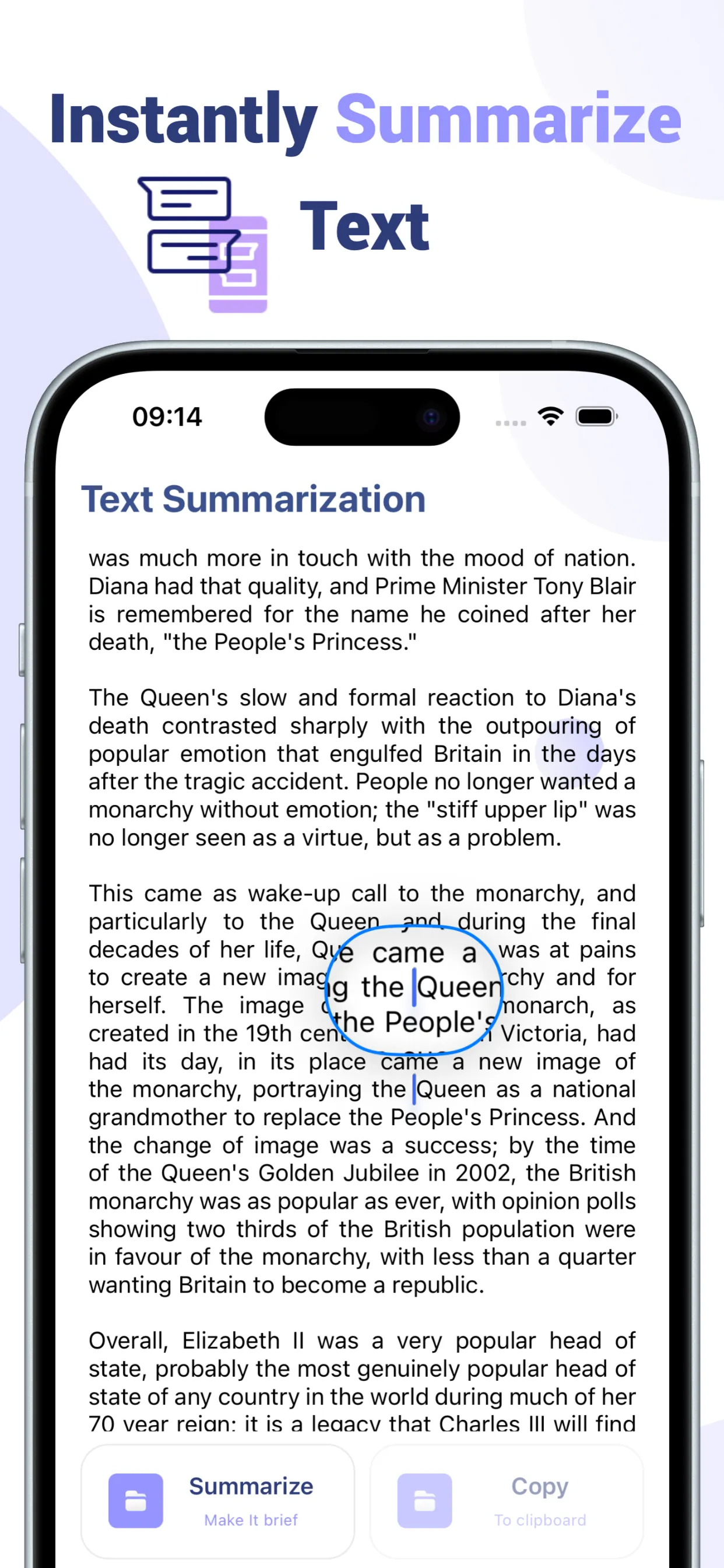
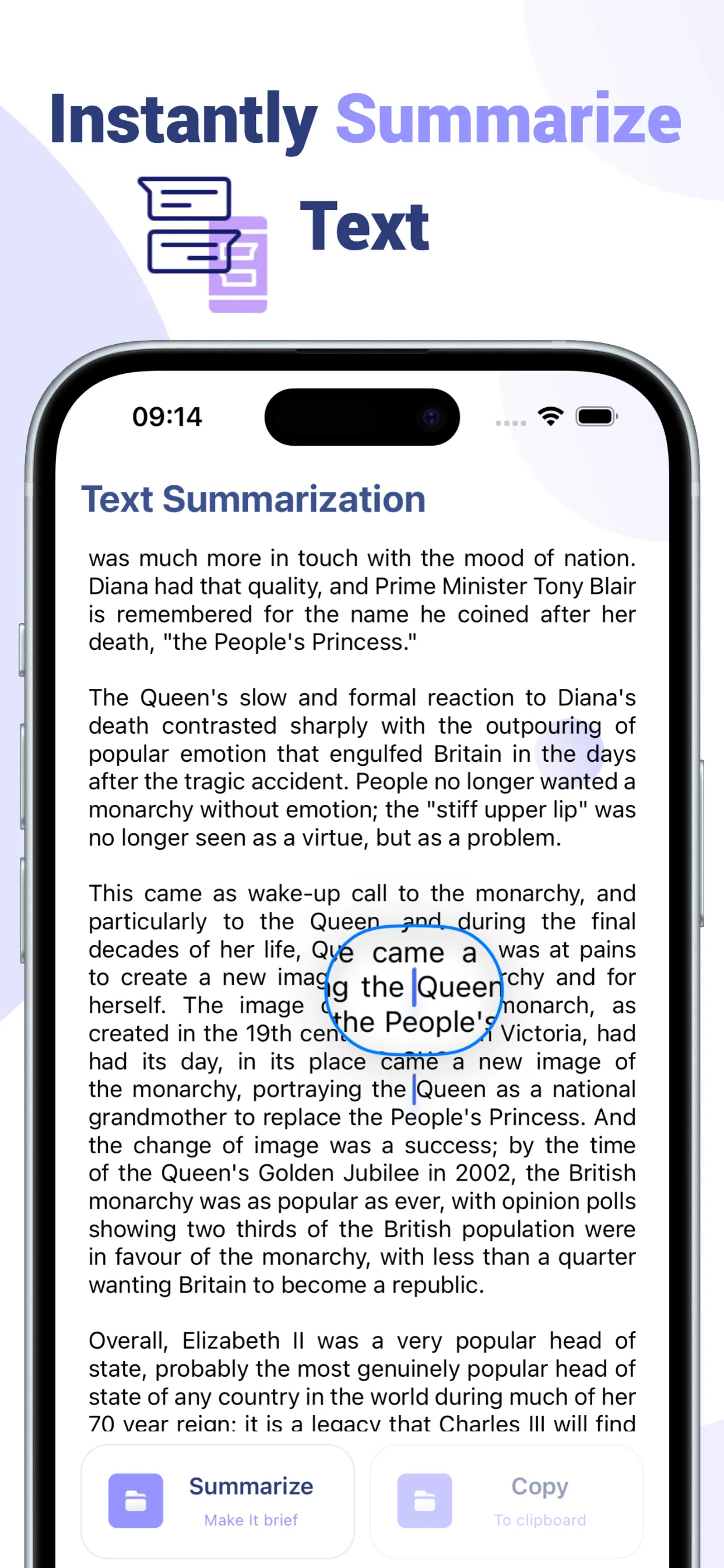
Any block of text in, a short summary out. The prompt is tuned to keep the claims and drop the connective tissue, so the result reads like a competent skim: articles, contracts you should read but won’t, abstracts, meeting notes someone pasted into a chat.
Grammar and tone
One tap fixes spelling, grammar and punctuation while keeping your language, meaning and voice. It’s a proofreader, not a rewriter — the rewriter is the other tab.
Scan to text and PDF to text
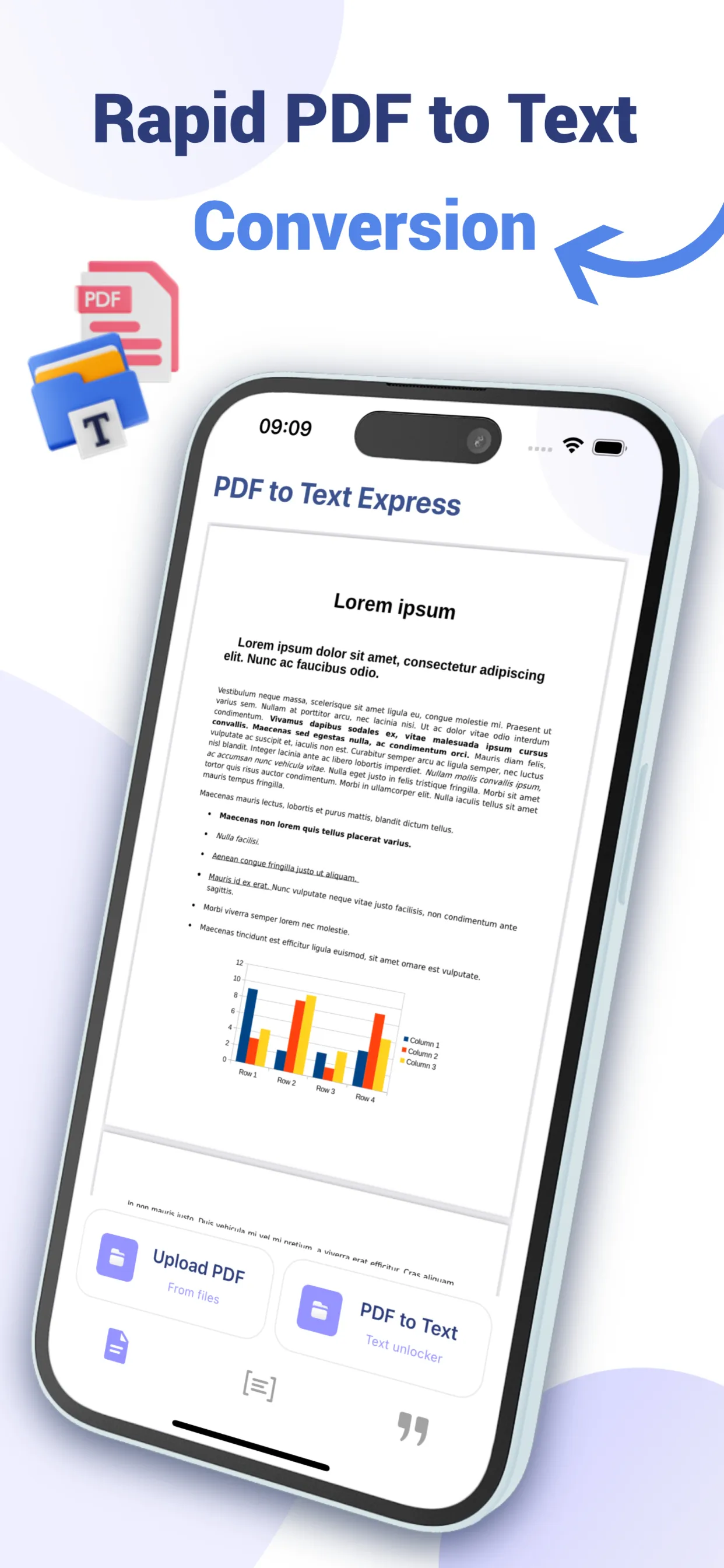
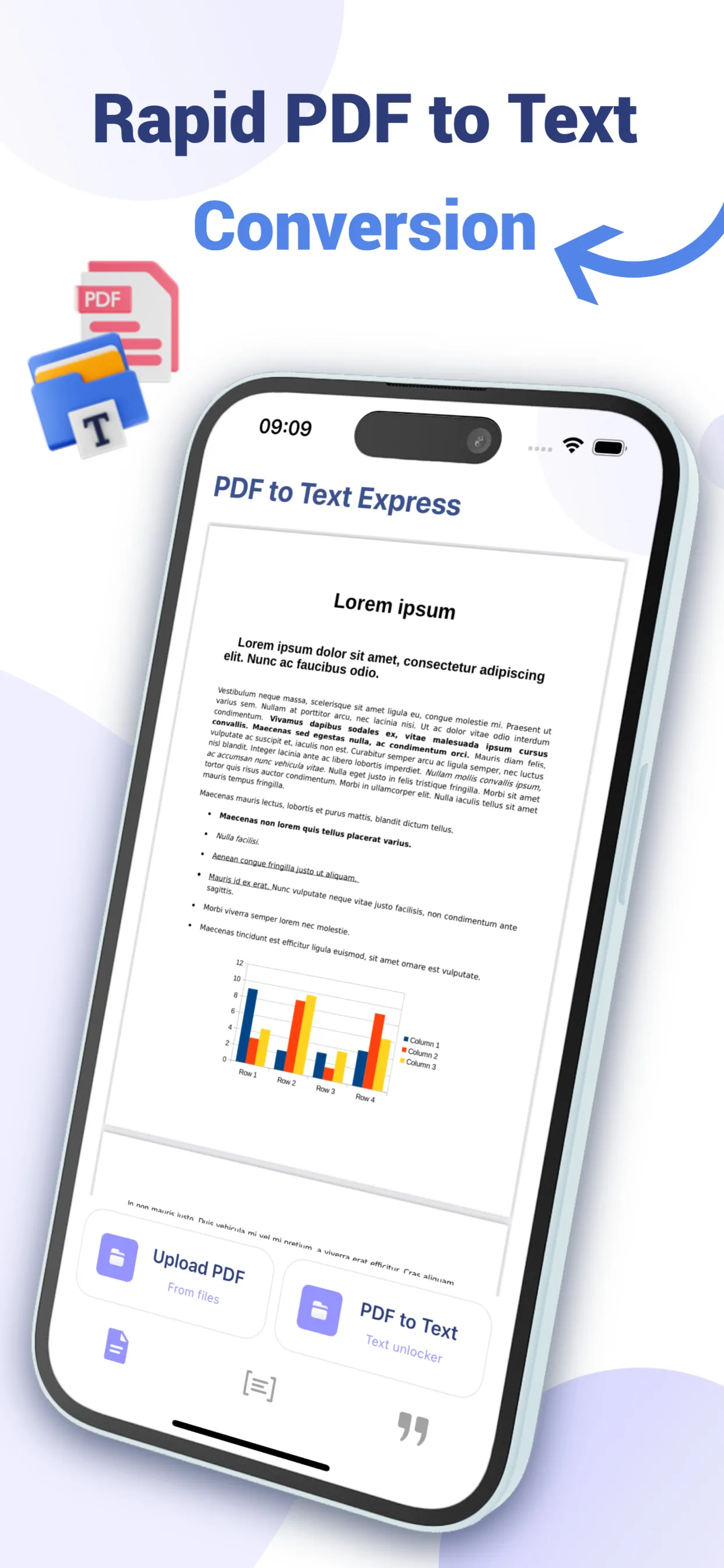
Point the camera at a document, or pick a photo, and on-device OCR turns it into editable text. PDFs with a text layer are read directly with PDFKit. The classic case: someone sends a twelve-page PDF and the paragraph you need is on page seven. Extract, summarise, done.
On-device, offline, no account
Textrix launched in 2024 on a cloud model. It now runs on Apple’s on-device foundation model where the phone supports it and on a downloaded local model everywhere else, which means the text you paste stays on your phone and the tools work without a connection once set up. Why that change happened, and what it cost, is written up separately.
Free uses, then a subscription
Every tool has free uses. Unlimited access is a weekly or monthly subscription, managed through your Apple account. The interface is in thirteen languages.